Crossplay in games
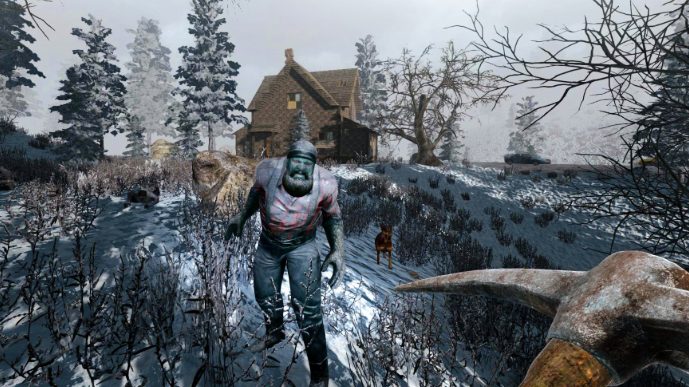
The survival juggernaut 7 Days to Die has dramatically amplified its multiplayer capabilities! If you’ve been pondering, “Is 7 Days to Die now crossplay-enabled?”, the response is a resounding affirmation. The masterminds at The Fun Pimps have officially deployed cross-platform connectivity, allowing adventurers on PC, PlayStation, and Xbox to forge alliances amidst the chaos. This marks a significant milestone, revitalizing the survival-horror realm for dedicated fans and newcomers alike.
Let’s delve into the intricacies of this colossal update: platform specifics, activation guidance, and essential strategies to maximize your crossplay experience.
Crossplay in 7 Days to Die: What’s Unveiled?
The groundbreaking V1.2 Crossplay Patch spearheaded by The Fun Pimps now enables players across PC, PlayStation, and Xbox to band together and endure the apocalyptic wasteland as one unified legion. This seamless integration abolishes platform boundaries, bolstering camaraderie within the global player community.
Crossplay harmonizes gameplay across the following platforms:
- PC (Steam & Microsoft Store Editions)
- Xbox (One & Series X|S)
- PlayStation (PS4 & PS5)
This evolution simplifies co-op adventures, ensuring you can unite with allies irrespective of their hardware allegiance.
How to Activate Crossplay
For those eager to plunge into the unified multiplayer experience, follow these stepwise configurations tailored for your platform:
Console Players (Xbox & PlayStation):
- Access the General Settings menu.
- Toggle “Crossplay Enabled” to ON.
PC Players:
- Open the General Settings menu.
- Enable “Crossplay Enabled”.
- Ensure EAC Protection (Easy Anti-Cheat) is toggled ON for server integrity.
Key Considerations:
- Crossplay servers support a maximum of 8 players to ensure smooth performance.
- The recommended server world size is 8192.
- While older save files remain compatible, initiating a new world is advised to optimize performance and experience.
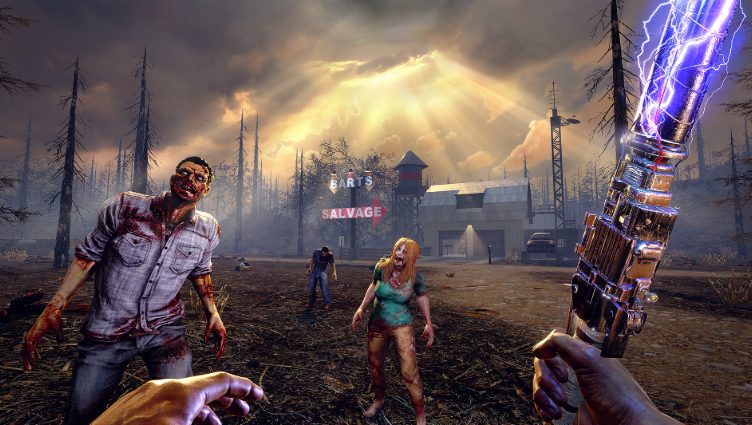
Status Update for Xbox & Microsoft Store Users
Currently, the crossplay patch is live for Steam and PlayStation audiences. However, versions on Xbox and Microsoft PC Store are undergoing the final stages of certification. Though this introduces a slight delay, developers anticipate a swift resolution with no significant impediments. Players on these platforms can expect the update imminently.
Why Crossplay Marks a Revolutionary Shift
The introduction of full-scale crossplay within 7 Days to Die heralds a transformative era for its thriving community. Here’s why this leap forward is groundbreaking:
1. Unified Player Ecosystem
Crossplay eliminates hardware silos, allowing warriors from all platforms to converge. This connectivity fosters a cohesive community and ensures an expansive multiplayer pool.
2. Enhanced Server Dynamics
The influx of cross-platform participants reinvigorates servers with heightened activity, reducing matchmaking wait times and injecting vitality into gameplay sessions.
3. Augmented Flexibility
Whether navigating public realms or orchestrating private strongholds, crossplay amplifies possibilities for exploration, collaboration, and replayability.
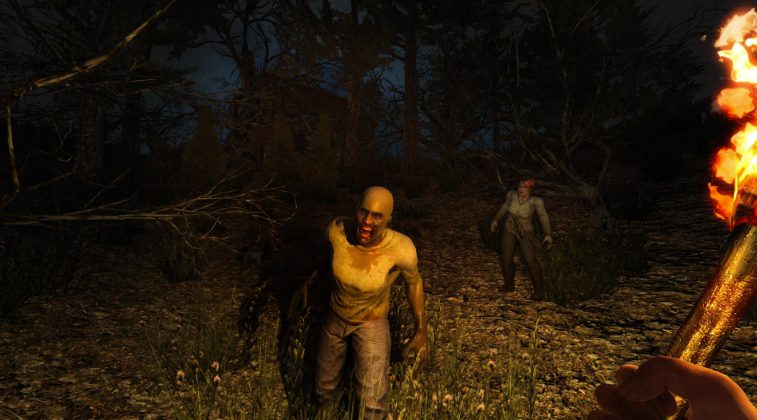
Expert Tips for a Seamless Crossplay Experience
To extract the full potential of cross-platform integration, implement these best practices:
- Start Anew
While legacy save files function seamlessly, initiating a fresh world ensures compatibility with the latest features and mitigates potential issues.
- Optimize Player Capacity
Limit servers to 8 players to uphold stability and ensure a lag-free cooperative experience.
- Leverage Third-Party Communication
Utilize external applications like Discord for voice communication, as in-game chat functionalities may vary across platforms.
- Verify Settings Thoroughly
Double-check that Crossplay and EAC Protection are enabled on your platform, as overlooked configurations can hinder connectivity.
The advent of crossplay functionality in 7 Days to Die underscores an unprecedented evolution for the franchise, bridging divides and uniting survivors across platforms. Whether you’re a veteran scavenger or a fledgling survivor, this update amplifies opportunities for immersive, cooperative survival. Rally your allies, fortify your strongholds, and face the apocalypse head-on—together.
Enjoyed reading the article? Visit our Blog section to discover even more fascinating insights about your favorite games! Play together with GODLIKE.





 ro | USD






 Discord
  Blog
Blog  Despre panou
  Rețele sociale
  Starea serverului
  Echipa noastră
  Contactați-ne