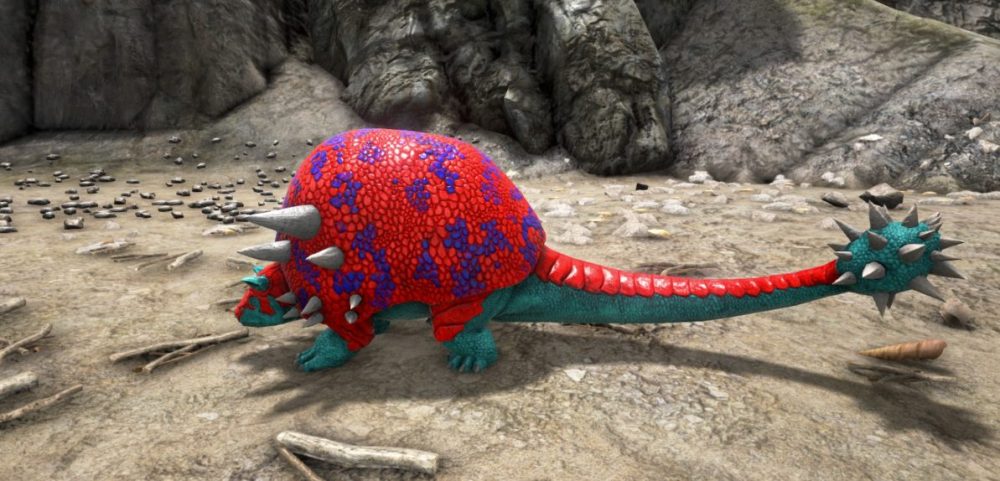
Greetings, survivors! Ever wanted to give your tamed creatures a unique appearance? In ARK: Survival Ascended servers, you can modify their colors using a built-in Color ID system, adding a personal touch to your gameplay. Customizing creatures not only enhances immersion but also lets players showcase their creativity and style. Additionally, colors can serve strategic purposes—dark hues, for instance, help creatures stay hidden at night. Many players enjoy recoloring their dinos for special events or simply to make their world more vibrant.
How to Change Creature and Dinosaurs Colors in ARK
To modify a creature's color, ensure it is nearby and that you have the appropriate Color ID selected.
Each creature has multiple body regions that can be customized, with a maximum of six regions per creature. These regions correspond to different parts of the body, and each one can be assigned a specific color using a numerical ID. By experimenting with different combinations, you can create a variety of distinctive appearances for your tamed creatures.
To apply a new color, follow these steps:
Face the creature you wish to customize.
Open the in-game console.
Enter the command:
setTargetDinoColor
Here, you will specify a region (from 0 to 5) and the Color ID corresponding to the desired shade.
Changing the colors of your tamed creatures makes your adventures more engaging, whether for self-expression, team coordination, or tactical advantage. Bright, bold colors can make your creatures stand out, while muted tones may help them blend into the environment.
Invite your friends, experiment with different looks, and bring your ARK world to life with your own colorful creations.
Enjoyed reading the article? Visit our Blog section and learn even more exciting things about your favorite games! Play together with GODLIKE.
Itskovich Spartak
Game Content Writer
A dedicated Game Content Writer who creates clear engaging articles and guides for gamers. Experienced in explaining game mechanics, server features and community topics in a way that feels accessible and enjoyable to read. Focuses on delivering content that helps players make decisions, discover new possibilities and get more from their favorite games. Combines a reader friendly style with a strong understanding of what interests modern gaming communities.
Minecraft Carregadores de mods Ao explorar o modding no alojamento do servidorMinecraft , é essencial escolher o mod loader correto. Atualmente, existem três opções proeminentes: Forge, Fabric e o recém-surgido NeoForge. Cada um tem pontos…
O Nether não é estranho ao perigo, mas de vez em quando, surpreende os jogadores do servidorMinecraft com algo invulgarmente caloroso. Entra o Happy Ghast – uma versão rara e pacífica da ameaça voadora normalmente…
Palworld Bases Construir uma base em Palworld server hosting não se trata apenas de escolher um local cénico – é uma decisão estratégica que tem impacto no desenvolvimento, extração de recursos e segurança. Selecionar o…