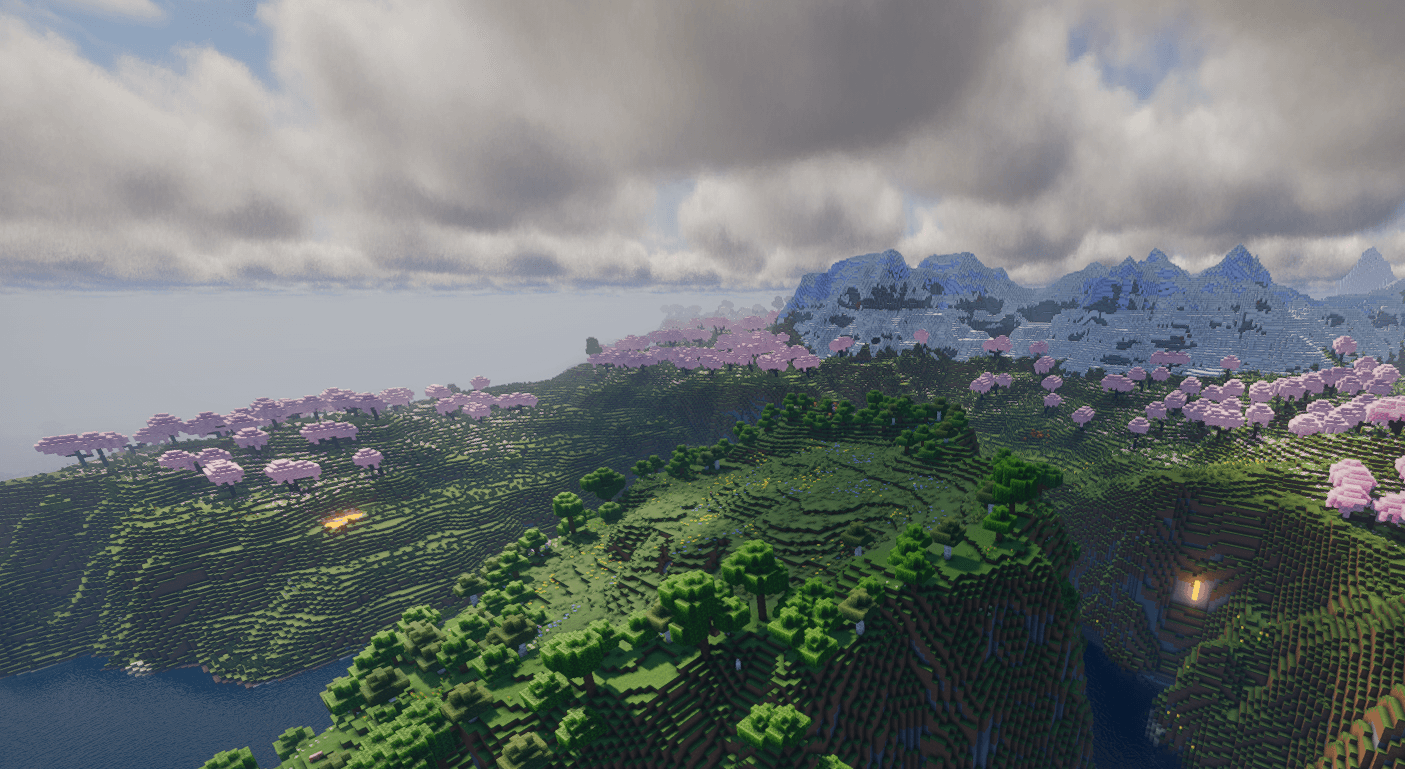
Game Locations and Biomes
If you have all the mods 10 server hosting, exploring the endless worlds of Minecraft can be a daunting task, as the game offers virtually infinite space. Finding the perfect biome for building a base or other structures can be a real challenge. While the surroundings may seem suitable, the terrain might not be ideal. Fortunately, there are several methods to help you locate biomes in Minecraft! Whether you're playing with friends on a dedicated server or exploring solo, you have plenty of options. This guide from GODLIKE Hosting will help you find the best biomes in Minecraft.

Make your own FREE minecraft server
MINECRAFT FREE SERVER
Order your own Minecraft server for gaming
Using Locate Commands
One of the most common ways to search for biomes is by using the “locate” command. This method is available in both Minecraft Java and Bedrock editions across various versions. However, cheats need to be enabled or operator rights granted beforehand. Check out the examples below to learn more!
Minecraft 1.18.2 and Older Versions
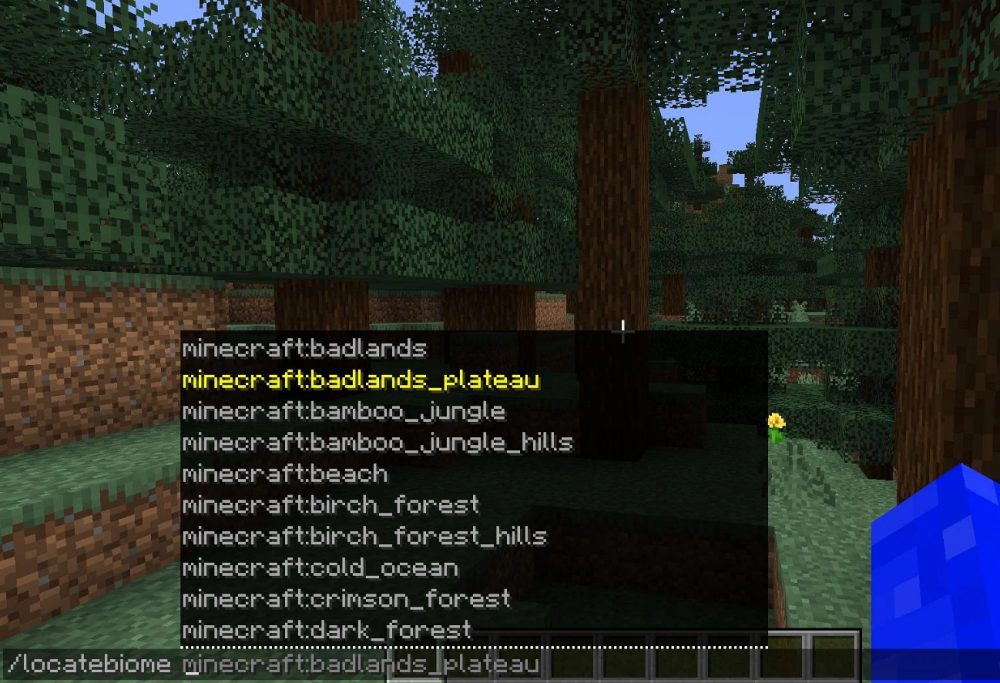
For those playing on Minecraft Java versions 1.18.2 or earlier, you can enter the command /locatebiome [biome] in the chat. This will instantly list all available biomes for searching. The coordinates will then be displayed, allowing you to teleport without any hassle. However, very old versions of Minecraft, such as 1.12.2, lack this feature, making biome searches more challenging. In such cases, we recommend trying other methods outlined in this article.
Minecraft 1.19 and Newer Versions
Similar to the earlier command, in Minecraft 1.19+, you can use the command /locate biome [biome] in the chat. This works the same way as in previous versions, displaying a list of available biomes for searching. Once you've found the desired biome, its coordinates will appear for teleportation. With new biomes introduced, they’ll also become available for quick searches using this command. However, not all biomes may be immediately accessible, as some could be too far for teleportation. In such cases, teleport to random coordinates and try again.
How to Obtain Silk Touch in Minecraft
Using Mods in Minecraft
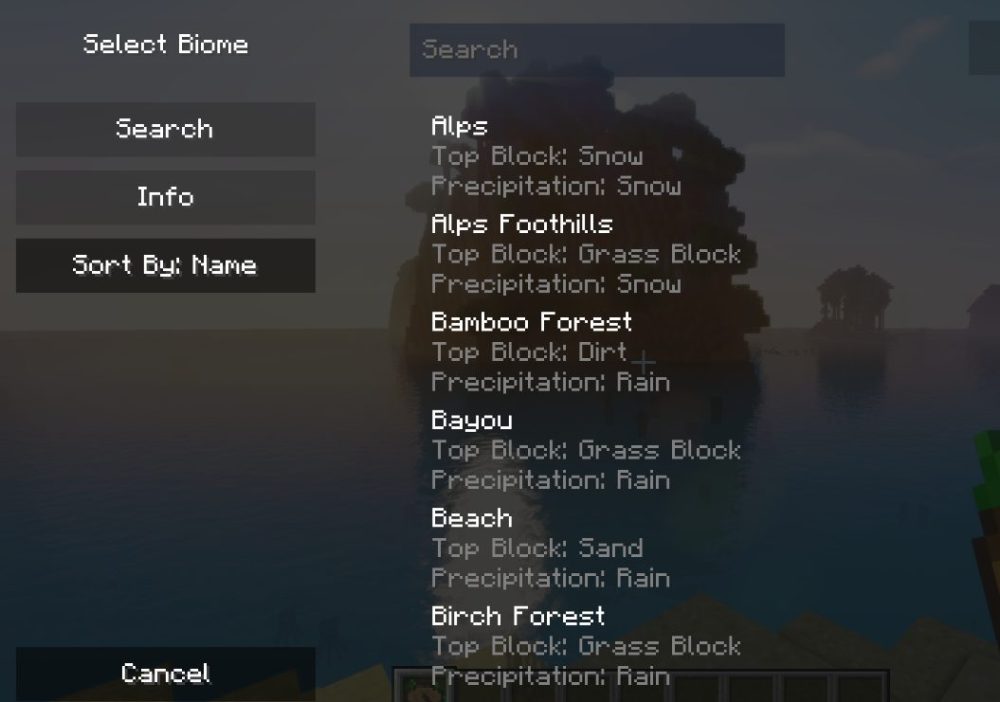
Whether you're playing Minecraft 1.7.2 or 1.20.6, you can install the Nature’s Compass mod for Forge or Fabric to search for biomes. This alternative method can be used with or without cheats, depending on your preference. Use the Nature Compass item to start searching for biomes, add specific functions, and even teleport afterward. This tool will guide you through various landscapes until you reach your goal!
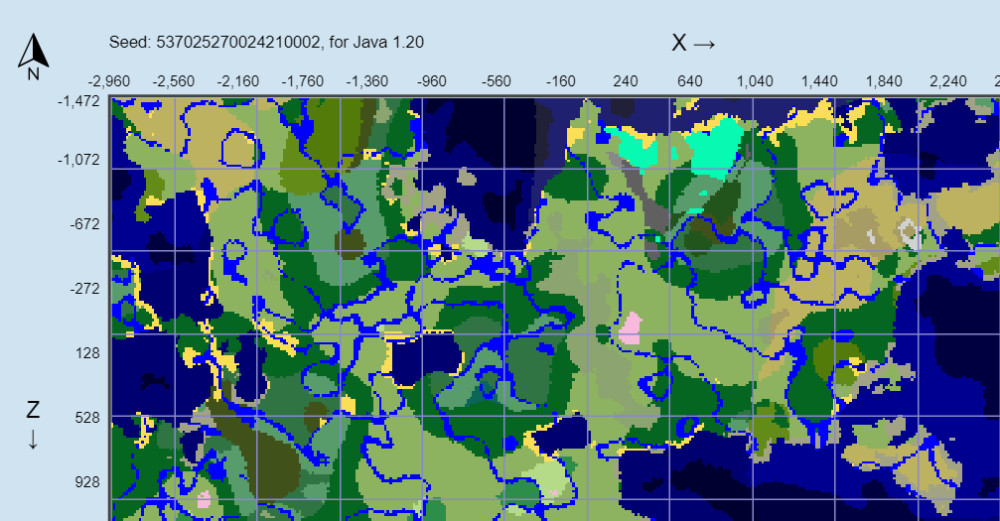
If you prefer not to use mods or commands, you can rely on third-party tools to locate biomes in Minecraft. We highly recommend the Chunkbase Biome Finder for this purpose. All you need is the world seed or save file, which will generate a full map with a coordinate grid. This is a handy feature for navigating your world. If you’re unsure how to obtain the seed, simply use the /seed command in the chat. This method works for both single-player and dedicated Minecraft servers.
Conclusion
Finding the perfect biome in Minecraft is an adventure that allows you to discover the best spot for your grand structures. Whether you use commands, mods, or third-party tools, you have plenty of options to uncover the ideal biome. Remember, it’s not just about the right environment—the terrain also matters. That’s why it’s important to familiarize yourself with different ways to locate biomes in Minecraft. Start today and invite your friends to join the fun on your own dedicated server!




 en | USD


 CHAT WITH GODLIKE TEAM