


 en | USD


 CHAT WITH GODLIKE TEAM





Commands for Server Management
On the Don't Starve Together dedicated server, you can conveniently manage the gameplay with knowledge of commands. Influence players who need assistance, promptly block cheaters, or teleport players to the desired location. Or simply enable Godmode (immortality) for yourself to make the game easier.
TIP
List of commands
c_godmode(player ID)- enables God mode, granting immortalityc_supergodmode(player ID)- enables God mode, granting immortality + fills all your character's statsc_listallplayers(player ID)- shows the list of players on the server and their in-game IDc_despawn(AllPlayers[])- teleports players within your screen viewTheNet:Kick("player ID")- kicks the player from the serverTheNet:Ban("player ID")- bans the playerTheNet:BanForTime("player ID", time in seconds)- bans the player temporarily.
TIP
How to enable administrator mode on a Don't Starve Together server
How to use commands
1) Open the game and join the server.
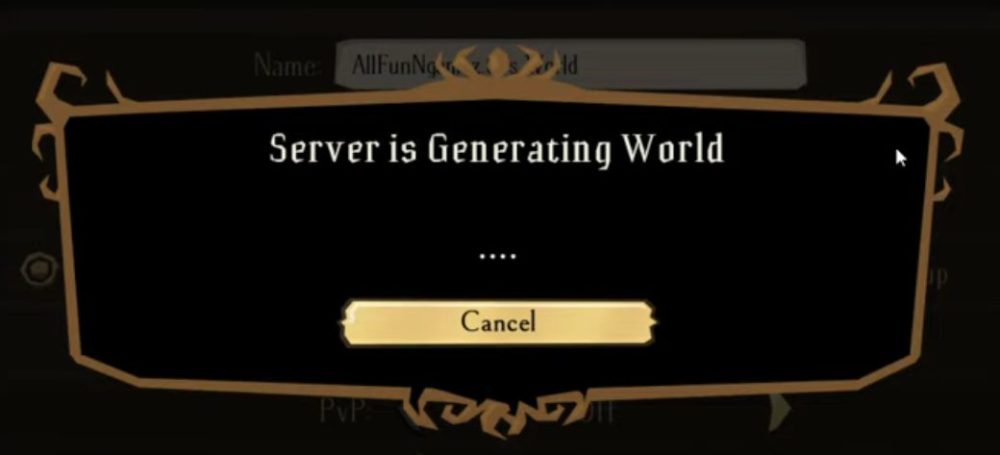
2) Open the in-game console by pressing the ~ key on your keyboard.
3) Switch to Remote mode (if you are on Local) by pressing Ctrl on your keyboard.
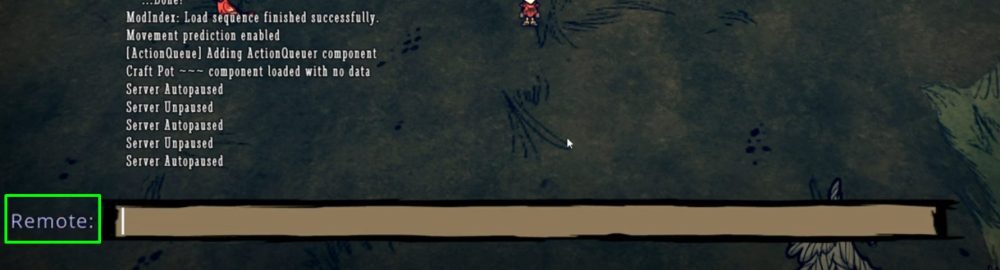
4) Enter the necessary command and press Enter.
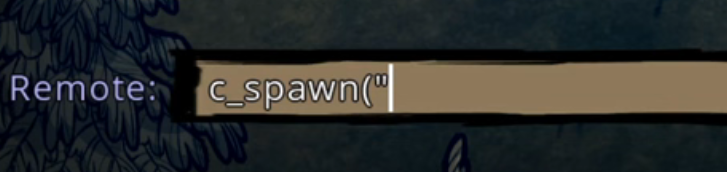
Now you know the list of in-game commands and how to apply them on the server. Play together with GODLIKE.