




 en | USD


 CHAT WITH GODLIKE TEAM





Server Management
Server administrators need to be adept at managing the game process, particularly handling players: timely banning cheaters or ejecting players who violate rules positively impacts the server and its community.
TIP
How to Make Yourself an Administrator on a Killing Floor 2 Server
How to Ban/Eject a Player
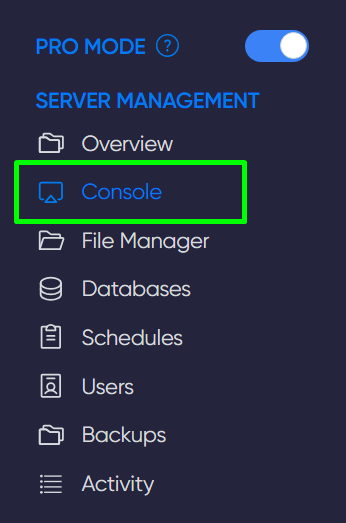
First, activate your server in the game panel under the Console section.
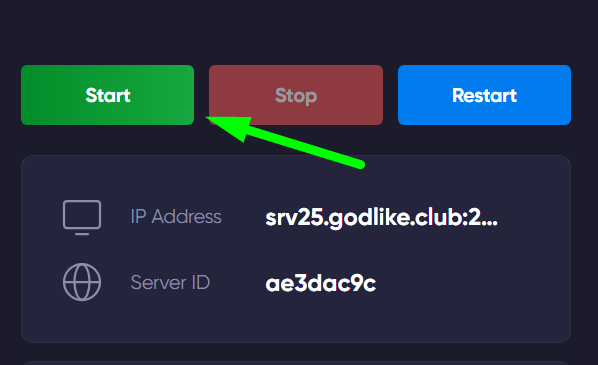
Next, log into the server and activate administrator mode. To do this, press the '' key while in-game and type the command AdminLogin password, then press Enter.
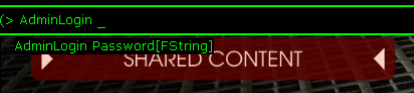
Now, using the game console, you can enter the necessary commands:
| Kick Нік/SteamID | to kick a player |
| Ban Нік/SteamID | to ban a player |
| KickBan Нік/SteamID | to kcik and ban a player from the server |
| Unban Нік/SteamID | to unban a player |