




 en | USD


 CHAT WITH GODLIKE TEAM





Server Management
Palworld server owners always need to monitor their server, promptly fix issues, and address shortcomings. Additionally, player management is crucial. Sometimes hackers or ordinary troublemakers disrupt the gaming experience of other players and ruin the overall gameplay on the server. In this article, we will discuss how to deal with such players, namely - how to kick and ban them.
TIP
You can learn more about commands for managing your server
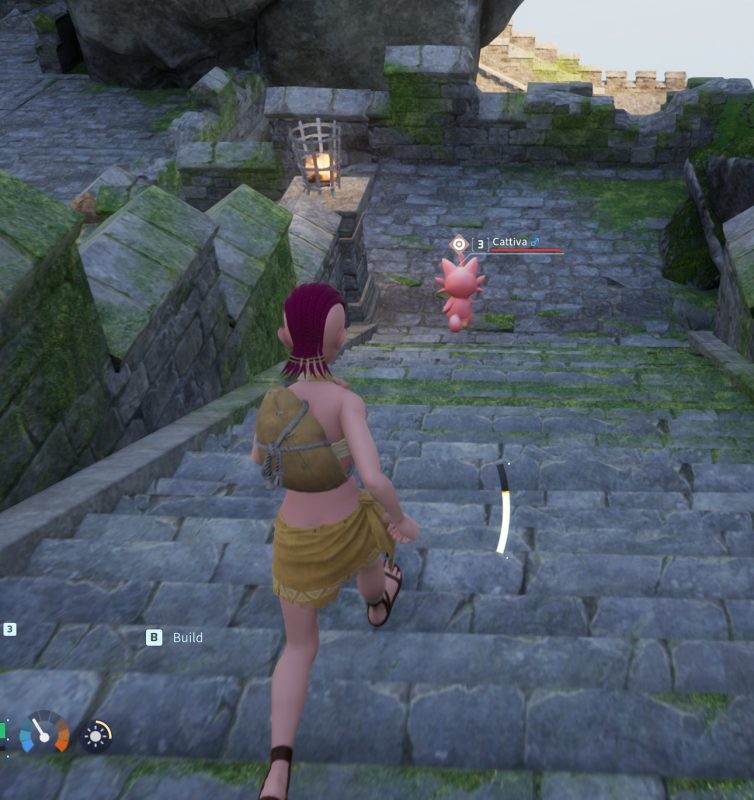
How to kick or ban a player
1) Log in to the game and enter your server.
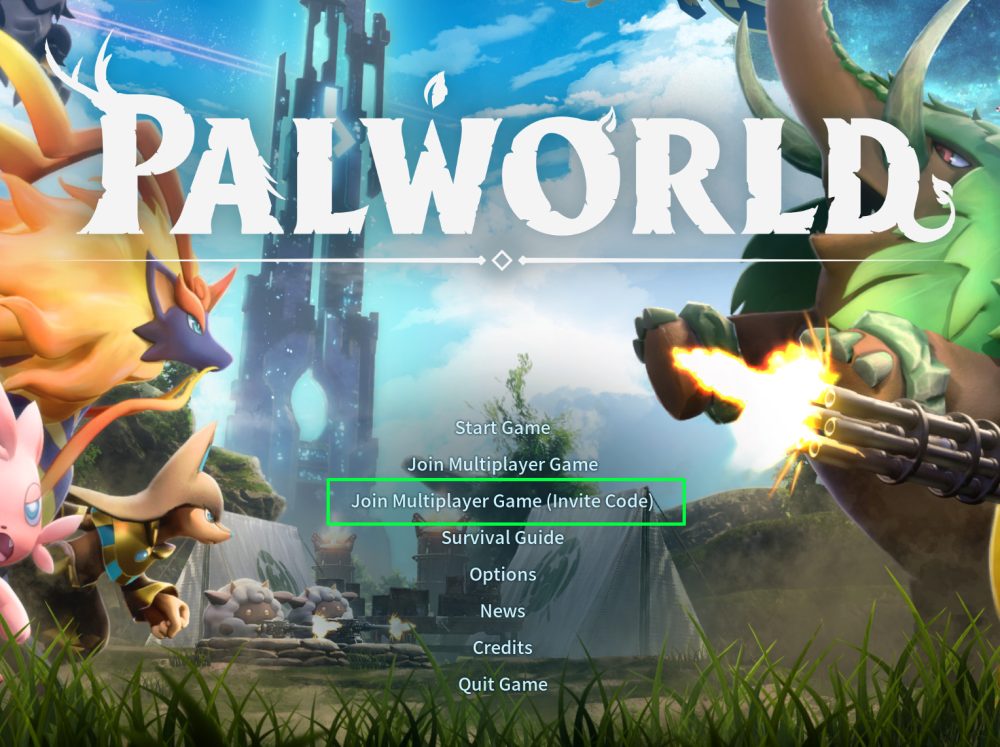
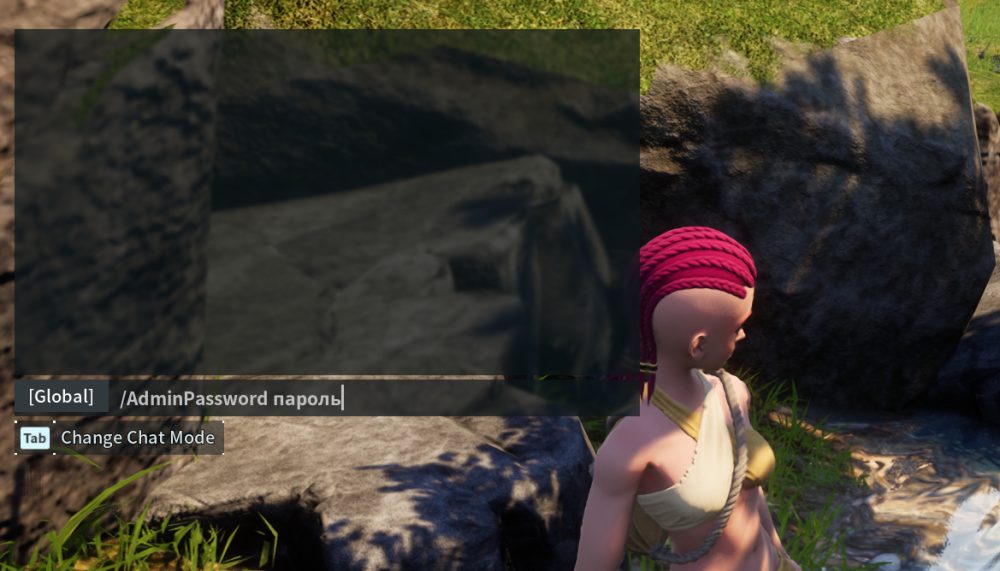
2) Make sure you have administrator rights enabled. Enter the command /AdminPassword password, then press Enter.
IMPORTANT
Learn how to enable administrator mode on the server
3) Press Enter to open the chat. Now enter the command /showplayers.
4) Select the player you need and copy their ID.
5) Enter /KickPlayer ID to kick the player, or /BanPlayer ID to ban them.
TIP
Learn more information about multiplayer gaming in Palworld
Now you can handle players who disrupt the gameplay. Have a great game! Play together with GODLIKE.