




 en | USD


 CHAT WITH GODLIKE TEAM





What are Minecraft Bedrock Resource Packs?
The best 24/7 Minecraft server hosting resource packs for the game are modified sets of textures and game graphics. For example, if in the game a wood block looks dark brown, with another resource pack it can be light green or very realistic - depending on which one you choose. In this article, you will learn how to install a resource pack for the game Minecraft Bedrock Edition.
TIP
Also, familiarize yourself with how to install a resource pack for Minecraft Java Edition
How to Install Minecraft Bedrock Texture Packs?
1) Download the resource pack you like. You can find them freely available on the internet. After downloading, open it and wait for the installation to complete.
IMPORTANT
Note that the file extension should be MCPACK. Also, make sure the resource pack version matches the game version
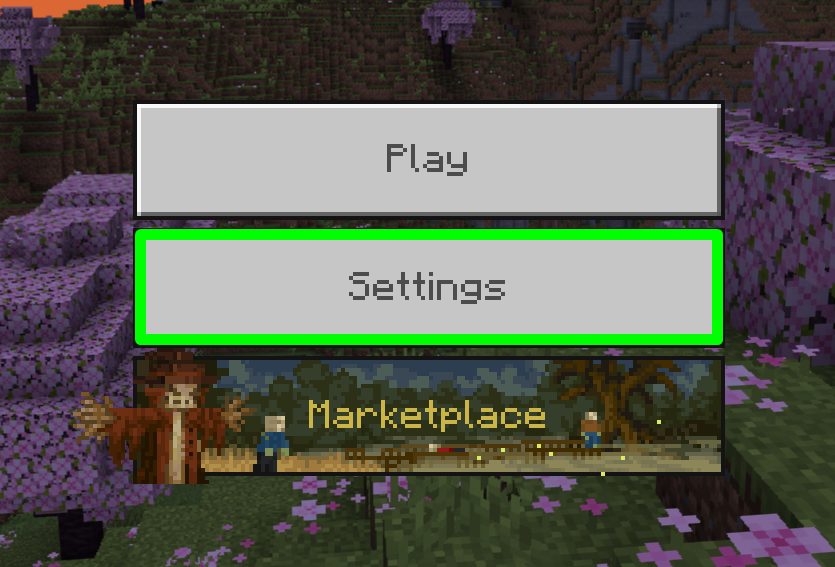
2) Launch the game, select Settings from the menu.
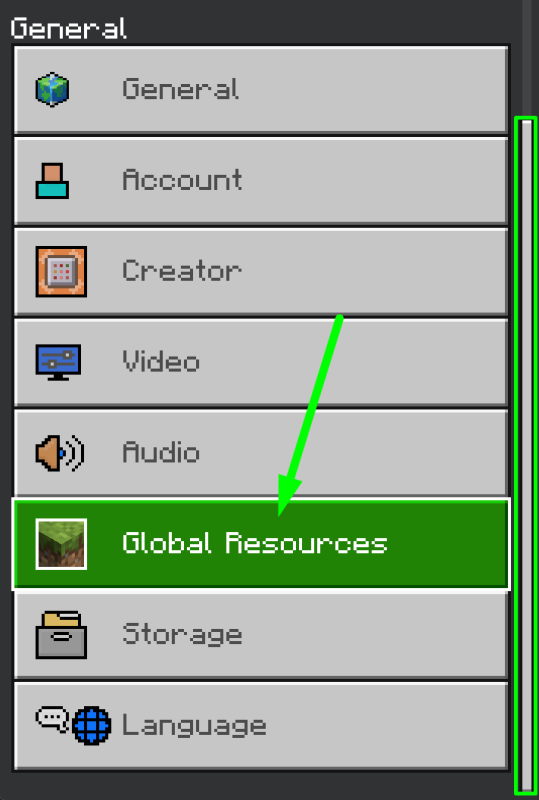
3) Scroll down and tap on the Global Resources section.
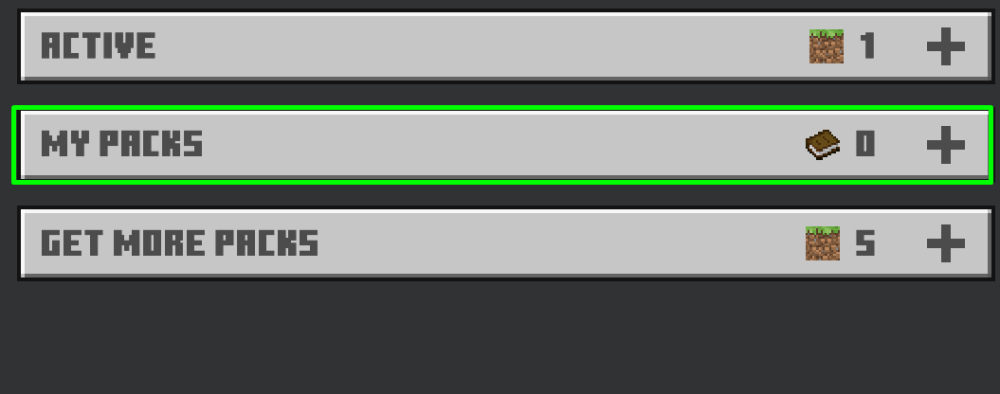
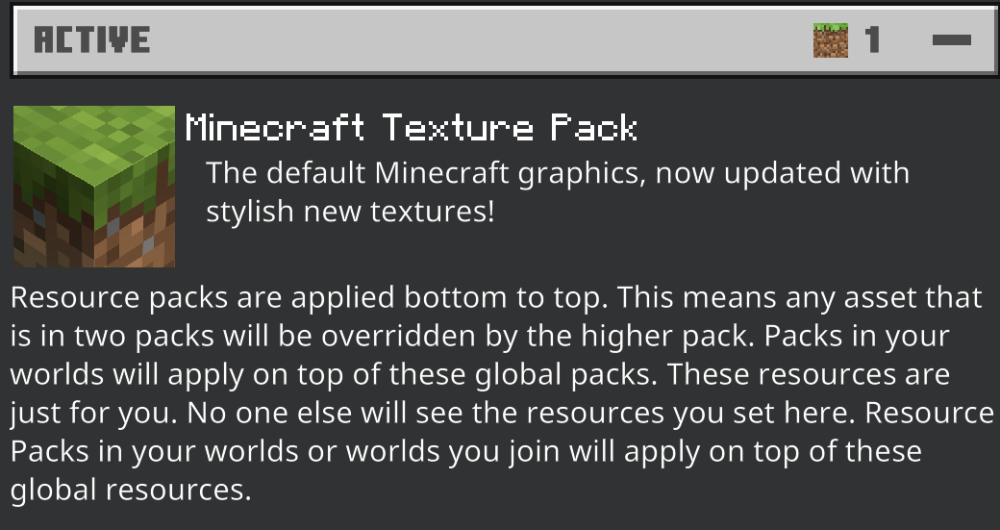
4) On the right, you will see subsections. You need My Packs. Tap on it and activate the downloaded resource pack. After that, you will see it in the Active section.
TIP
You can learn more about modifications for Minecraft
Now you're ready to play with new graphics, enjoy. Play together with GODLIKE.