




 en | USD


 CHAT WITH GODLIKE TEAM





Server Privacy
Private GMod servers are created to play games in a small circle of friends or even to play alone, without unwanted eyes. For example, to test modifications, try out game features, or simply relax. In this article, we will tell you how to make your Gmod server private.
TIP
Order your Garry's Mod server with us right now
How to make a server private?
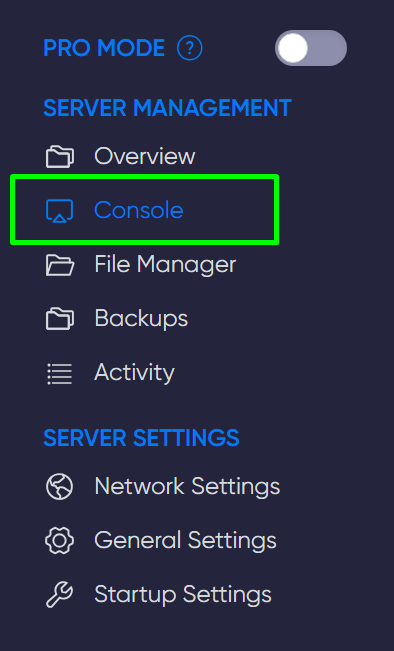
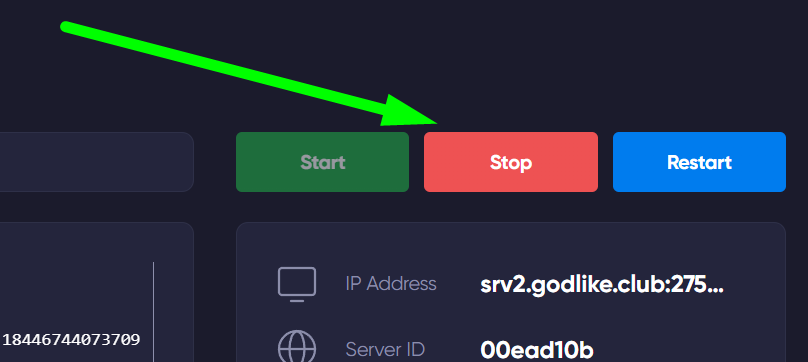
1) Go to the game panel, open the console, and shut down the server.
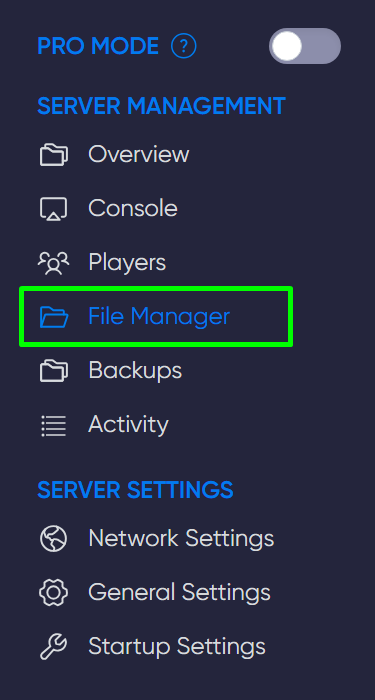
2) Navigate to the file manager and create a file named allowedplayers.lua, it needs to be created at this path: garrysmod/lua/autorun/server/allowedplayers.lua
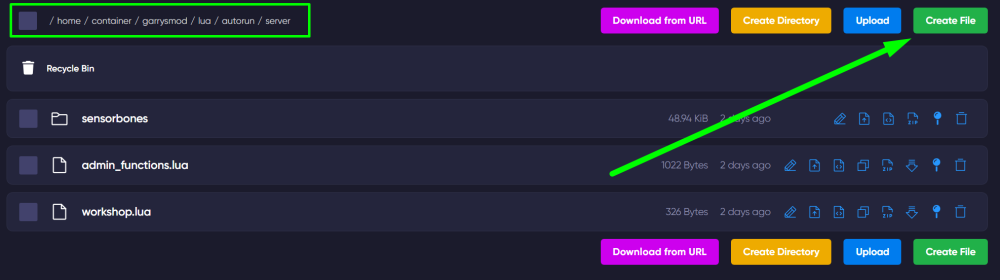
Once you have created it, open it and enter the necessary code:
local allowed = {
['Ваш SteamID'] = true,
['SteamID любого гравця'] = true
}
hook.Add('CheckPassword', 'AllowList', function (sid64)
if not allowed[sid64] then return false, 'You are not allowed on this server!' end
end)
NOTE
The value true in the code, next to SteamID, means permission to connect
To find out your or a player's SteamID - copy the link to the desired Steam profile and paste it on this site.
3) Save the changes, then start the server and enjoy the game.
TIP
You can learn how to set up automatic content loading for players on your Gmod server
Now you know how to make your server private and customize the game to your needs. Play together with GODLIKE.