


 en | USD


 CHAT WITH GODLIKE TEAM





Public and Private Servers
Palworld dedicated server hosting is needed for playing with a specific group of people or by yourself. To achieve this, servers are equipped with passwords and other protections to prevent access by players who shouldn't be in your game.
TIP
Order your own Palworld server right now
How to Make a Server Private?
1) Log in to your game panel and ensure that the server is turned off.

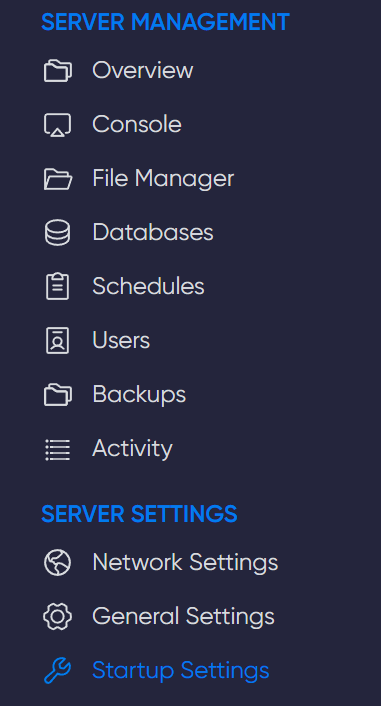
2) Navigate to the Startup Settings section.
3) Locate the Server Password field and create a secure password. Then, share it with your friends or players with whom you wish to play.

Now you can make your server private and play only with those who have your password. Enjoy your game time. Play together with GODLIKE.