


 en | USD


 CHAT WITH GODLIKE TEAM





Server Administration
Administration is essential on gaming servers. While large servers may have many administrators, including moderators and other helpers, a small server can be managed by a single administrator (the owner). In this article, we will explain how to make yourself an administrator on your own Killing Floor 2 server.
TIP
How to Make Yourself an Administrator
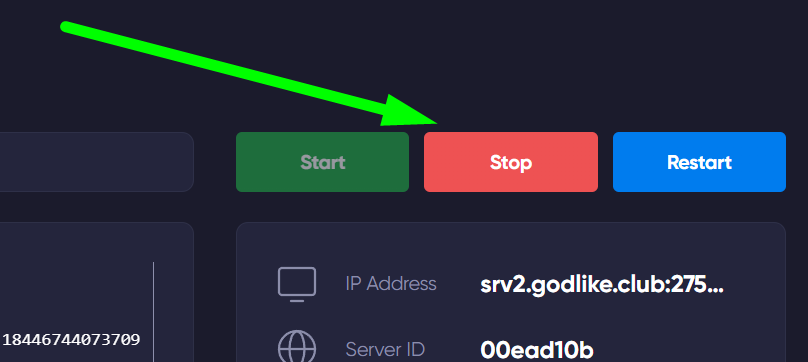
Go to the game panel and shut down your server. This can be done in the Console section.
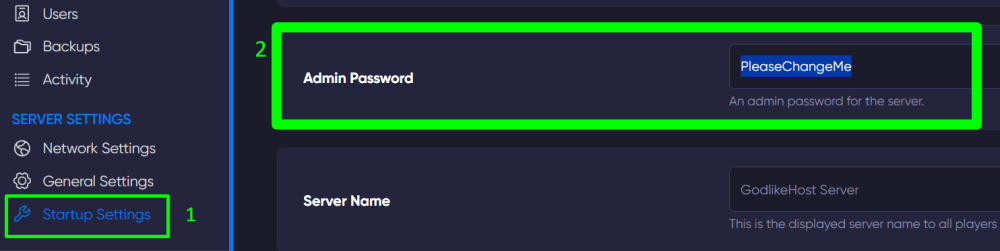
Next, move to the Startup Settings section. Here, you will see a line labeled Admin Password - delete the example password and create a new one, then enter your own in this line.
NOTE
The line will be saved automatically
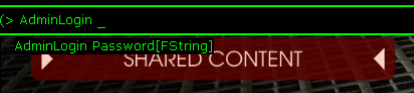
Now, on the server itself, open the game console using the '`' key and type the command AdminLogin followed by your password, then press Enter.
TIP
How to Create a Private Killing Floor 2 Server
Now you know how to make yourself an administrator on a server and can conveniently manage the gaming process. Play together with GODLIKE.