




 en | USD


 CHAT WITH GODLIKE TEAM





Interacting with the Game World
Having your Satisfactory server hosting allows you to modify the game world as you wish, for example, if you want to load a map with modifications or a map where you have a certain game progress, so you don't have to start developing in the game from scratch. Also, saving the world is very useful because if something goes wrong with your current map, you can always load the previous one.
TIP
Learn more about updating the Satisfactory game map
How to save the game map
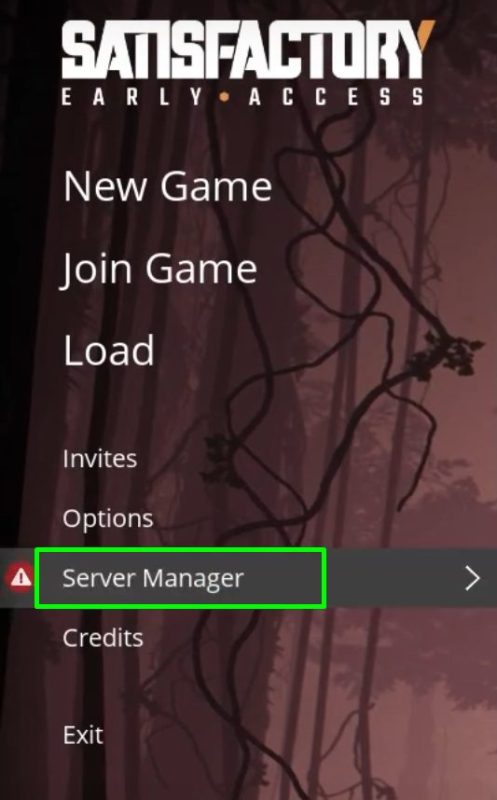
First, open Satisfactory and go to the Server Manager menu.
Once you're in the new menu, select Manage Saves and then Create Save. Choose the world you want to save on the left and enter a save name on the right (e.g., save), then click Save at the bottom right. Done.


How to load the game map
Go from the main menu to the Server Manager menu.
Then select Manage Saves and Load Save. Choose the world you want to load (it must have been saved before loading) and click Load Game.


TIP
Feel like having your own Satisfactory server? Order it right now
Now you know how to manage the game world and can play on the map you need. Play together with GODLIKE.