en | USD
 CHAT WITH GODLIKE TEAM





Saving Progress
Valheim server hosting backups preserve your gaming experience in case of server or game file issues. You create a backup of your character or world, and if something goes wrong, you can load these backups to restore any damaged files.
TIP
How to back up Character/Server
Navigate to the folder containing your character files, located at C:\Users<Your Name>\AppData\LocalLow\IronGate\Valheim\characters, and save the files in a safe location (make copies).
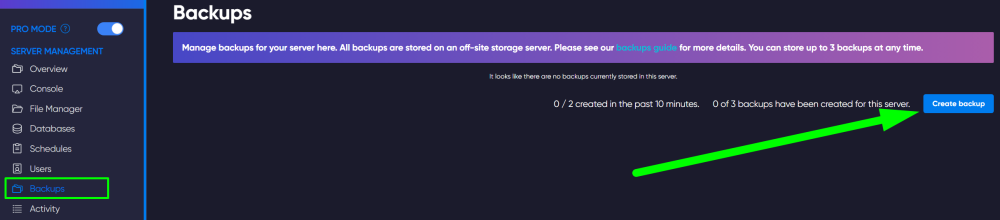
To back up the entire server, go to the game panel and open the "Backup" section. Click the "Create Backup" button. Complete the process.
Now you know how to save the necessary files of your server to keep them safe. Play together with GODLIKE.