


 en | USD

 CHAT WITH GODLIKE TEAM





ULIB & ULX GMod System
Gmod hosting with ULX admin mod adds a convenient and practical management system for your Garry's Mod server. With this system, you can manage players (ban or vice versa), conduct voting on the server (choose a map, etc.), and other ULX Gmod commands.
TIP
Order your Garry's Mod server right now on our website
How to install the ULX & ULIB system
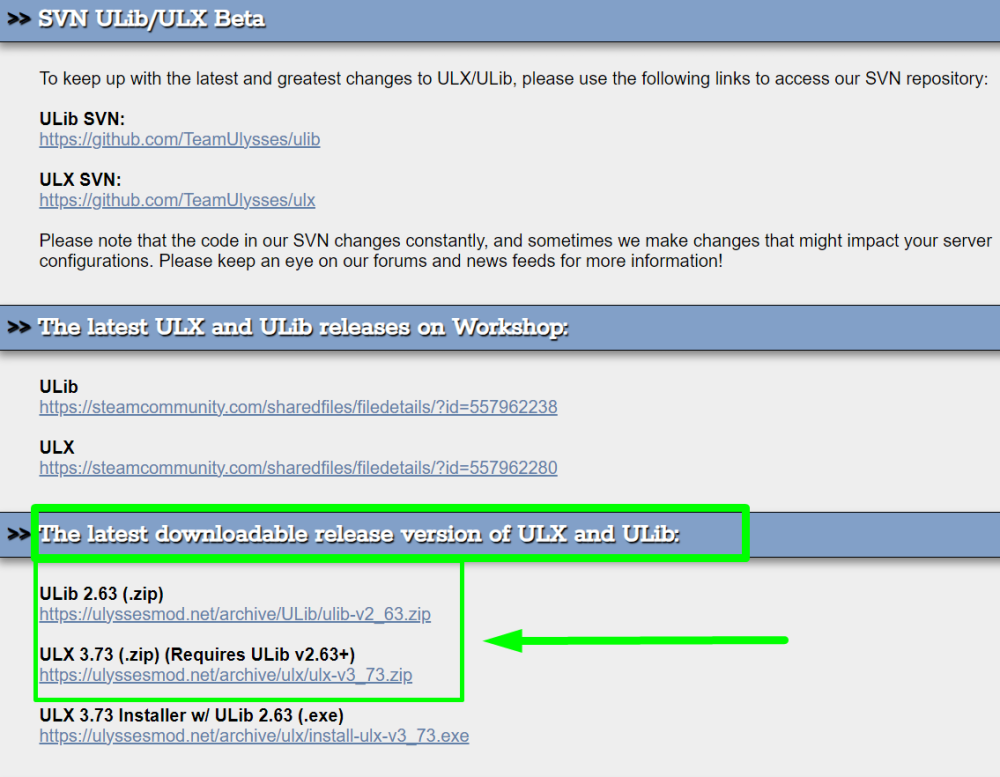
1) Follow the official link of the modification and install the necessary files. What exactly to download is indicated in the screenshot:
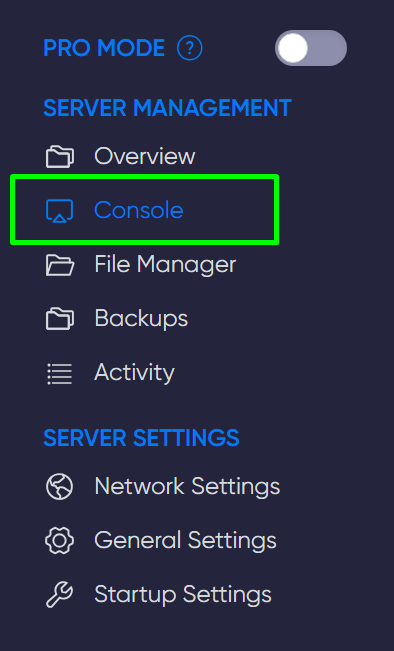
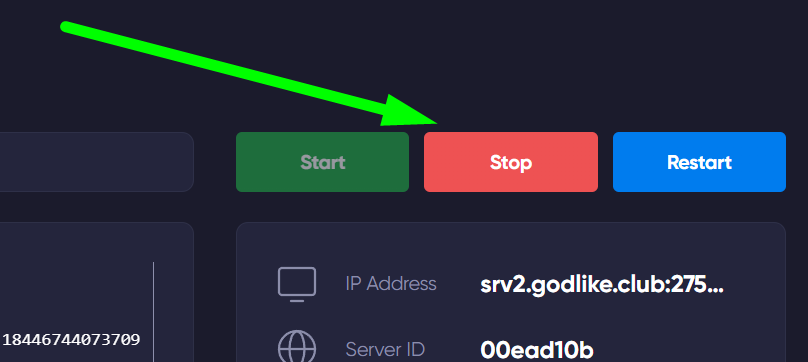
2) Open the Garry's Mod game panel, then open the console and shut down your server.
3) Open the file manager and navigate to the garrysmod/addons folder. Create folders named ulx and ulib.

4) Unzip the files from the ulx-x.zip archive and add them to the ulx folder, and the files from the ulib-x.zip archive to the ulib folder.

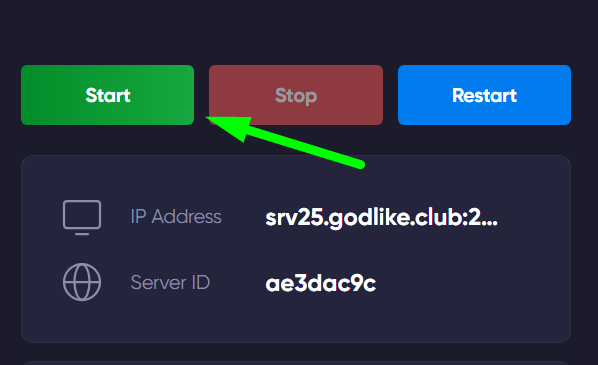
5) Start the server, open the console again in the game panel, and enter the command ulx adduser [Your in-game nickname] superadmin

TIP
You can learn more about how to make your Gmod server private
Now you have a new server with ULX admin mod, we wish you a convenient and enjoyable gaming experience. Play together with GODLIKE.