


 en | USD


 CHAT WITH GODLIKE TEAM





Custom Maps
While playing on the Terraria server, you might want to add something new to your gaming experience, such as downloading a map from the internet or uploading your old world where you have certain in-game achievements and continue developing on that map. That's why today we'll tell you how to upload the necessary map to your Terraria server.
TIP
Don't have your own server yet? Order a Terraria server right now
How to Upload a Map to Your Server
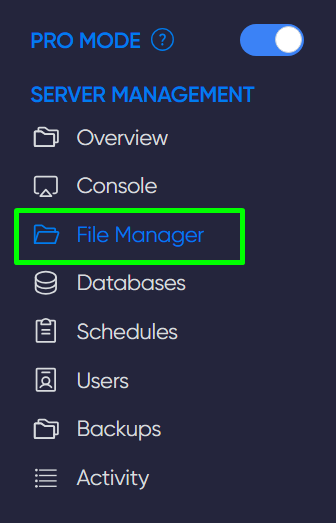
1) Go to your server's game panel. Open the File Manager section.
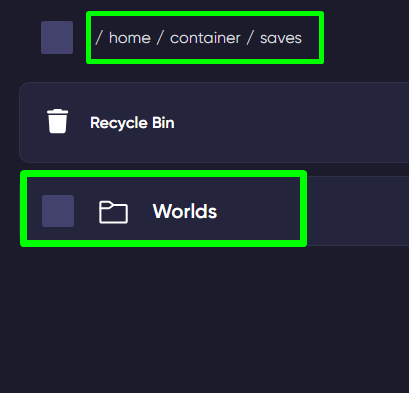
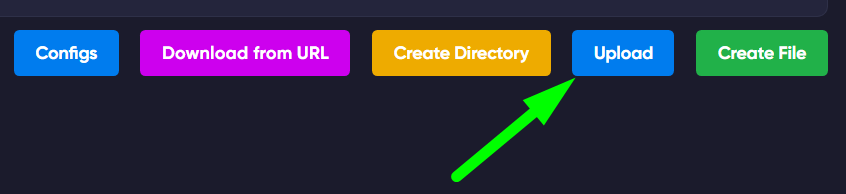
2) Navigate to the saves/Worlds folder and click the Upload button, then select the map file you wish to upload.
IMPORTANT
Map files have the .wld extension
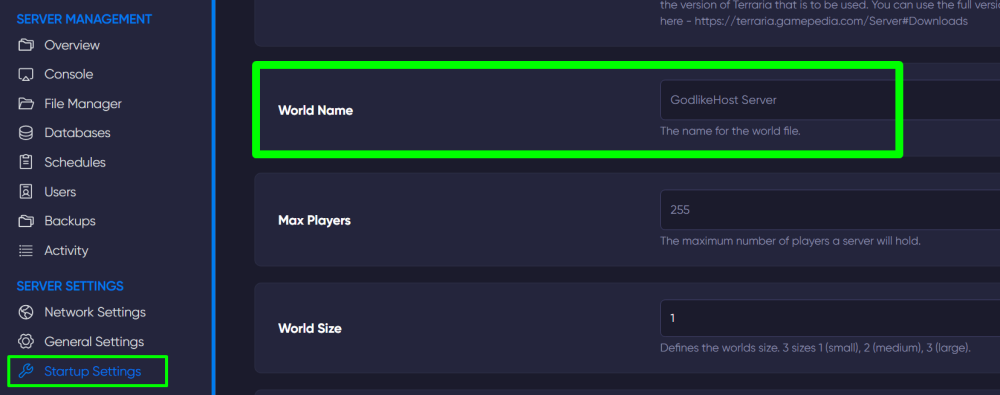
3) Now, open the Startup Settings section in the panel. In the World Name field, enter the name of the map. Done.
Now you know how to add the maps you need to your server and play according to your taste. Play together with GODLIKE.