en | USD


 CHAT WITH GODLIKE TEAM





Enshrouded Private Server
Creating an Enshrouded dedicated server or private server is needed to play on a server with a specific group of people or alone. For this purpose, a password and other protection measures are set up on the server to prevent players who do not have access to your game from joining.
TIP
Don't have your own server yet? We invite you to check out our hosting for the game Enshrouded
How to make a Enshrouded private server?
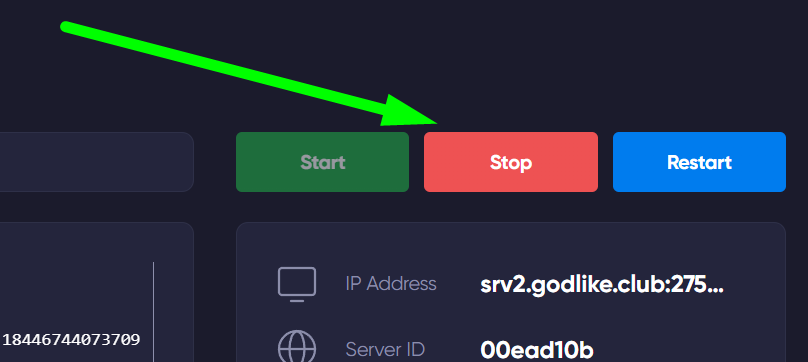
1) Log in to the game panel and make sure the server is turned off.
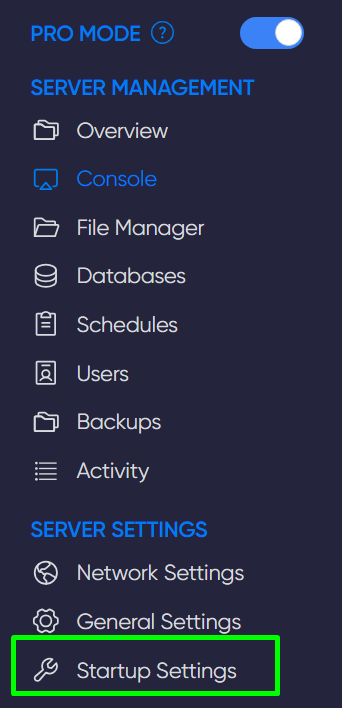
2) Go to the Startup Settings section.
3) Find the Server Password line and create a strong password. Then, share it with your friends or players with whom you want to play.

TIP
You can learn how to change the name of your server
Now you can make the server private and play only with those who have your password. Enjoy it. Play together with GODLIKE.