en | USD

 CHAT WITH GODLIKE TEAM





Game Map Wipe (World)
Map wipes are performed to renew interest in the game for long-time players, allow for the addition of modifications to the server without conflicts with old files, and to simply refresh the map when it has become overly developed.
TIP
How to Update the Map on the Server
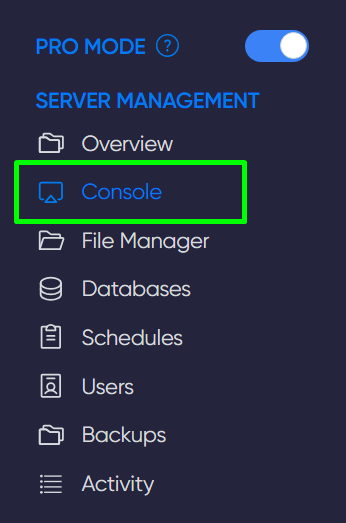
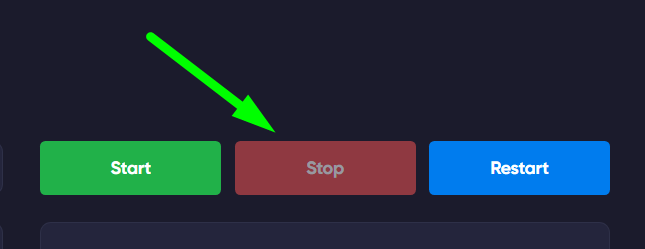
1) Log into the game panel and shut down the server using the Console section.
IMPORTANT
It's best to notify server players about the planned map update
2) Next, open the File Manager in the game panel and navigate to /ConanSandbox/Saved.
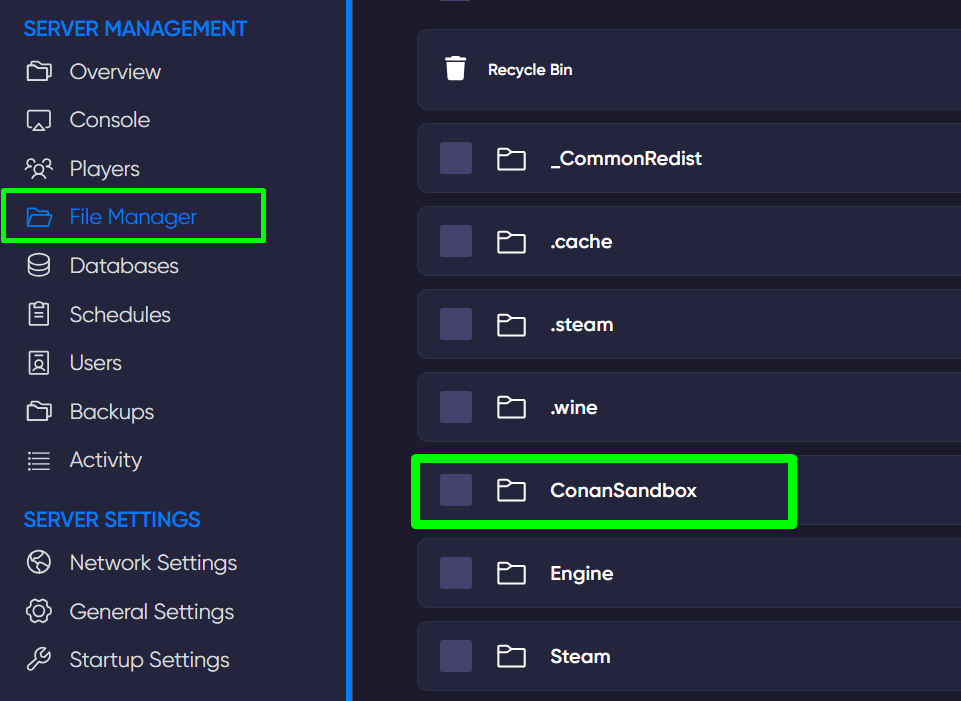
3) Find and delete the game.db file by clicking the last button to the right of the file name.

TIP
Now, when you restart the server, it will generate a new map and file, after which you can invite players and friends to join! Play together with GODLIKE.