



 en | USD
 CHAT WITH GODLIKE TEAM





Hub / Lobby is a Minecraft plugin pack made for spawn areas, network hubs, and public server lobbies. It focuses on player navigation, protected areas, holograms, menus, and simple onboarding.




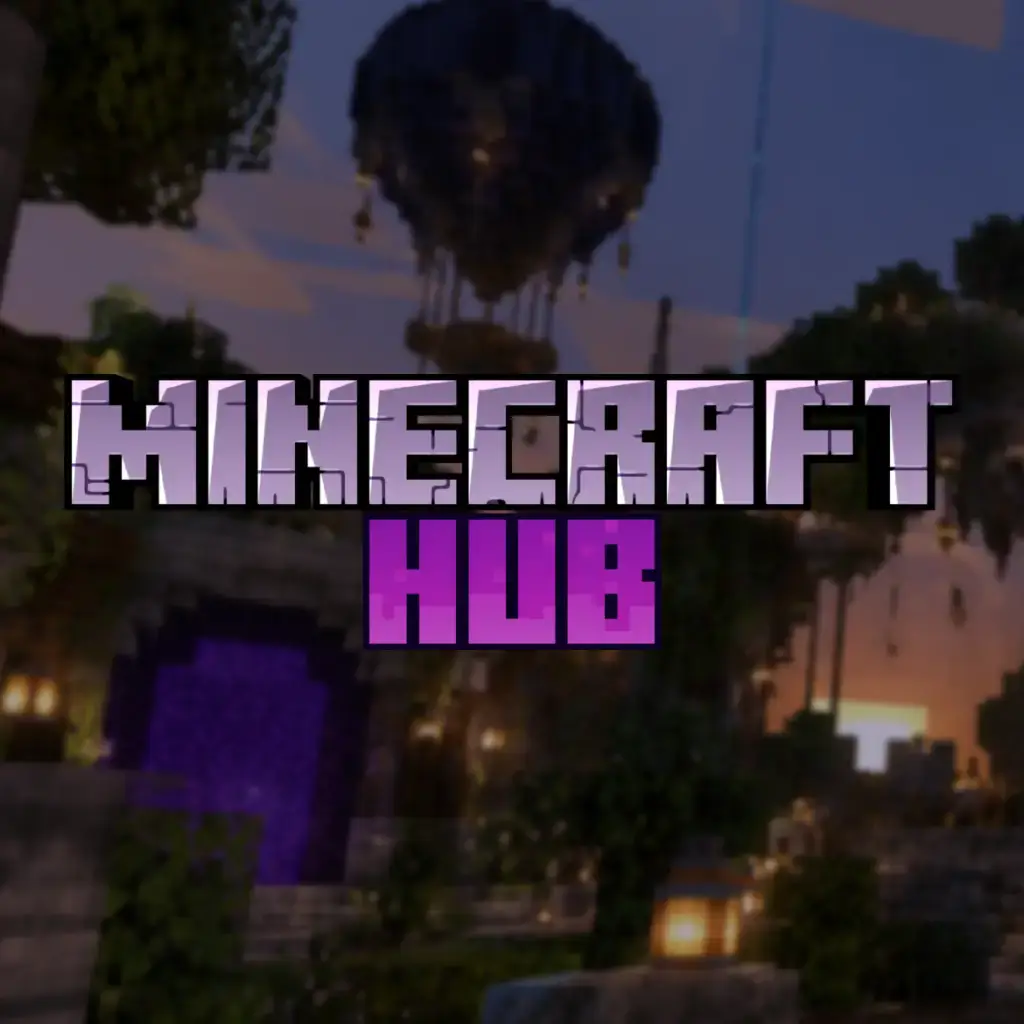


Hub / Lobby is a plugin pack for Minecraft servers that need a central place where players can join, choose game modes, read information, and move around the project easily. It is designed for server networks, community projects, and public servers that want a clean and organized starting area.
The setup includes useful systems for navigation menus, visual holograms, auto-spawn behavior, protected zones, and basic lobby management. This helps players understand where to go without needing staff to explain everything manually.
Hub / Lobby is a good choice if you want to create a professional Minecraft spawn area with simple routing, better player onboarding, and protection against unwanted block damage.
If your project needs a clear central hub before players move to SMP, SkyBlock, MiniGames, Creative, or other modes, this plugin pack is the right starting point.

Hub / Lobby is a Minecraft plugin pack made for spawn areas, network hubs, and public server lobbies. It focuses on player navigation, protected areas, holograms, menus, and simple onboarding.
Hub / Lobby is prepared for Minecraft 1.21.1 with Paper.
Yes. Hub / Lobby is useful for server networks because it gives players a central place to join, choose game modes, and move between different server areas.
Yes. The plugin pack is designed around a protected lobby area, helping prevent unwanted block breaking, griefing, and damage in the main spawn zone.
Yes. Hub / Lobby is made for clear player navigation with menu and hologram-style information, so players can understand where to go without staff help.
Yes. You can update menus, messages, spawn behavior, permissions, and lobby settings later through the panel or plugin configuration.
Yes. Hub / Lobby can work as the main entry point before players move to SMP, SkyBlock, MiniGames, Creative, Anarchy, or other Minecraft server modes.
Error text
Your choice


