







 en | USD

 CHAT WITH GODLIKE TEAM





 Stripe Climate Member



RuneScape: Dragonwilds server hosting allows you to run your own dedicated Dragonwilds world online 24/7. You'll have full control over its settings, access permissions, and server-side content without relying on your own PC or internet connection.


💥 Premium Hosting. Minimal Price. Save 75%!
03
00
00
Play RuneScape: Dragonwilds
Flash Sale: −75%
-
Wanderer
2 Slots · 4 GB Ram
$4.00 / Monthly
Regular price:
$15.99· −75%First Purchase Discount
Add to Cart -
Most Popular
Adventurer
4 Slots · 6 GB Ram
$6.00 / Monthly
Regular price:
$23.99· −75%First Purchase Discount
Add to Cart -
Dragon Slayer
6 Slots · 8 GB Ram
$8.00 / Monthly
Regular price:
$31.99· −75%First Purchase Discount
Add to Cart -
Custom
2 - 6 Slots · 4-8 GB Ram
What players say on Godlike
Angelchuya,
11 Oct, 2026 | 00:09
5.0

ty
Godlike player,
03 Oct, 2026 | 04:14
4.0

What I liked: Speed
Paul,
27 Sep, 2026 | 14:05
5.0
What I liked: Speed, Support, Panel, Stability
DrThorium,
24 Sep, 2026 | 00:18
5.0
What I liked: Speed, Support
Maxm,
22 Sep, 2026 | 23:56
5.0
What I liked: Stability
Swisserino,
13 Sep, 2026 | 06:05
5.0
What I liked: Speed, Panel
Mythic,
11 Sep, 2026 | 02:07
5.0
What I liked: Speed, Support, Panel, Price, Stability
Zeke,
07 Sep, 2026 | 18:49
5.0
What I liked: Price
Lee,
05 Sep, 2026 | 21:15
5.0
What I liked: Price
Sayo,
20 Aug, 2026 | 09:58
5.0
Incredible support staff. UI is kinda clunky sometimes but every problem gets solved in MINUTES by support.

Personal firewall
Fine-tune player access: filter IP addresses and block unwanted activity
Unique text editor
Share a link to the config file safely without giving server file access!
Fully customizable server
Access RuneScape: Dragonwilds server files and edit settings
SFTP file access
Manage server files over SFTP for uploads, downloads, and manual edits (configs, logs, saves).Godlike Host Advantages
We offer a wide variety of features that enhance your gaming experience and provide the most powerful hardware at the best price.
Multiple RuneScape: Dragonwilds servers
Create separate RuneScape: Dragonwilds server instances when your groups need their own worlds.
Plans and pricing
Choose a plan based on player count and server load. Upgrade anytime as you scale.
Server management via Discord
Conveniently manage your RuneScape: Dragonwilds server through our Discord bot
Exclusive support
A personal manager with extensive experience will take care of your RuneScape: Dragonwilds serverRuneScape: Dragonwilds Server Hosting Resources
We have many great resources to guide your game server hosting journey.
RuneScape: Dragonwilds Wiki
Find answers to RuneScape: Dragonwilds server questions, setup guides, troubleshooting and news here!
Check RuneScape: Dragonwilds server ping
Quickly check your RuneScape: Dragonwilds server ping to pick the location closest to your group.
RuneScape: Dragonwilds Server Status
Instantly receive up-to-date information about the RuneScape: Dragonwilds server status.
Discord server management
Manage your server easily through Discord. Set up notifications, configure the server, and more within your favorite messenger!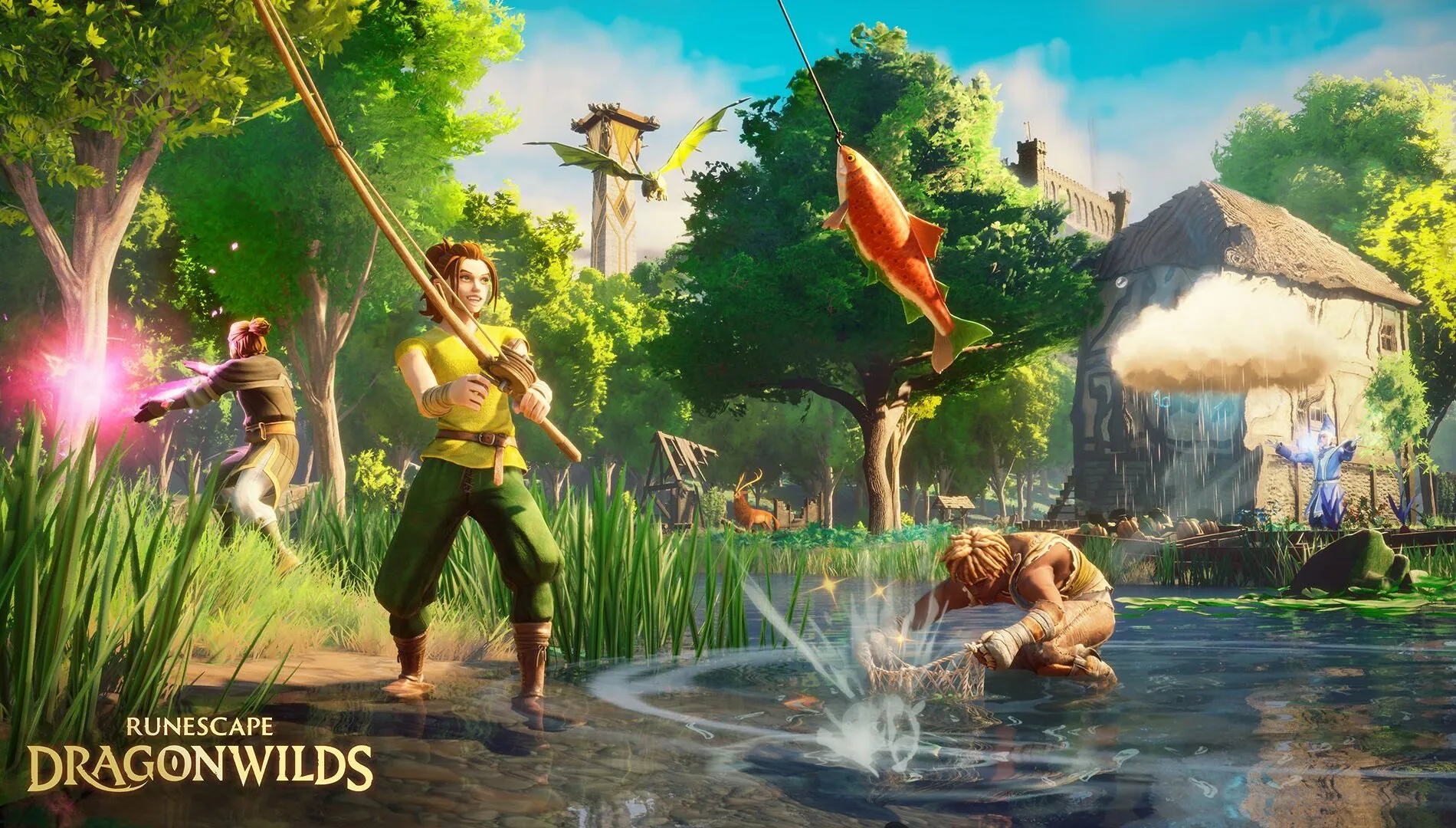
FAQ
What is RuneScape: Dragonwilds server hosting?
Does RuneScape: Dragonwilds support dedicated servers?
Yes, RuneScape: Dragonwilds supports dedicated servers. This allows you to keep your multiplayer world online around the clock, letting your friends play even when you're offline.
How many players can join a dedicated server?
Unlike standard multiplayer worlds hosted locally, a dedicated RuneScape: Dragonwilds server supports up to 6 players.
How much RAM does my server need?
A Dragonwilds dedicated server requires 2 GB of RAM plus 1 GB per player. This means that if you want to play with five friends, your server will need 8 GB of RAM.
How do I buy a RuneScape: Dragonwilds server?
To buy a RuneScape: Dragonwilds server, simply choose a plan that meets your gaming needs and complete the payment. Your server will then be deployed automatically.
How long does server setup take?
Once you complete your payment, you'll get access to your server's control panel in under five minutes. Simply log in to the panel and start managing your online world without needing any technical knowledge.
Can my friends play when I am offline?
Yes! Your dedicated Dragonwilds server runs 24/7, regardless of whether your PC is on or off, so your friends can play even when you're offline or AFK.
How do my friends find and join my server?
To find and join your dedicated server, your friends must launch the game, navigate to the Public tab on the Worlds screen, and enter your exact world name in the search field. If you've set a password, don't forget to share it with them so they can join your world.
What is an Owner ID, and why is it required?
The Owner ID is one of the mandatory configuration values for your RuneScape: Dragonwilds dedicated server. You can find it at the bottom of the Settings menu. It's similar to your Player ID. Note that the server won't start without your Owner ID.
Can I transfer an existing world to my server?
Yes, you can transfer an existing world to a dedicated RuneScape: Dragonwilds server. First, make sure your server is stopped and that the RSDragonwilds/Saved/Savegames folder is empty. Then, simply upload your local world .sav file from your hard drive to the server's savegames folder and restart your server.
Can I use my existing character on a dedicated server?
Yes, you can use your existing character on a dedicated RuneScape: Dragonwilds server, provided it is compatible with the type of world you're joining. Keep in mind that your characters are stored locally on your PC.
Can I protect my server with a password?
Yes, you can protect your server with a password to prevent unauthorized players from joining your world.
Can I install mods on my server?
Yes, you can install mods on a dedicated RuneScape: Dragonwilds server. However, server compatibility and stability depend on the mods you use, so it's a good idea to create backups before experimenting with different modifications.
How do backups and world recovery work?
You can back up your world by copying its save file from the server's RSDragonwilds/Saved/Savegames folder. You can store these files elsewhere on your server's drive, in the cloud, or on your local device. If something goes wrong with your world, you can restore it using these backup files.
Can I change my hosting plan later?
Yes, you can upgrade or downgrade your Dragonwilds hosting plan as your needs change.
RuneScape: Dragonwilds Server Hosting by Godlike
- RuneScape: Dragonwilds Server Hosting
- RuneScape: Dragonwilds Server Hosting
- How to Set Up a RuneScape: Dragonwilds Server
- Supported Platforms & Server Software
- Why Host RuneScape: Dragonwilds at Godlike.Host
- Security and Reliability
- Why Rent a RuneScape: Dragonwilds Server?
- Start Your RuneScape: Dragonwilds Server
- Game Server Hosting Recommendations
RuneScape: Dragonwilds Server Hosting
RuneScape: Dragonwilds is fun to play solo, but it's even more exciting when you can enjoy it with your friends. With a dedicated server, you can create an online world for cooperative survival, building, and exploration that's available 24/7. Moreover, unlike standard P2P multiplayer, which supports up to four players, dedicated servers increase the player limit to six, making them a great option for larger groups of friends.
Join our Discord community!
Here you will find news, updates, promotions and exclusive offers. Get help from other players and our support team, and manage your server directly through Discord.
 Join Discord