Are you looking for the best modded Minecraft server hosting in 2026? The Godlike team has prepared a list of the best platforms to run Forge or Fabric without the regular headaches, whether that’s a lightweight SMP or a heavy modpack like FTB StoneBlock 3 or All the Mons - ATMons.

Make your own Minecraft server
Minecraft Server Hosting
This comparison will help you choose among the top providers, explain how we scored them, and show why Godlike.host may be your best option for modpack server hosting. Also, we’ve divided the hosting services into different categories, so you can choose the one you’re most interested in:
- Best overall: Godlike.host
- Best for big modpacks: BisectHosting
- Best free trial: Voltra.gg
- Best for unlimited players: OuiHeberg
- Best for beginners: Apex Hosting
- Best budget value: G-Portal
- Best panel UX: Shockbyte
How We Choose the Best Modded Minecraft Hosting Providers
Our team didn’t choose providers blindly. We scored each host using two inputs:
- Public proof points (review roundups and large-scale user feedback) to cross-check reliability, support, and real-world modpack stability.
- Practical admin checks to confirm the modded workflow is actually smooth, not just advertised.
Also, while reviewing the modded servers, we paid separate attention to the following important details:
- Modpack setup options: one-click installers where available (CurseForge/Modrinth/FTB) or a clean path to run Forge/Fabric/Quilt.
- Hands-on control: console + logs, file manager, and SFTP/FTP access for configs and troubleshooting.
- Backups you can trust: scheduled backups and an easy-to-use restore flow when a modpack update breaks a world.
- Stability under load: enough CPU headroom for TPS-heavy gameplay and sensible RAM allocation for bigger modpacks.
Note: hosts often change hardware, panels, and plan limits. Always check current limits, pricing, and regions on the provider’s site before purchasing.
Best Minecraft Modded Server Hosting Comparison
In a hurry? This table lets you quickly compare the most popular providers:
| Rank |
Host |
Minimum Price |
Pre-installed mods |
Custom mod installation |
RAM Allocation |
Overall Score |
| 1 |
Godlike.host |
$12.79/mo |
18,000+ |
+ |
from 4 GB of RAM |
4.9 |
| 2 |
Bisect Hosting |
$17.99/mo |
2,300+ |
+ |
from 6 GB of RAM |
4.7 |
| 3 |
Voltra.gg |
$3.99/mo |
1000+ |
+ |
from 2 GB of RAM |
4.7 |
| 4 |
OuiHeberg |
$2.28/mo |
2,000+ |
+ |
from 4 GB of RAM |
4.6 |
| 5 |
Apex Hosting |
$14.99/mo |
200+ |
+ |
from 4 GB of RAM |
4.6 |
| 6 |
G-Portal |
$1.38/mo |
250+ |
+ |
from 2 GB of RAM |
4.4 |
| 7 |
Shockbyte |
$23.99/mo |
2,000+ |
+ |
from 6 GB of RAM |
4.3 |
| 8 |
GTXGaming |
$15.80/mo |
5,000+ |
+ |
from 6 GB of RAM |
4.2 |
| 9 |
Nodecraft |
$39.98/mo |
520+ |
+ |
from 8 GB of RAM |
4.1 |
| 10 |
ScalaCube |
$10.00/mo |
3,800+ |
+ |
from 3 GB of RAM |
4.0 |
Top 10 Best Modded Minecraft Hosts 2026
1) Godlike.host
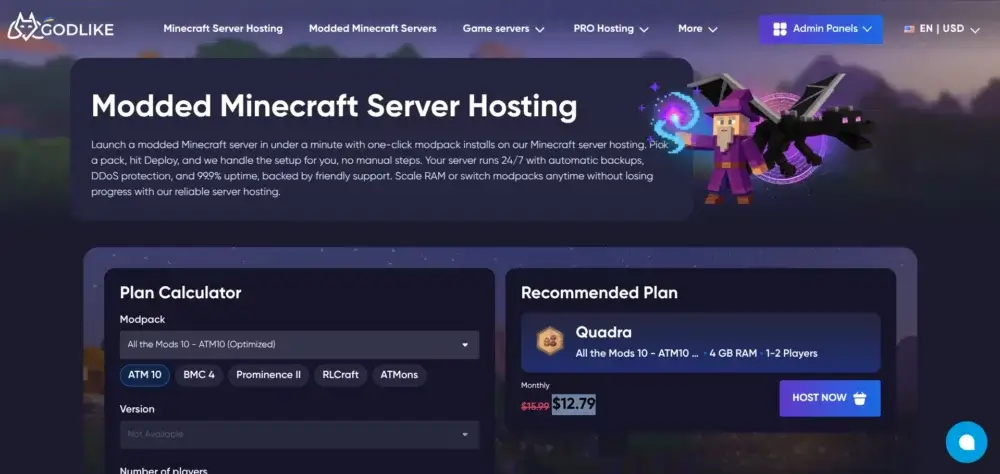
Godlike.host uses its own AMD Ryzen/EPYC bare-metal nodes with NVMe storage and Path.net L3–L7 DDoS filtering, then combines these features with a clean control panel, one-click modpack installs, and automatic backups. With regions across North America, Europe, Asia, and Australia plus strong technical support, it’s a dependable choice for modded Minecraft servers in 2026.
Right after launching your Minecraft server, you’ll get access to the control panel to manage your modpacks. Beyond one-click installs, it’s designed for common real-world problems: uploading a custom pack when you are not using a library preset, reducing crashes from conflicting or client-side mods, running common server commands without memorizing syntax, and even moving the server to a closer region when your player base shifts.
Whether you’re running a small modded server for friends or growing to a larger community, Godlike.host offers versatile plans that let you match RAM and resources to your modpack size. Support is available 24/7/365 for setup, migration, or troubleshooting.
- Pre-installed Mods Available: 18,000+
- Supported Libraries: Forge, Fabric, and Quilt.
| Pros |
Cons |
- Swift upload of custom mods
- Easy management and mod optimization
- Built-in console command selector for Java Edition servers
- CPU headroom and high storage speed for running heavy modded Minecraft servers for many players
|
- Migrating a modded server over from another host may take some extra time
|
2) Bisect Hosting
BisectHosting is a solid choice for modded servers because it embraces the full modpack lifecycle: install a pack, update it cleanly, roll back when something breaks, and keep file access straightforward for manual tweaks. If you run popular packs or like experimenting with different versions, the ecosystem around modpacks and server management is one of its main strengths.
It’s also a good fit when you expect to ask for help. Modded issues often come down to logs, version mismatches, absent dependencies, or broken configs. This is where a host’s support quality matters more than marketing features, and Bisect is commonly chosen by admins who value responses that actually involve reading the logs and fixing the issue rather than generic copy-paste replies.
- Price:$17.99/month (6 GB plan; cheaper plans available)
- Pre-installed Mods Available: 2,300+
| Pros |
Cons |
- Strong modpack focus
- Clear server management workflow
- Excellent customer support
|
- Higher prices for plans with sufficient resources for demanding modpacks
|
3) Voltra.gg
Voltra.gg offers Minecraft hosting from $3.99/month, with 2–48 GB DDR5 RAM, AMD EPYC/Ryzen CPUs, and unmetered NVMe storage subject to fair use. The 2 GB plan suits lighter servers; Voltra recommends its $15.99/month 8 GB option for modded Minecraft. Its panel includes file management and SFTP for custom configurations without relying solely on presets.
Voltra supports 1,000+ one-click modpacks, including CurseForge and Modrinth, plus Forge/Fabric servers and custom mods. DDoS protection comes standard, with advanced profiles for dedicated IPs. A two-day trial turns into a paid subscription unless canceled. New York and Amsterdam are confirmed locations; regional availability is limited.
- Price: from $3.99/month
- User score: 4.3/5 on Trustpilot (8 reviews)
- Pre-installed Mods Available: 1,000+ modpacks; one-click catalog installs
- Supported Libraries: Forge, Fabric; Bukkit, Spigot, Paper, Purpur
- Custom Mod Support: +
| Pros |
Cons |
- 2-day free trial without an upfront charge
- Up to 48 GB DDR5 RAM and NVMe SSD storage
- One-click modpack library with 1,000+ listed packs
|
- Fewer publicly documented live locations than some larger hosts
- Unmetered NVMe storage is subject to a fair-use policy
- 2 GB starting plan is below Voltra's recommended 8 GB modded tier
|
4) OuiHeberg
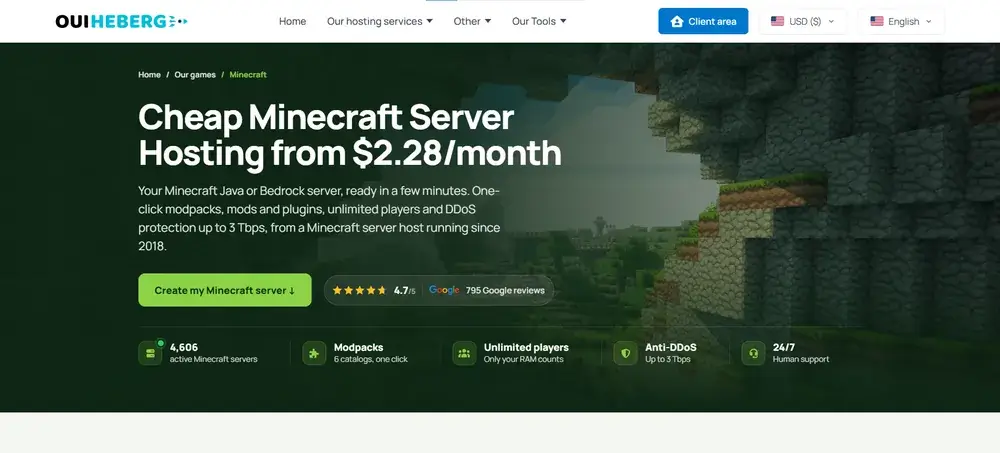
OuiHeberg is a French hosting provider running Minecraft servers since 2018 on its own network (AS208226), giving it greater control over routing arrangements. Its Minecraft Start plan begins at $2.28/month and includes 4 GB DDR4 ECC RAM, two virtual CPU cores, and 20 GB NVMe storage. Servers are available in France, Germany, the United States, Canada, and Australia. Pricing includes French VAT and varies by billing country.
OuiPanel provides one-click modpack installation from six catalogs, including CurseForge, Modrinth, Feed The Beast, ATLauncher, Technic, and Void’s Wrath. OuiHeberg lists 2,000+ modpack pages and supports Forge, Fabric, and NeoForge. Plans include unlimited player slots, scheduled backups, NVMe storage, DDoS protection up to 3 Tbps, and 24/7 human support. Actual player capacity depends on server resources; the entry-level plan has two backup slots and a 20 GB storage limit.
- Price: from $2.28/month (displayed with French VAT; country-dependent)
- User score: 4.5/5 on Trustpilot (765 reviews)
- Pre-installed Mods Available: One-click access to six catalogs (2,000+ listed modpack pages)
- Supported Libraries: Forge, Fabric, NeoForge
- Custom Mod Support: +
| Pros |
Cons |
- Own network (AS208226); Minecraft hosting since 2018
- One-click mods and modpacks from six catalogs
- DDoS protection up to 3 Tbps and 24/7 human support
|
- DDR4 ECC memory rather than DDR5
- Cheapest plan includes only 20 GB of NVMe storage
|
5) Apex Hosting
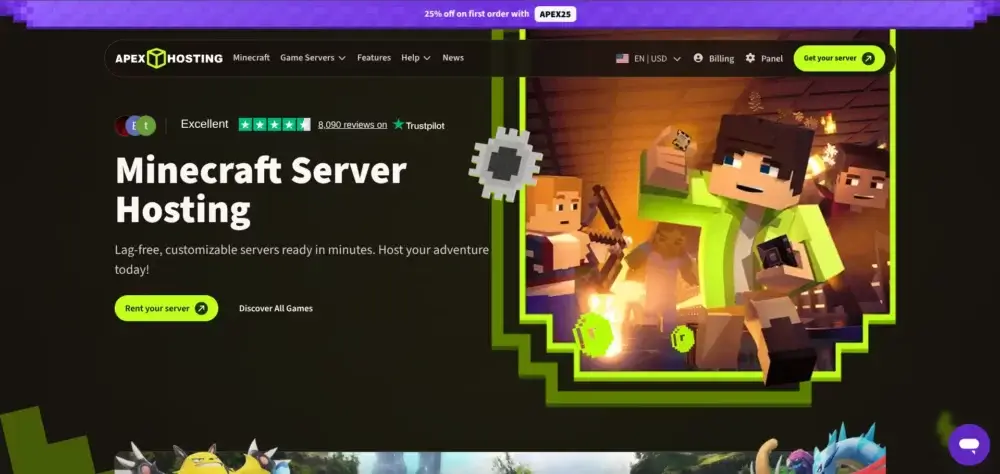
Apex stands out when you care less about fiddly admin details and more about getting a modded server up and running it correctly. Modded hosting can be intimidating because of loaders, pack versions, and client-server matching. Apex offers guides, onboarding, and “do this next” documentation so newer admins do not get stuck on the basics.
It is also a solid choice when your group wants common modded setups without a lot of custom work. If the plan is to run established Forge or Fabric packs and you want straightforward management with backups and support, Apex is usually comfortable for that.
- Pre-installed Mods Available: 200+
- Supported Libraries: Forge, CraftBukkit, Spigot, Fabric, and Paper.
| Pros |
Cons |
- Beginner-friendly workflow
- Large knowledge base with detailed guides on running modded Minecraft servers
- Smooth mod installation
|
- High price
- Limited number of pre-installed mods
- Access to all pre-installed modpacks isn’t available in budget-friendly hosting plans
|
6) G-Portal
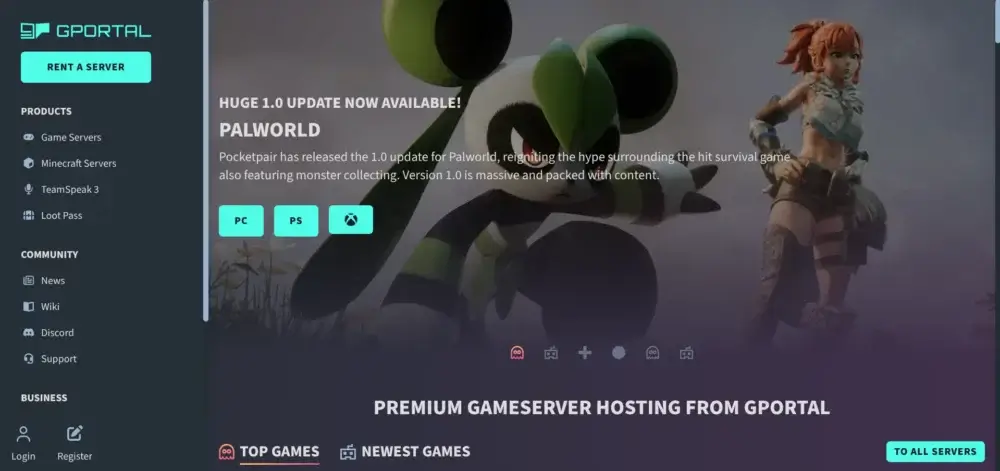
G-Portal is often chosen for its geographic flexibility and simple “pick a region and go” approach. If your players are spread out, the ability to choose a nearby location can matter as much as raw specs. That is especially true for modded servers where lag feels worse during chunk loading, automation, and boss fights.
For modded servers, the key thing to keep in mind is that some modpack workflows may be more manual. If you are comfortable uploading and modifying packs via file access and keeping your pack versions organized, it's still a good fit. Just do not treat it like a host that is built entirely around a huge one-click modpack library.
- Pre-installed Mods Available: 250+
- Supported Libraries: NeoForge, Fabric, Forge, and SpongeVanilla
| Pros |
Cons |
- Advanced and easy mod management
- Regularly updated mod library
- Smooth installation of custom mods
|
- Overwhelming UI of the control panel
|
7) Shockbyte
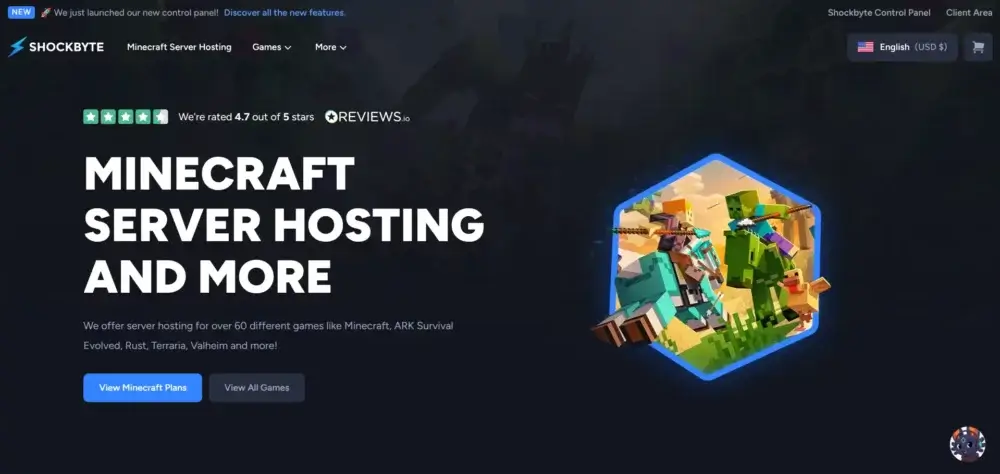
Shockbyte is usually considered when price matters and you still want the basics for modded servers: modpack support, protection, backups, and a panel that does not fight you. It can be enough to start playing quickly for casual servers (friends, smaller communities, lighter packs).
The main thing to be realistic about is scaling. Modded servers can jump from “fine” to “needs more resources” fast when you add content mods, automation, or more players. Shockbyte works best when you choose an appropriate plan and leave room to upgrade if your mod list grows.
- Pre-installed Mods Available: 2000+
- Supported Libraries: Paper, CraftBukkit, Forge, FTB, Technic.
| Pros |
Cons |
- A rich collection of pre-installed mods
- Amazing user experience
- Swift setup of heavily modded servers
|
- Running a server even for a small group is pricey
|
8) GTXGaming
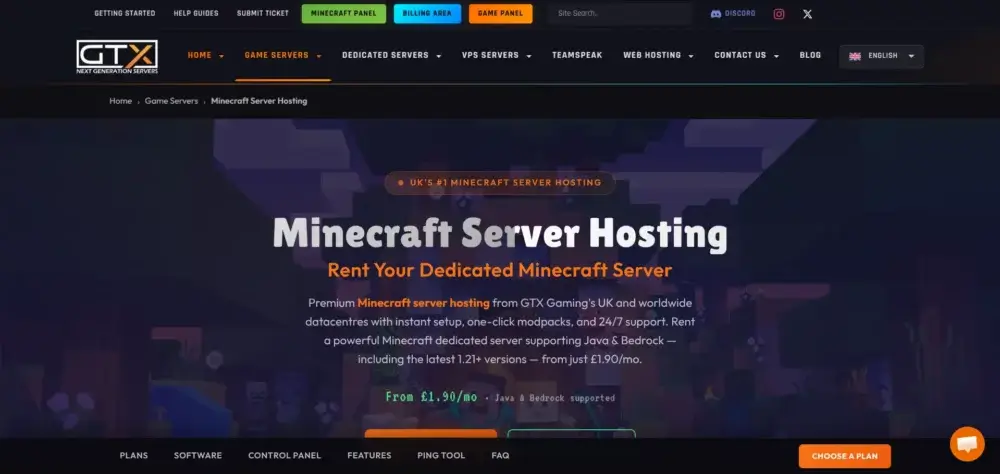
GTXGaming is a workable pick when you prefer direct management over a heavily guided experience. If you are the type to edit configs, adjust launch parameters, and keep a close eye on logs, it’s better suited to that admin style than hosts that aim purely at beginners.
It’s also helpful for modded servers where you do not want to be boxed into a single “approved” workflow. Being able to manage pack files, swap versions, and maintain your server structure matters if you run custom packs or do frequent modlist changes.
- Pre-installed Mods Available: 5,000+
- Supported Libraries: Spigot, Forge, NeoForge, Fabric, FTB, Technic, Modrinth
| Pros |
Cons |
- Support for hybrid mod platforms, such as Mohist and Arclight
- Easy setup of custom mods
- No need for manual JAR management, and SFTP is available when needed
|
- Using the control panel may be difficult for beginners
|
9) Nodecraft
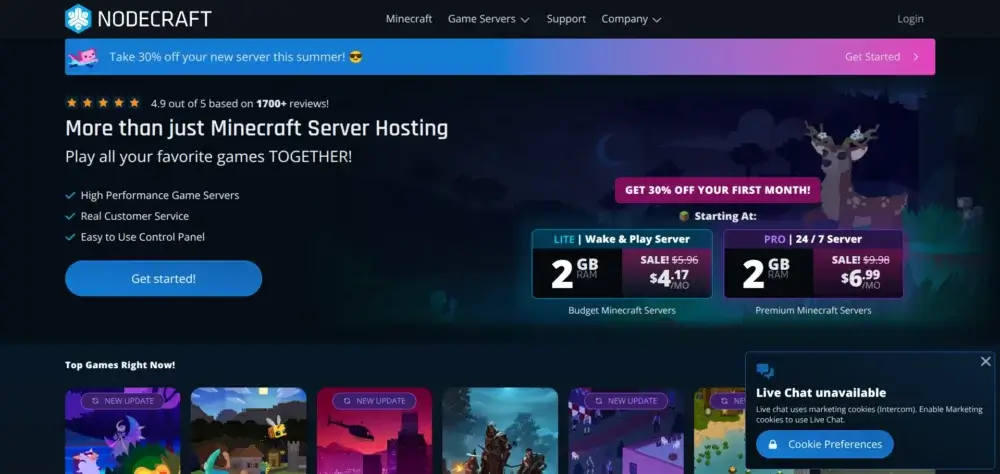
Nodecraft is attractive if you care about panel UX and safer iteration. Modded servers break. Having a workflow that supports backups and makes switching between modpacks or configurations feel controlled (rather than risky) is a real advantage when you are testing packs or updating often.
Its platform is also known for supporting a wide selection of modpacks, which makes it easy to spin up a server, try a pack, and pivot without rebuilding everything from scratch.
- Pre-installed Mods Available: 520+
- Supported Libraries: Forge, NeoForge, Fabric
| Pros |
Cons |
- Mobile app for remote server management
- Great control panel design and easy mod management workflow
- Official Pixelmon collaboration
|
- Expensive Minecraft hosting
- Limited variety of supported libraries
|
10) ScalaCube
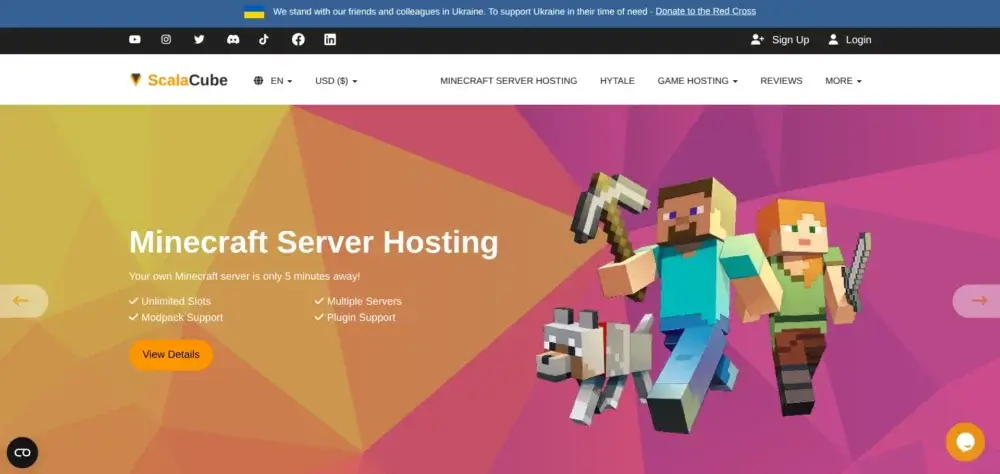
If you are looking for budget-friendly Minecraft hosting to have some fun with your friends and test different mods, ScalaCube may be an excellent option. It offers a simple control panel to manage mods and plugins on your server. The platform offers a variety of plans, so you can choose an option that fits your needs.
In addition to a big library of pre-installed mods, ScalaCube also offers DDoS protection, automated backups, and swift server deployment. Further, if you plan to build a community, you’ll always be able to upgrade your plan to maintain high TPS and reduce latency.
- Pre-installed Mods Available: 3,800+
- Supported Libraries: Forge, FTB, Technic.
| Pros |
Cons |
- Beginner-friendly modded server setup
- Direct integration and installation support for popular mod libraries.
- Variety of pre-installed mods for different server setups
|
- Outdated user control panel
- Slow customer service response
|
How to Choose Modded Minecraft Server Hosting for You?
Modded Minecraft punishes the wrong plan fast. A server that feels fine in vanilla can start rubber-banding the moment you load a bigger pack, generate new chunks, or add automation. Use the checklist below to pick a plan that keeps your server stable as your world and player count grow.
- Use our RAM calculator first. If you’re not sure where to start, Godlike.host includes a built-in RAM calculator for modded servers. Pick the modpack you want to run, estimate the world size and player count, and it will recommend suitable hardware characteristics (and a matching plan estimate) so you don’t buy too little RAM and end up lagging. You’ll also see the discounted price shown for that plan (up to 50% off, depending on the current offer).
Minecraft RAM Calculator: How Much Memory Does Your Server Really Need?
- Pick the right region. Choose a location closest to where most of your players live. Lower latency makes combat, flying, and chunk loading feel smoother, and it reduces the “the server feels laggy” complaints that are really just distance and routing.
- Prioritize RAM, then CPU. Most modpacks are RAM-hungry, especially kitchen-sink packs and anything with lots of entities, machines, or dimensions. Start with enough RAM for the pack and leave headroom for player activity. After that, look at CPU strength, because TPS drops usually show up when the server is doing heavy tick work (mob farms, automation chains, big bases, or lots of chunk loading).
- Make backups non-negotiable. For modded servers, backups are not just nice to have. A bad mod update, a corrupted region file, or a broken config can wipe out hours of progress. Look for scheduled automatic backups and a quick-to-use restore flow, plus options to keep a few older versions of the world.
- Choose a panel that makes modded admin easy. You will eventually need console access, logs, and file management. A good panel also makes it simple to install or switch modpacks, edit configs safely, and upload custom files without fighting the UI.
- Confirm file access (SFTP/FTP) before you buy. Modded servers often require manual config tweaks, adding server-side mods, or fixing mismatched files after updates. SFTP/FTP access (or an equivalent full-featured file manager) can turn a problem into a quick fix rather than a support ticket.
- Don’t ignore security and permissions. Keep DDoS protection enabled, use strong passwords, and limit who can access the panel. If you’re running a community server, role-based access for staff is a significant advantage, because it lets you delegate moderation without handing over full control.
- Plan upgrades like you’ll need them. Most modded servers start small and then expand: more players, bigger worlds, more mods, more automation. Check how easy it is to upgrade RAM/CPU and whether planned upgrades require a migration, downtime, or surprise fees.
Advantages of Minecraft hosting for heavy modpacks vs. Self-Hosting
A good host takes the pain out of modded servers: quick setup, a modern control panel, automated backups, DDoS protection, and low-latency regions, plus the modded essentials like simple modpack installs, easy config management, and straightforward file access when you need to troubleshoot. Whether you want a private modded world for a few friends or you’re building a bigger modpack community, the picks from our top are set up to get you online fast and keep your server stable.
Play on the Best Modded Minecraft Server Hosting 2026
Are you looking forward to launching your custom Minecraft world online but still hesitate about which provider to choose? Godlike is the best overall choice because our platform strikes a great balance among price, customization, customer support, performance, and reliability. Thanks to this combination and regularly updated hardware, you’ll be able to not only run an online Minecraft world to play with friends but also turn it into a community server.
Our team will ensure the best experience for you by providing efficient support via live chat or Discord, with an average first response time of 1 minute. You’ll also have access to additional tools and a useful knowledge base on our website, where you can find tips and tricks that will help you improve your Minecraft gaming experience.








 en | USD
 CHAT WITH GODLIKE TEAM