OMG! Insane Sale!
Godlike

Minecraft SMP Server Hosting

Launch your Minecraft SMP server in under a minute and start playing with friends without manual setup. Godlike handles server configuration, 24/7 uptime, automatic backups, DDoS protection, and friendly support. Scale RAM, manage players, adjust settings, and keep your world online with reliable Minecraft server hosting.

How Minecraft SMP Server Hosting Works

Step 1

Choose Server Setup

Choose the Minecraft SMP setup that fits your server: private survival, public community, friends-only world, or plugin-based gameplay.
Step 2

Deploy Server

Launch your Minecraft SMP server with one click. It is ready in under a minute with CPU, RAM, ports, and storage configured automatically.
Step 3

Customize Settings

Use the control panel to adjust RAM, change Minecraft versions, manage plugins, schedule backups, and configure your server without reinstalling or losing your world.
Step 4

Invite Friends

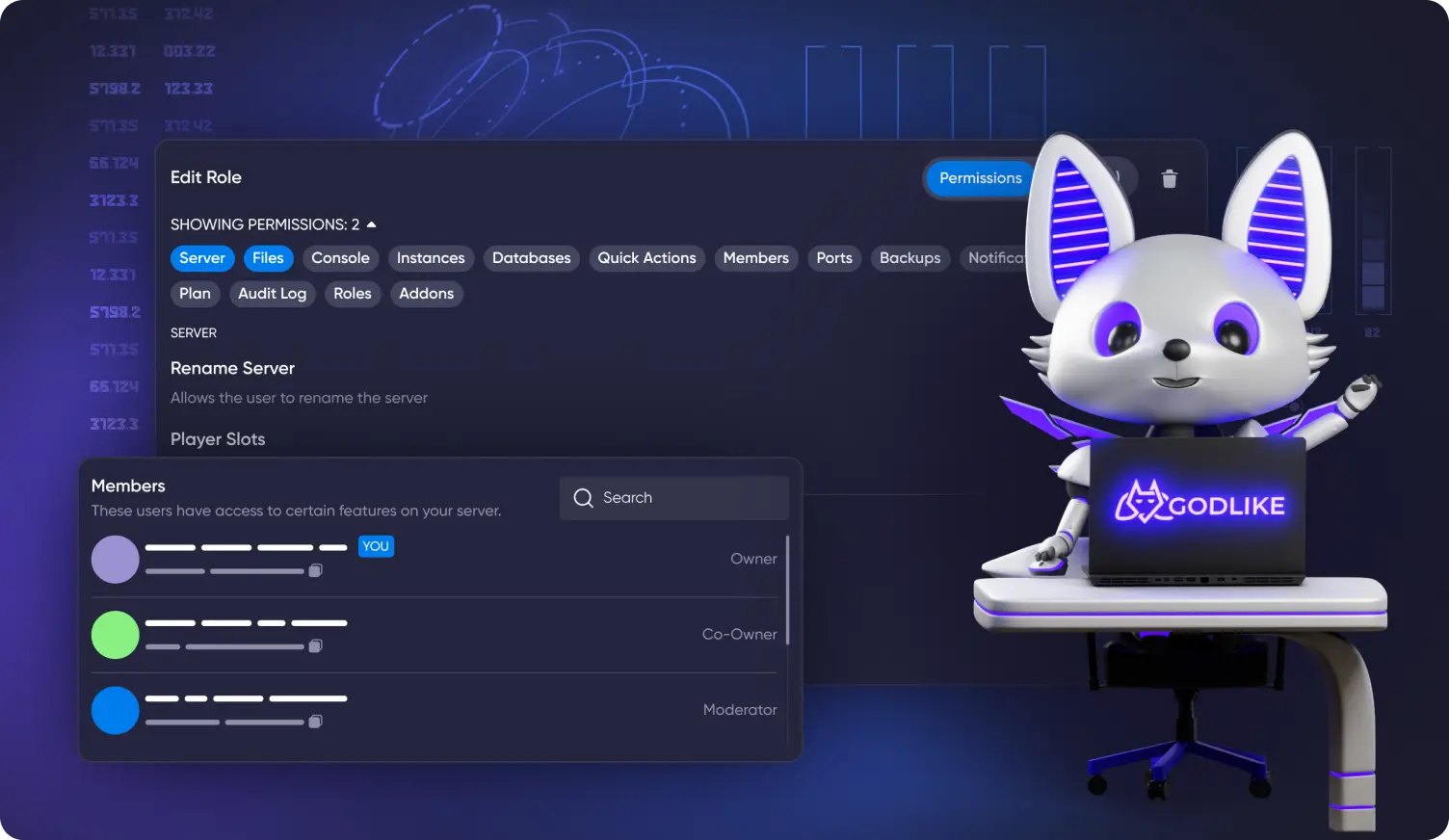
Send invites via email or Discord, share your server IP/domain, manage access, assign roles, or keep your SMP private. Only approved players can join your Minecraft server.
Step 5

Enjoy Play

Jump into smooth, low-latency Minecraft SMP gameplay with automatic backups, DDoS protection, and 99.9% uptime. Build, survive, explore, and grow your world with friends.

What players say about our SMP Minecraft

Rating: 4.8/5 126 reviews
Austin from United States, 09 Oct, 2026 | 04:07
5.0

Minecraft Java · Ultra — 6 GB · 4 months with Godlike

What I liked: Speed, Support, Panel, Stability

Deadrider from United States, 06 Oct, 2026 | 20:49
5.0

Minecraft Java · Ultra — 6 GB · 2 months with Godlike

What I liked: Stability

Lily from United States, 06 Oct, 2026 | 20:37
5.0

Minecraft Java · Unstoppable — 8 GB · 1 month with Godlike

What I liked: Speed, Support, Price

Start Your Minecraft SMP Server in One Click

Launch a Minecraft SMP server in under a minute and start playing with friends or your community. Godlike keeps the setup simple for beginners and flexible for server owners, with quick deployment, easy player management, backups, DDoS protection, and reliable server hosting.

What is a Minecraft SMP Server?

A Minecraft SMP server is a survival multiplayer world where players can build, explore, trade, fight, create communities, and progress together in the same shared world. Unlike a single-player world, an SMP server stays online so friends or community members can join when they are available.

Running a Minecraft SMP server with Godlike makes the process easier because you do not need to manage complex technical setup by hand. You can launch your server quickly, invite players, manage access, adjust settings, install plugins if needed, and keep your world online with stable Minecraft server hosting.


Minecraft SMP Server Hosting FAQs

  • How much RAM do I need for a Minecraft SMP server?

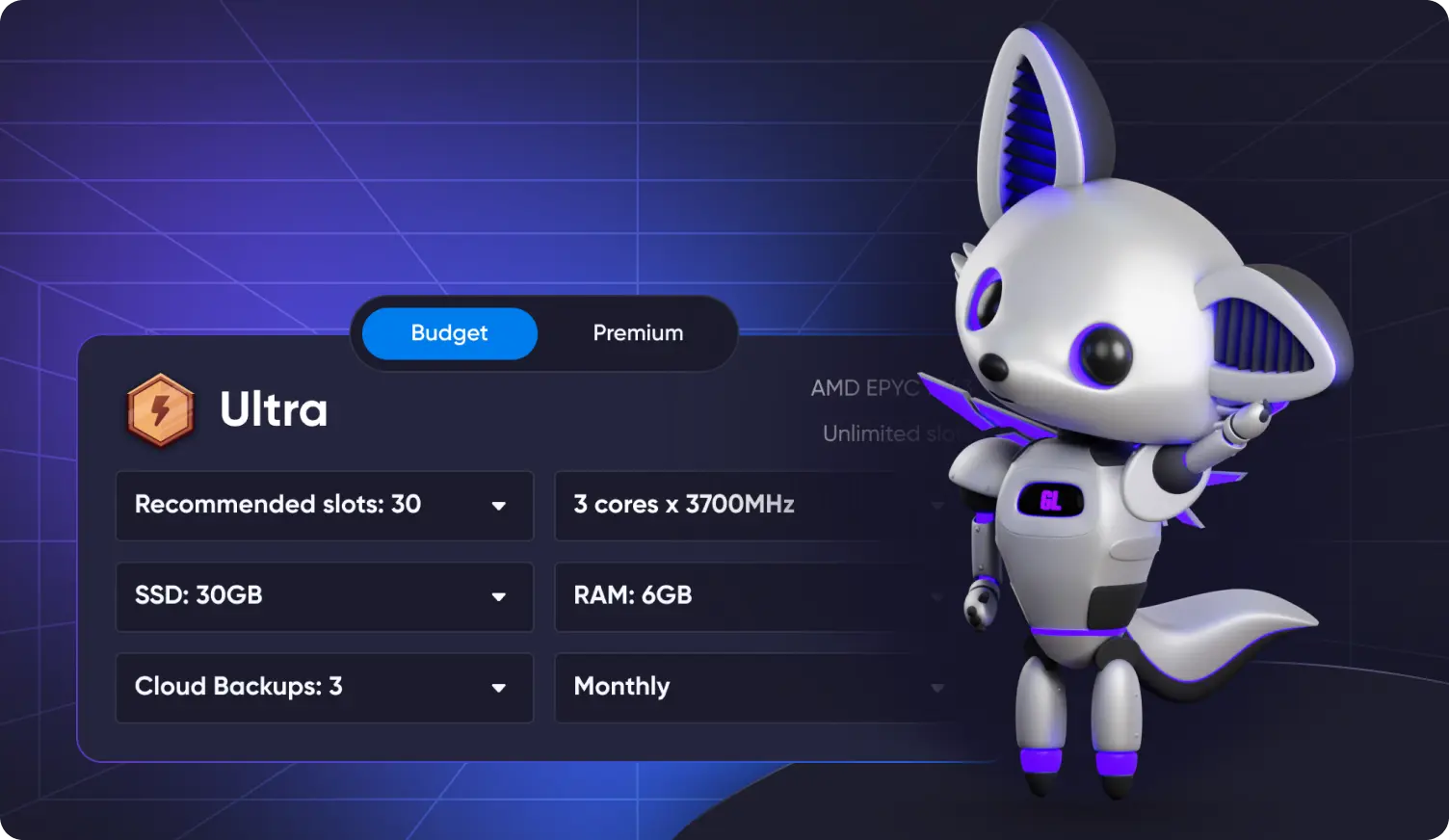
    The RAM you need depends on your player count, world size, plugins, farms, and activity on the server. A small private SMP with friends needs less RAM, while a public community server with many players and plugins needs more resources. You can start with a suitable plan and upgrade later if your server grows.

  • Why is Ryzen 9 9950X3D better for Minecraft?

    Minecraft server performance depends heavily on strong single-core CPU speed. Ryzen 9 9950X3D helps deliver smooth performance for survival multiplayer, exploration, farms, redstone, and larger worlds where stable TPS matters.

  • Can I use plugins on my Minecraft SMP server?

    Yes. You can install plugins through the control panel or upload them manually if needed. Plugins can help you add claims, economy, ranks, moderation tools, teleport commands, anti-grief protection, and other SMP features.

  • How do I connect to my Minecraft SMP server?

    Open Minecraft, go to Multiplayer, choose Add Server, and paste the server IP or domain from your control panel. After that, click Join. If your server uses a whitelist or roles, make sure your Minecraft username is added in the panel.

  • Will my Minecraft SMP server run 24/7?

    Yes. Your server runs in the cloud 24/7, so your PC can stay off. With uptime monitoring, DDoS protection, and automatic backups, your Minecraft SMP world stays online and safe for your players.

  • Can I make my Minecraft SMP private?

    Yes. You can keep your SMP private by using a whitelist, sharing the server IP only with approved players, and managing access through the control panel. This is useful for friends-only servers, private communities, or invite-only survival worlds.

  • Can I upgrade my Minecraft SMP server later?

    Yes. You can upgrade RAM or server resources later as your player count, world size, or plugin setup grows. We recommend creating a backup before major changes, but your world and progress can stay intact.