







 en | USD


 CHAT WITH GODLIKE TEAM





 Stripe Climate Member






Yes. Players from any country can connect to your Quake Live server.


💥 Premium Hosting. Minimal Price. Save 75%!
03
00
00
Free server
To get acquainted with the interface of the game server. Needs to be extended every 3 hours
 Free
Free
10 slots
1 GB Ram
1 Day
What players say on Godlike
Angelchuya,
11 Oct, 2026 | 00:09
5.0

ty
Godlike player,
03 Oct, 2026 | 04:14
4.0

What I liked: Speed
Paul,
27 Sep, 2026 | 14:05
5.0
What I liked: Speed, Support, Panel, Stability
DrThorium,
24 Sep, 2026 | 00:18
5.0
What I liked: Speed, Support
Maxm,
22 Sep, 2026 | 23:56
5.0
What I liked: Stability
Swisserino,
13 Sep, 2026 | 06:05
5.0
What I liked: Speed, Panel
Mythic,
11 Sep, 2026 | 02:07
5.0
What I liked: Speed, Support, Panel, Price, Stability
Zeke,
07 Sep, 2026 | 18:49
5.0
What I liked: Price
Lee,
05 Sep, 2026 | 21:15
5.0
What I liked: Price
Sayo,
20 Aug, 2026 | 09:58
5.0
Incredible support staff. UI is kinda clunky sometimes but every problem gets solved in MINUTES by support.

Personal firewall
Fine-tuning access for players, Quake Live IP address filtering and blocking unwanted activity
Unique text editor
Share a link to the config file safely without giving Quake Live Server file access!
Full custom Quake Live Server
Set up Quake Live Server mods and plugins, launch options, game version
SFTP file access
Manage Quake Live server files over SFTP for uploads, downloads, and manual edits (configs, logs).Godlike Host Advantages
We offer a wide variety of features that enhance your gaming experience and provide the most powerful hardware at the best price.
Multiple Quake Live servers
Create separate Quake Live server instances or link servers when needed.
Plans and pricing
Choose a plan based on player slots and server load. Upgrade anytime as you scale.
Server management via Discord
Conveniently manage your Quake Live Server through our Discord bot
Exclusive support
A personnel manager with extensive experience will take care of your Quake Live ServerQuake Live Server Hosting Resources
We have many great resources to guide your game server hosting journey.
Quake Live Wiki
Find answers to Quake Live Server questions, mod setups, plugin installs, troubleshooting, news, and in-game guides here!
Check Quake Live server ping
Quickly check your Quake Live server ping to ensure everything is running smoothly for you and your team's gameplay!
Quake Live Server Status
Instantly receive up-to-date information about the Quake Live Server Status. See if everything is working or if something went wrong online.
Discord server management
Manage your server easily through Discord. Set up notifications, configure the server, and more within your favorite messenger!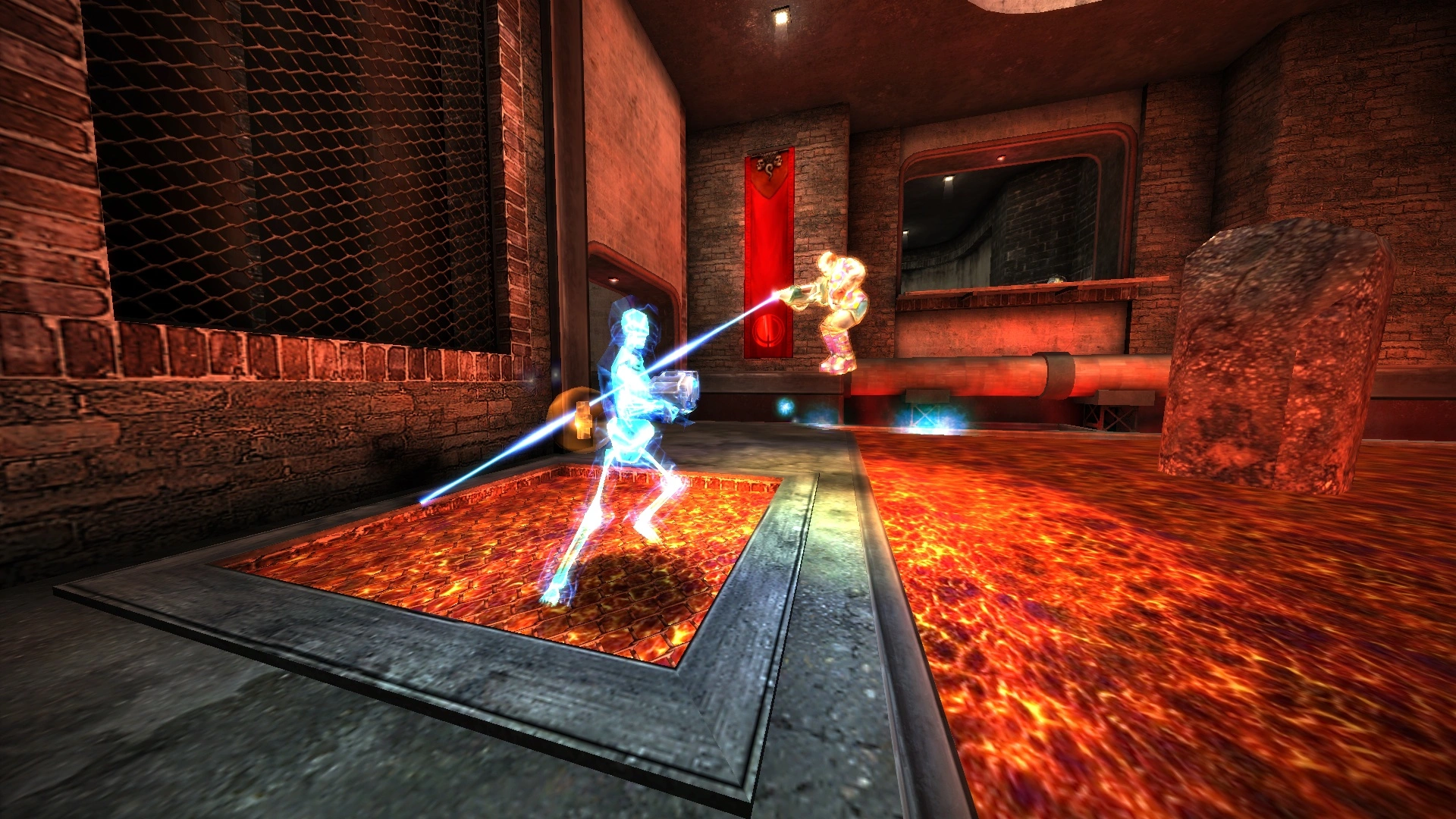
FAQ
Can people from other countries join my server?
What is Quake Live server hosting?
It’s a remote server that runs 24/7, so players can join without tools like Hamachi or RadminVPN.
How do I buy a Quake Live server?
Pick a plan and complete checkout. The server is deployed automatically after payment.
Do Quake Live servers run 24/7?
Yes. Your server stays online 24/7 while your billing plan is active.
How do I access the server settings files?
Use the Game Panel (Pterodactyl-based) to access and manage your server files and settings.
Can I upgrade or downgrade my server?
Yes. Open Settings → Upgrade/Downgrade. You’ll be charged a prorated amount and changes apply after payment.
Can I install mods or plugins?
Yes. Use the built-in mod installer/updater to install supported mods for your Quake Live server.
How often are backups made, and can I restore?
You can have up to 3 backups per day. Restore from a backup when needed.
How long does setup take?
Usually up to 5 minutes.
How much does Quake Live server hosting cost?
Pricing depends on the plan. Check the plans on this page and pick the option that fits you.


Starting at $8.00


Starting at $4.00

Starting at $4.00
Starting at $2.00


Starting at $2.00
Godlike Quake Live Servers Hosting
- Quake Live game hosting
- Quake Live game hosting
- Main game modes
- How to set up Quake Live Server Hosting
- Supported Games & Software
- Why host Server Hosting at Godlike.Host
- Security and reliability
- Pricing and plans
- Start Your Quake Live Game Server Today
Quake Live game hosting
Godlike.Host has a variety of server options to meet your needs and budget. Quake Live Server Hosting is a robust and reliable hosting for your Quake Live gameplay. Rent your own powerful server and enjoy low latency and high performance. We build game hosting solutions with the best high-performance hardware and offer our clients 24/7 expert support and optimized networks with guaranteed uptime.

Join our Discord community!
Here you will find news, updates, promotions and exclusive offers. Get help from other players and our support team, and manage your server directly through Discord.
 Join Discord

