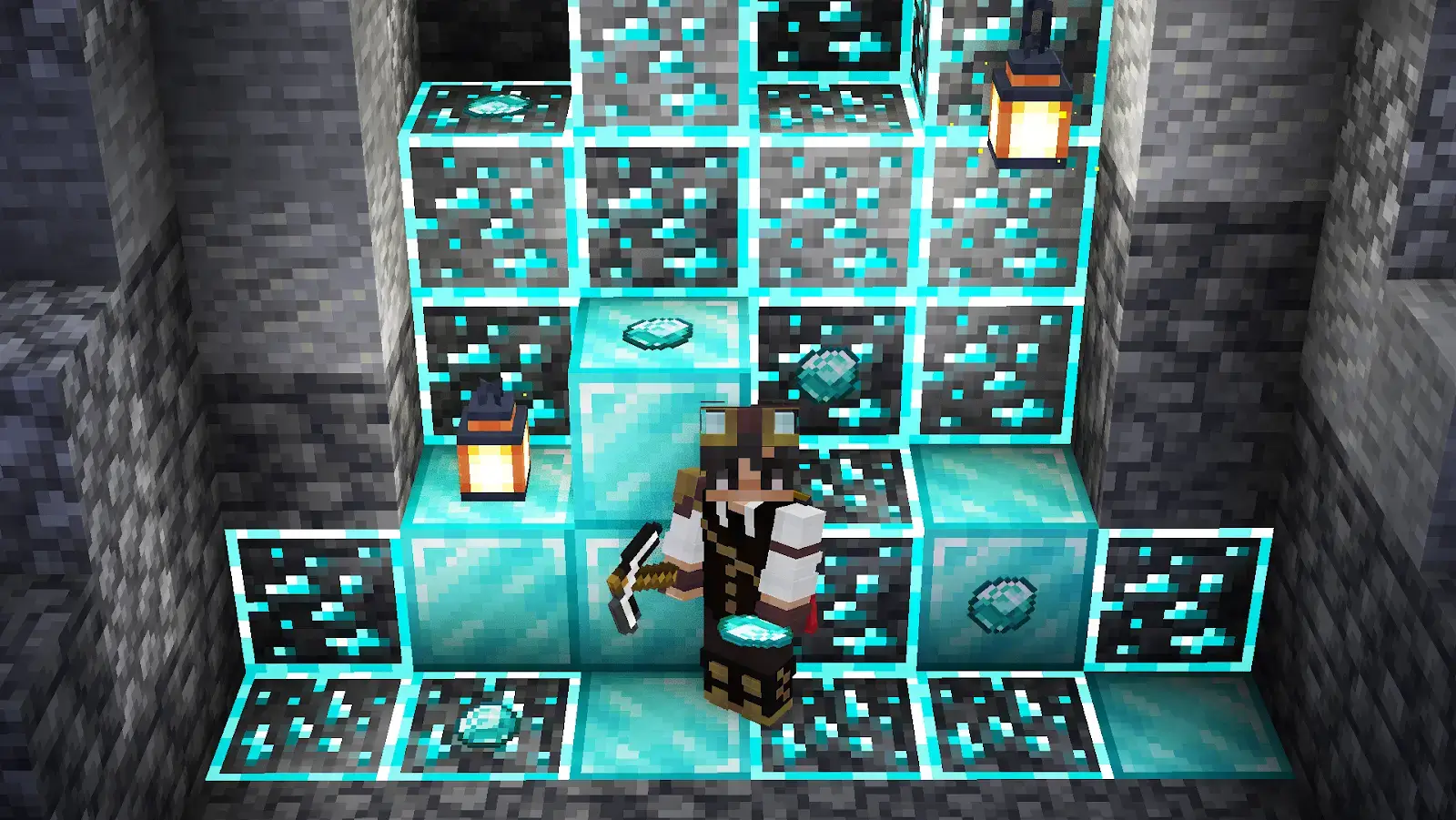
What Are Minecraft Shaders?
Minecraft shaders(just shaders afterwards) are community-created programs for the game that enhance graphics by overhauling the game's lighting, shadows, water and general atmosphere. There are a lot of different shaders differing in looks, productivity, how much they change the game, etc.

Make your own FREE minecraft server
MINECRAFT FREE SERVER
How to Install Shaders Minecraft (Java & Bedrock) Edition
Before installing the shaders themselves, find you which version of the game you use, Java Edition or Bedrock Edition?
Minecraft Java Edition (OptiFine / Iris / Oculus) Shaders
For Java Edition you need a specific mod to actually make them work. For that, check which mod loader you use, Forge or Fabric? If you use Forge, you can install either OptiFine or Oculus mods. If you use Fabric Iris Shaders is the way to go. After this, find a shader pack you would like to install and download the .zip file. Then locate your game’s folder. In the game's folder find a folder called “shaders”, open and drag&drop the shader pack there(.zip file). Installation is done, don’t forget to enable the shaders in the video settings in the game itself.
Minecraft Bedrock Edition (Resource packs)
For Bedrock Edition you need to find the shader pack you would like to install(file extension is different from the Java Edition, it should be .mcpack instead of .zip.). Download the file, open it upon the completion of the download. After that Minecraft should open and automatically import the shader pack. Then go to Settings > Global Resources > My Packs, select the shader pack you’ve downloaded earlier and enable it.
Why would you want to use Minecraft Shaders?
With that in mind, why would you want to use shaders at all? Well, as it was said, shaders are used to enhance a game's graphical appeal. Not to say that the original game, or as it is often referred as – vanilla, looks bad, absolutely not. However, shaders can help players fight the boredom from the vanilla looks after playing for a long time, also they add a certain atmosphere and vibe to the game which can enhance the player's general experience.
Basically, this is just a personal preference, a personalized way to make an already great game even better for yourself. I hope you’re already hyped up for installing some shaders yourself, so here are top 10 Minecraft shaders(based on community ratings).
The 10 Best Shaders for Minecraft
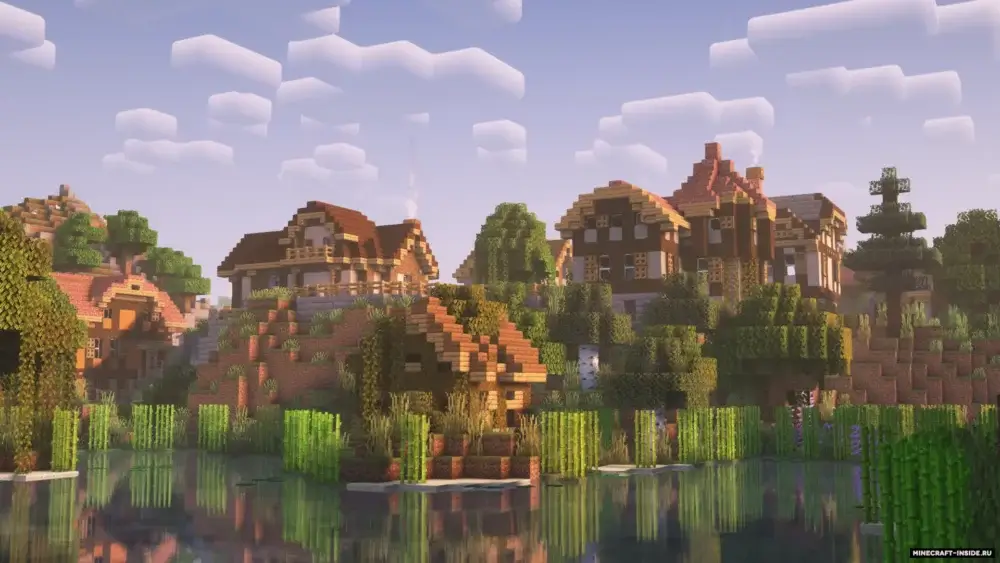
1) Complementary Shaders - Reimagined
This is the leading shader pack in the community for multiple reasons:
- Consistent maintenance and updates
- Clean yet powerful visual upgrade
- “Stay true to the Vanilla Minecraft vibe”
- Adjustable settings of the shaders themselves.
Link to download shader pack
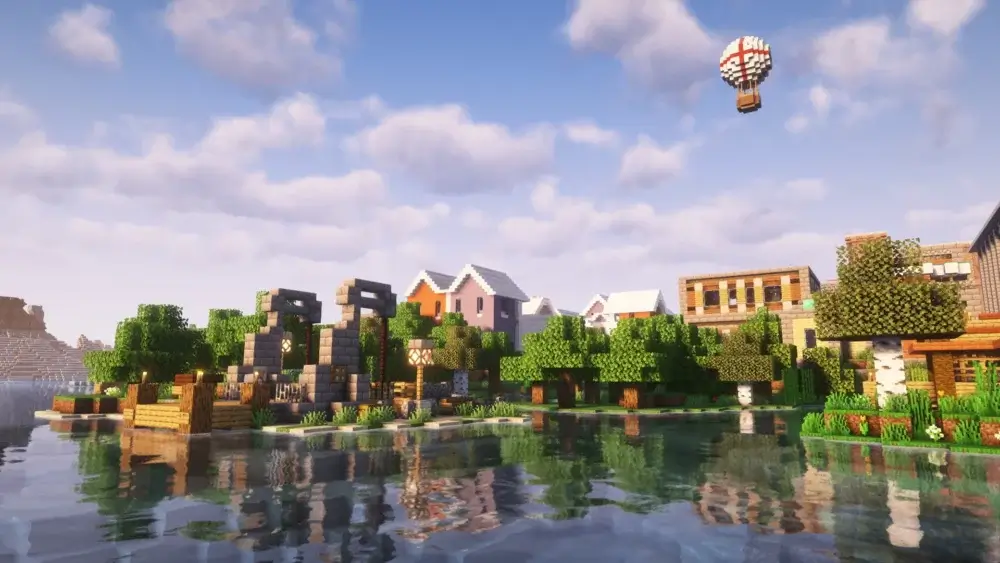
2) Complementary Shaders - Unbound
This is a different version of the shader pack from the same developers. Although this time, the shader pack casts aside the “Staying true to the Vanilla Minecraft vibe” and leans toward the realism. Realistic clouds, rounder shapes, changes to the water flow etc. Keep in mind that with the lean toward realism, you need to have better processing power to handle the shaders. All of the other pros of the Complementary Shader pack remain the same.
Link to download shader pack
3) BSL Shaders
This is the shader pack Complementary Shaders are based on. It provides a more lightweight option while still maintaining great looks.
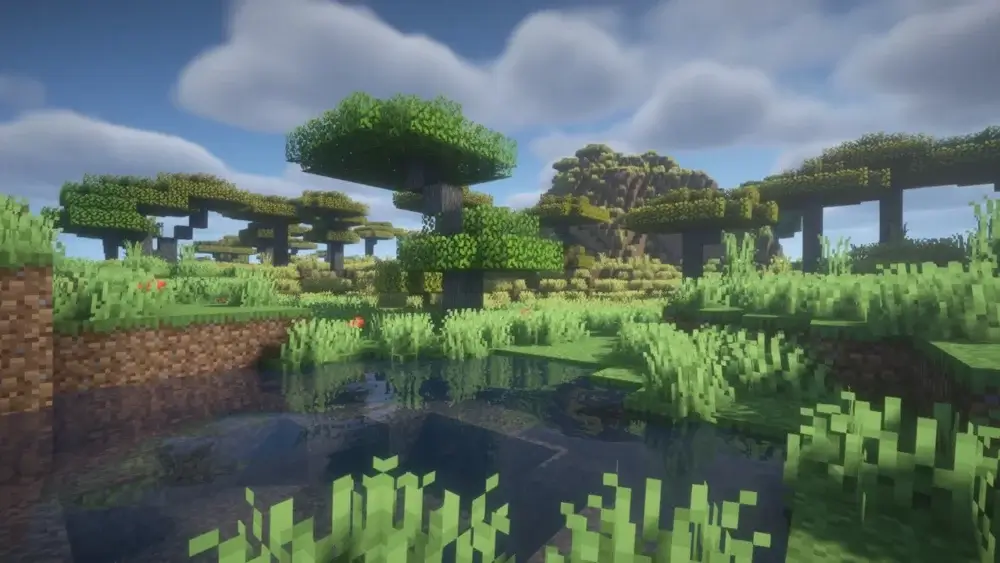
Link to download shader pack
4) Sildur’s Vibrant Shaders
Generally lightweight shader pack for those who want to add more color to the game. A perfect balance between Vanilla Minecraft and realism that most of the shaders strive for.
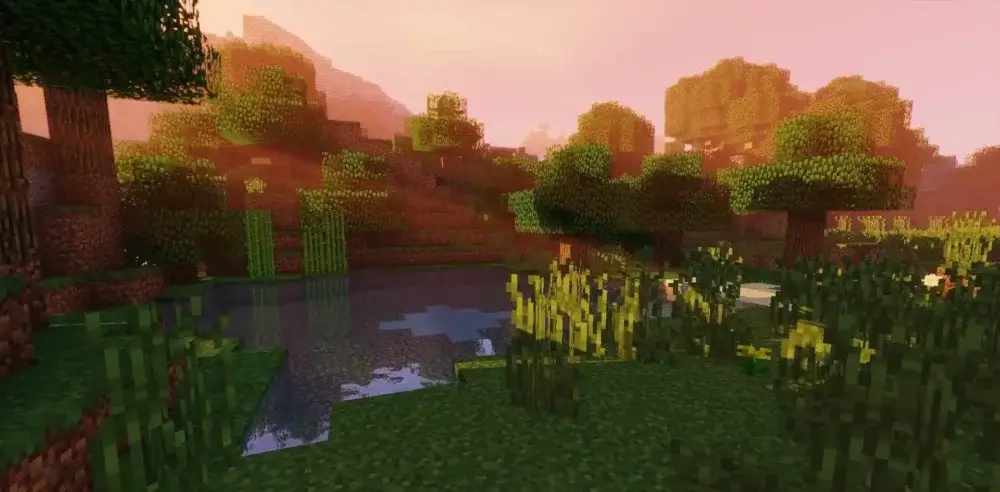
Link to download shader pack
5) Make Up - Ultra Fast
While this shader pak might not be as visually stunning as the others, it has a great advantage compared to all of them: performance. Like the name suggests, this shader pack would fit any PC, as long as it runs Minecraft itself.
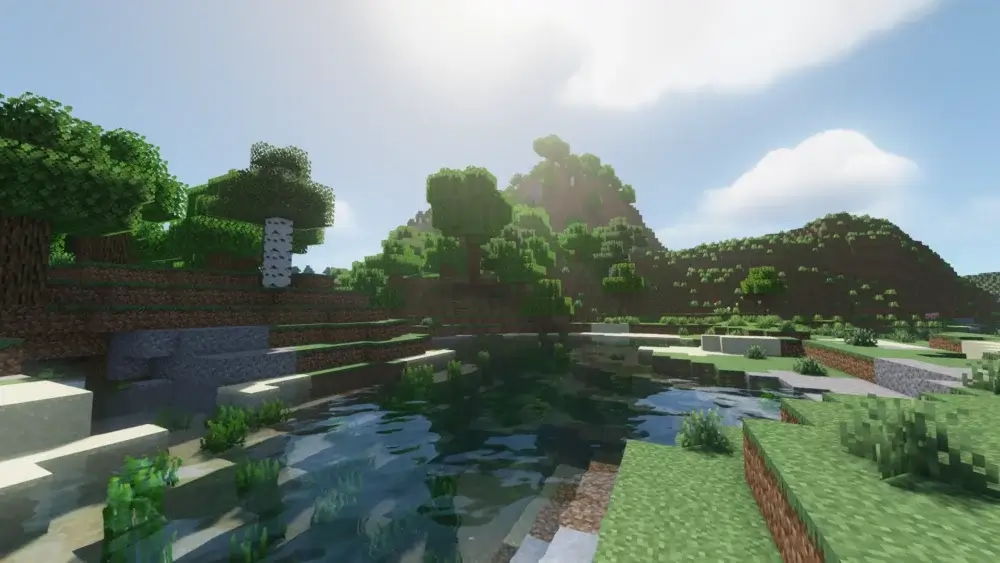
Link to download shader pack
6) Insanity Shader
Looking for a perfect texture pack to not hurt your eyes with brightness while gaming all night? Or maybe you just prefer a darker atmosphere? Insanity Shader got your back. Lots of customization options and good performance on most PCs.
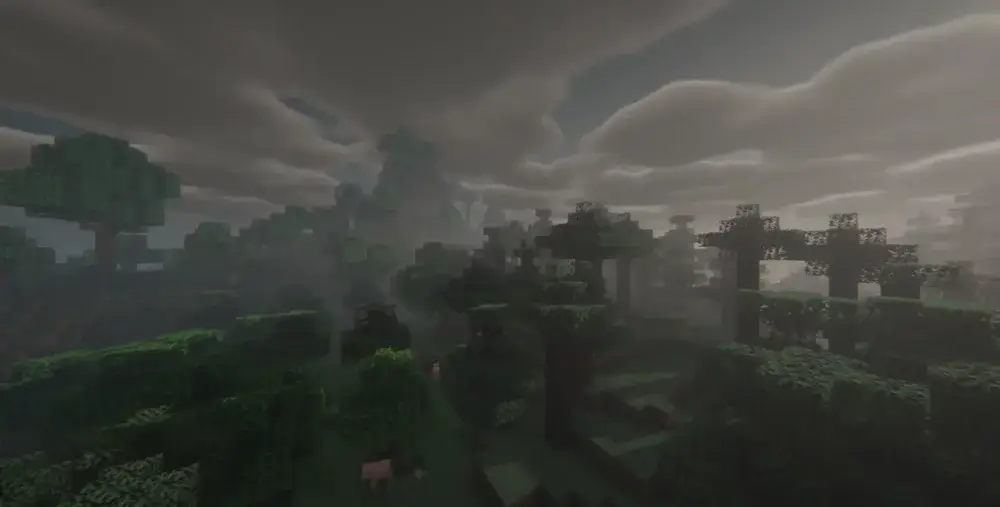
Link to download shader pack
7) Pastel Shaders
Looking for a shader pack that doesn't change the game too much, yet brings some visual enhancement alongside with warm, cozy and vanilla-like vibes? Pastel Shader is the perfect pick.
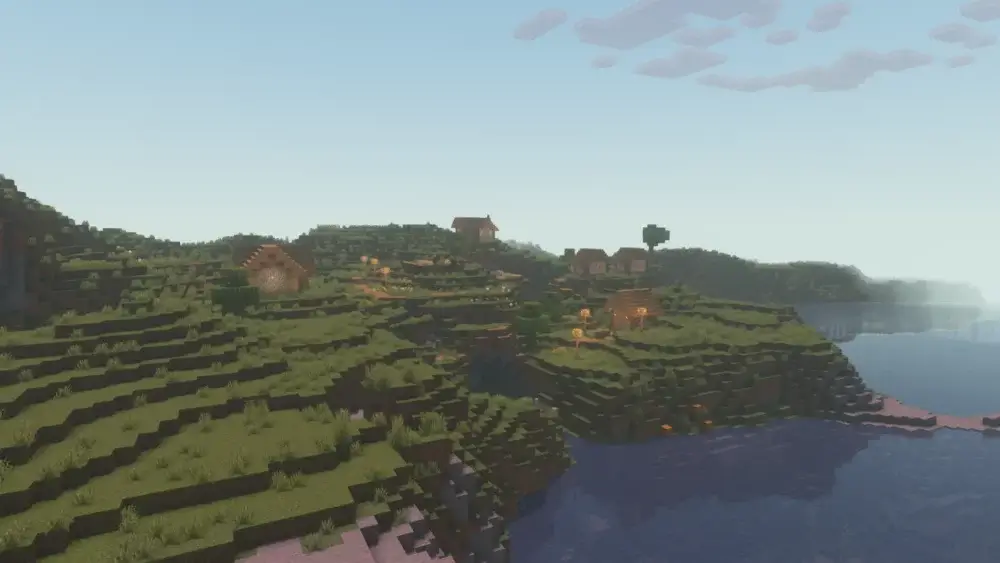
Link to download shader pack
8) Solas Shader
This shader will make your game feel way more immersive. Thanks to its cinematic filters and atmospheric effects, the shader pack will create a perfect gaming experience. It also has a huge focus on lighting, so the End and the Nether dimensions look especially stunning.
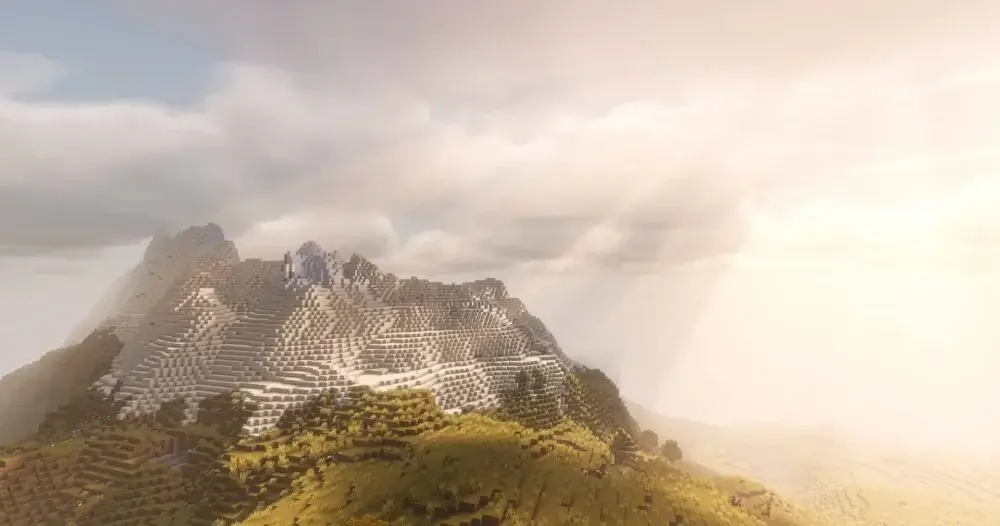
Link to download shader pack
9) Super Duper Vanilla Shaders
This shader pack is the recreation of a first official shader pack for Minecraft Bedrock Edition announced back in 2017 – Super Duper Graphics Pack. Why recreation you may ask? Well the official shader pack was unfortunately canceled. However, with a big effort from a certain developer, this shader pack has seen the world at last as a Java Edition shader pack. As the name suggests, this is a shader pack that aims to enhance graphics while keeping the general style vanilla-like.
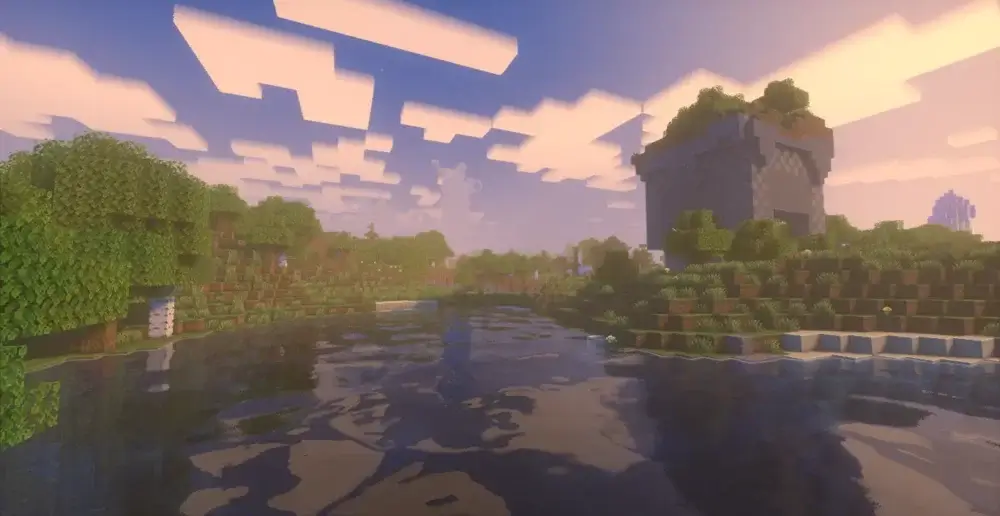
Link to download shader pack
10) Bliss Shaders
What started off as an edit of another shader pack – Chocapic13, with time evolved into a full blown standalone shader pack. Shader pack has an interesting approach to colors: they feel nice and fresh, yet without oversaturated colors that result in harder visibility.
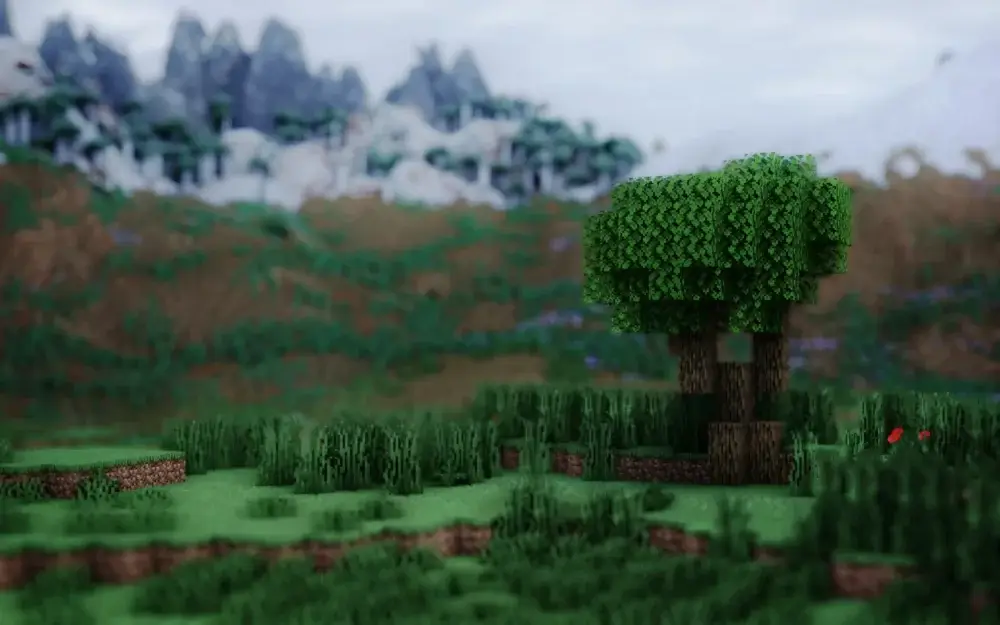
Link to download shader pack
Choosing the Best Shader for Your PC (Low, Mid, High)
Use this quick guide to pick the best shaders for low end PC, best shaders for mid range PC, or best shaders for high end PC—from fps friendly shaders to high quality Minecraft shaders.
Low-end PC or laptop (lightweight Minecraft shaders)
-
MakeUp Ultra Fast — best FPS-friendly option, still improves lighting.
-
Super Duper Vanilla — very light, keeps vanilla look with small upgrades.
-
Pastel Shaders — simple style, lighter than most realistic packs.
Mid-range PC
-
BSL Shaders — great balance of visuals and performance.
-
Complementary Shaders Reimagined — high quality with many settings to tune.
-
Sildur’s Vibrant Shaders — strong lighting and colors, usually runs well.
-
Solas Shader — cinematic filters and atmospheric lighting, moderate cost.
High-end PC (high quality Minecraft shaders)
-
Bliss Shaders — top visuals, heavy, best for powerful GPUs.
-
Complementary Shaders Unbound — maximum quality/features, needs more power.
-
Insanity Shader — cinematic look, higher cost, best on high-end setups.
If you get low FPS, start with the low end list and increase shader settings gradually.
Bonus
If none of the shaders were to your liking, here is a link to a website that contains hundreds of other shaders, we know there is something out there for anyone and we wish you luck in your search!








 en | USD
 CHAT WITH GODLIKE TEAM