


 en | USD


 CHAT WITH GODLIKE TEAM





What is a resource pack for?
The best 24/7 Minecraft server hosting resource pack is a specific set of models, sounds, or textures displayed in the game, replacing the originals.
We're all used to the vanilla graphics of Minecraft, but we shouldn't forget that there are plenty of interesting, beautiful, and unique resource packs that can change your gaming experience and add originality. In this article, you will learn how to install a resource pack for Minecraft Java Edition.
TIP
You can find more information about mods for Minecraft
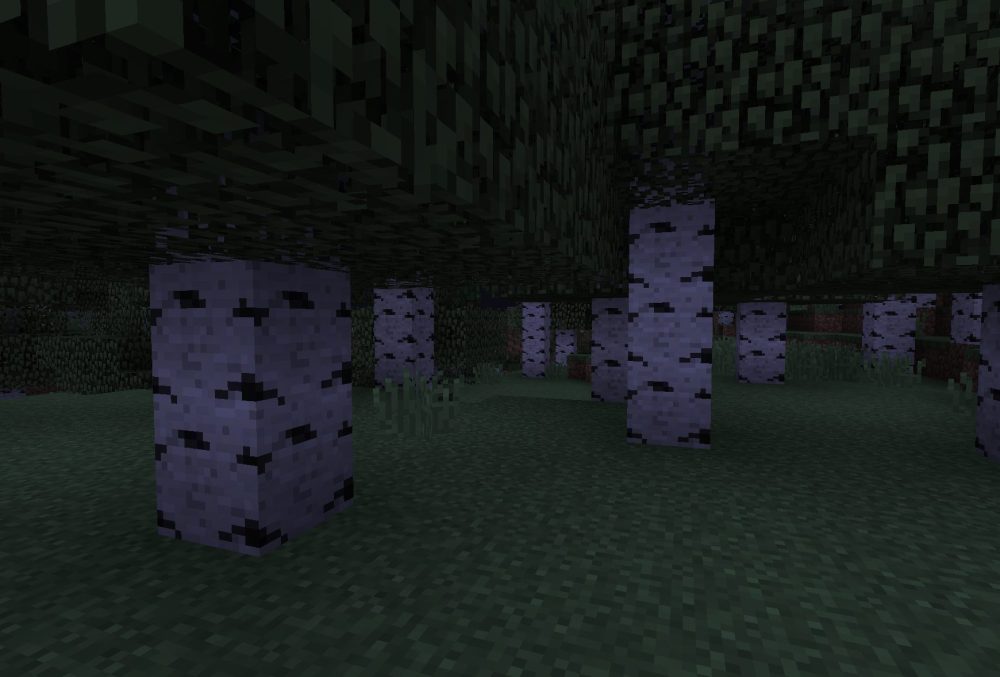
Regular Minecraft graphics:
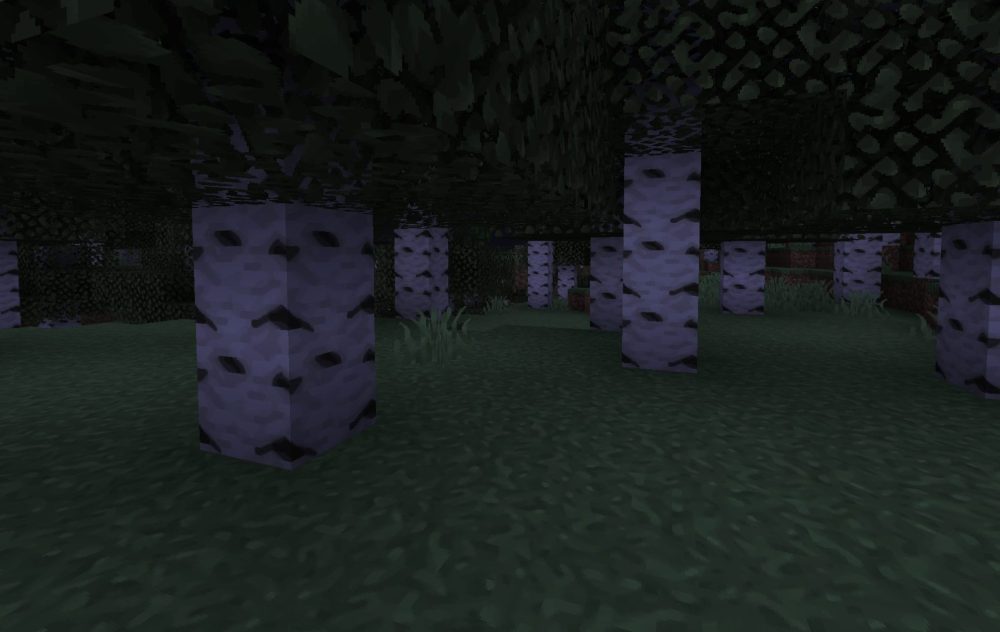
Modified graphics:
TIP
Learn more about installing a resource pack in Minecraft Bedrock Edition
How to install a resource pack for the game?
1) Find a resource pack on the internet that you like and download it (archive).
IMPORTANT
Make sure the resource pack corresponds to your version of Minecraft
2) Open the folder for resource packs. You can do this through the game menu.
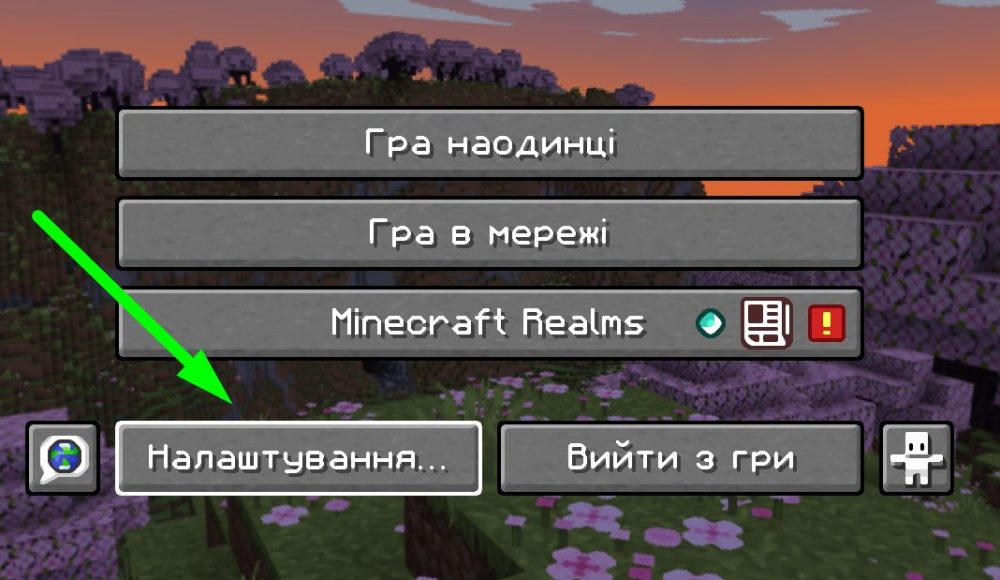
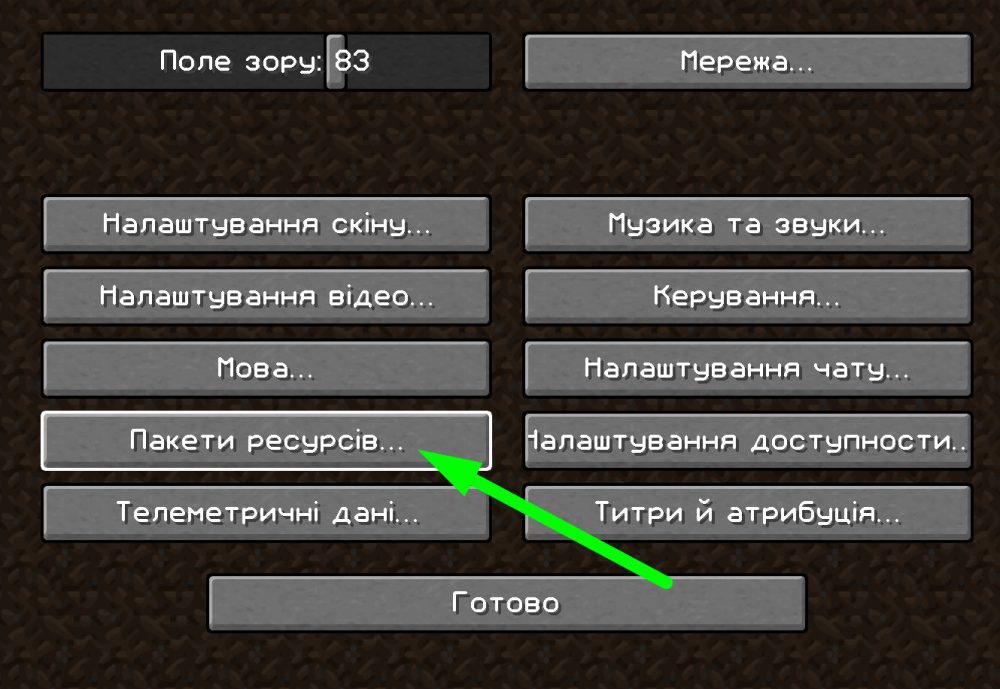
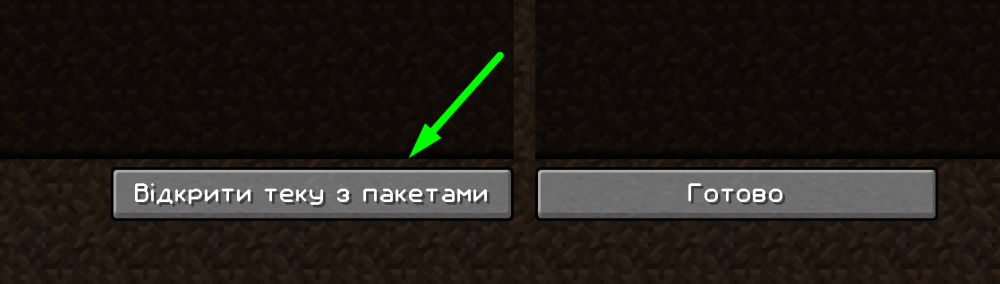
3) Move the archive with the resource pack to this folder.
4) Open the list of resource packs in the game and enable it, as shown in the screenshots.
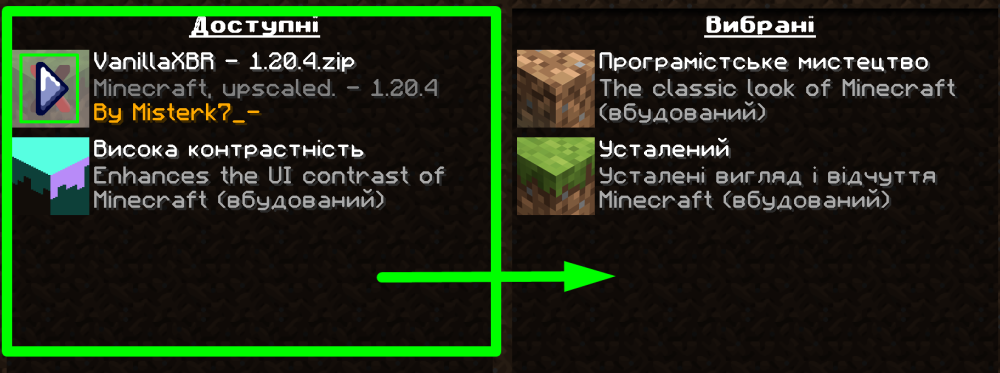
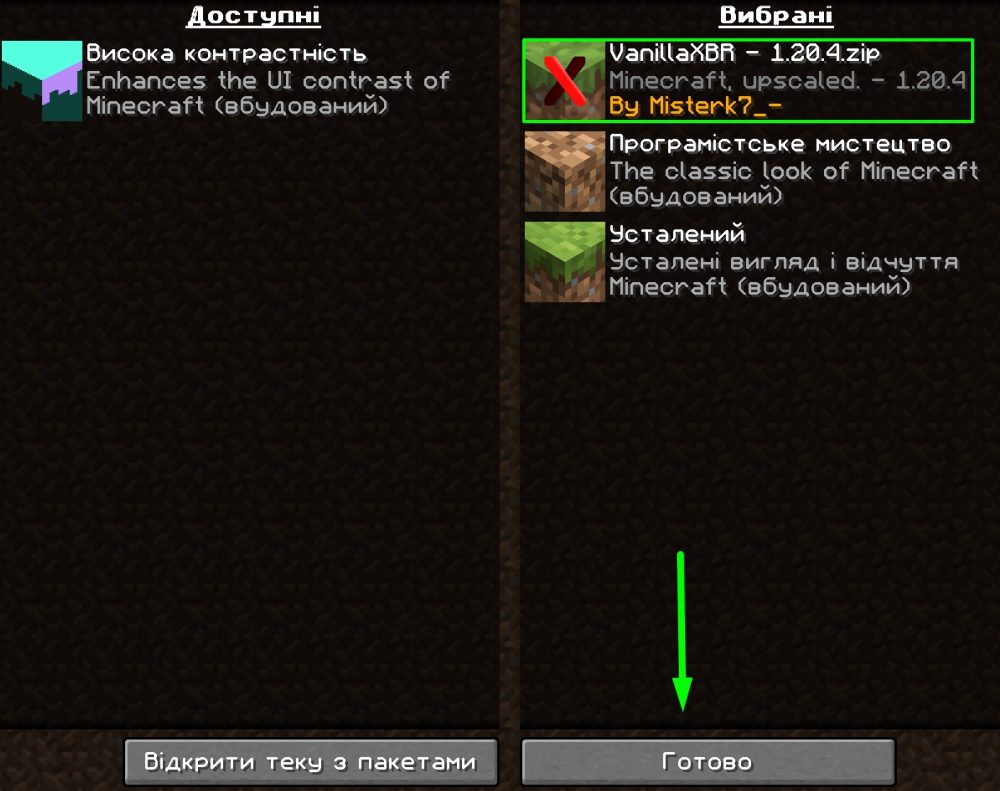
5) Now, join a server or your own worlds and enjoy the game!
TIP
You can learn how to get your future Minecraft server with us
Now you know how to install a resource pack and make your game even more beautiful. Play together with GODLIKE.