Minecraft SkyBlock Guide: How to Start, Progress, Build Farms, and Play With Friends

Make your own FREE minecraft server
MINECRAFT FREE SERVER
Minecraft SkyBlock is a popular mode that offers players a unique survival experience. Instead of a large world, you spawn on a tiny island floating in the void. You have minimal resources and must manage them carefully to expand your area, farm items, build survival infrastructure, and progress.
Our Minecraft SkyBlock guide will help you master the core mechanics in this custom mode. You’ll also learn how to properly install it and enjoy the multiplayer experience.
What Is SkyBlock in Minecraft?
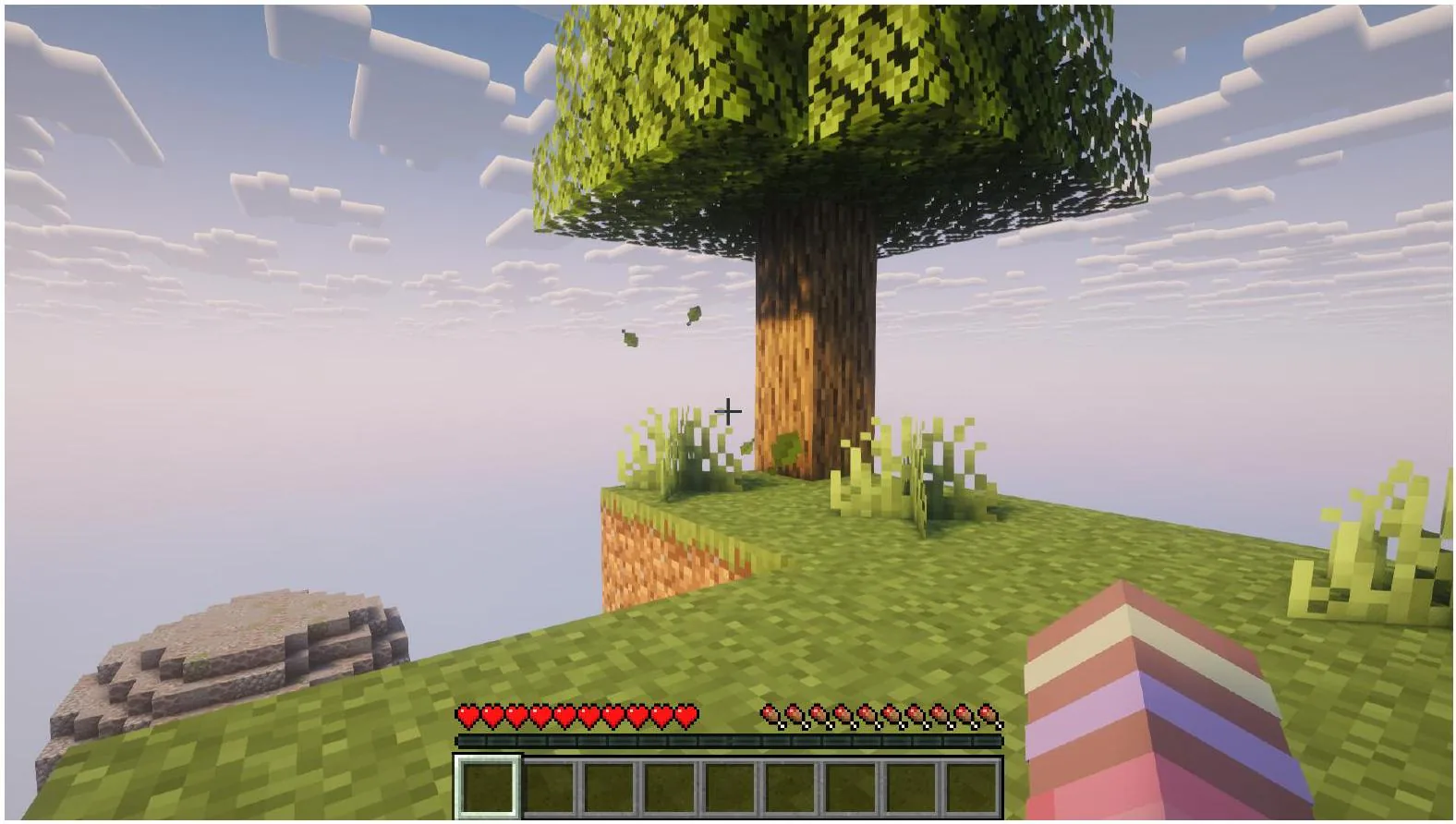
SkyBlock is a unique survival challenge that tests players’ ability to manage limited resources to keep progressing. Unlike traditional Minecraft, it encourages building renewable resource systems and generators. If you want to learn how to play SkyBlock in Minecraft, you should also understand its core concepts:
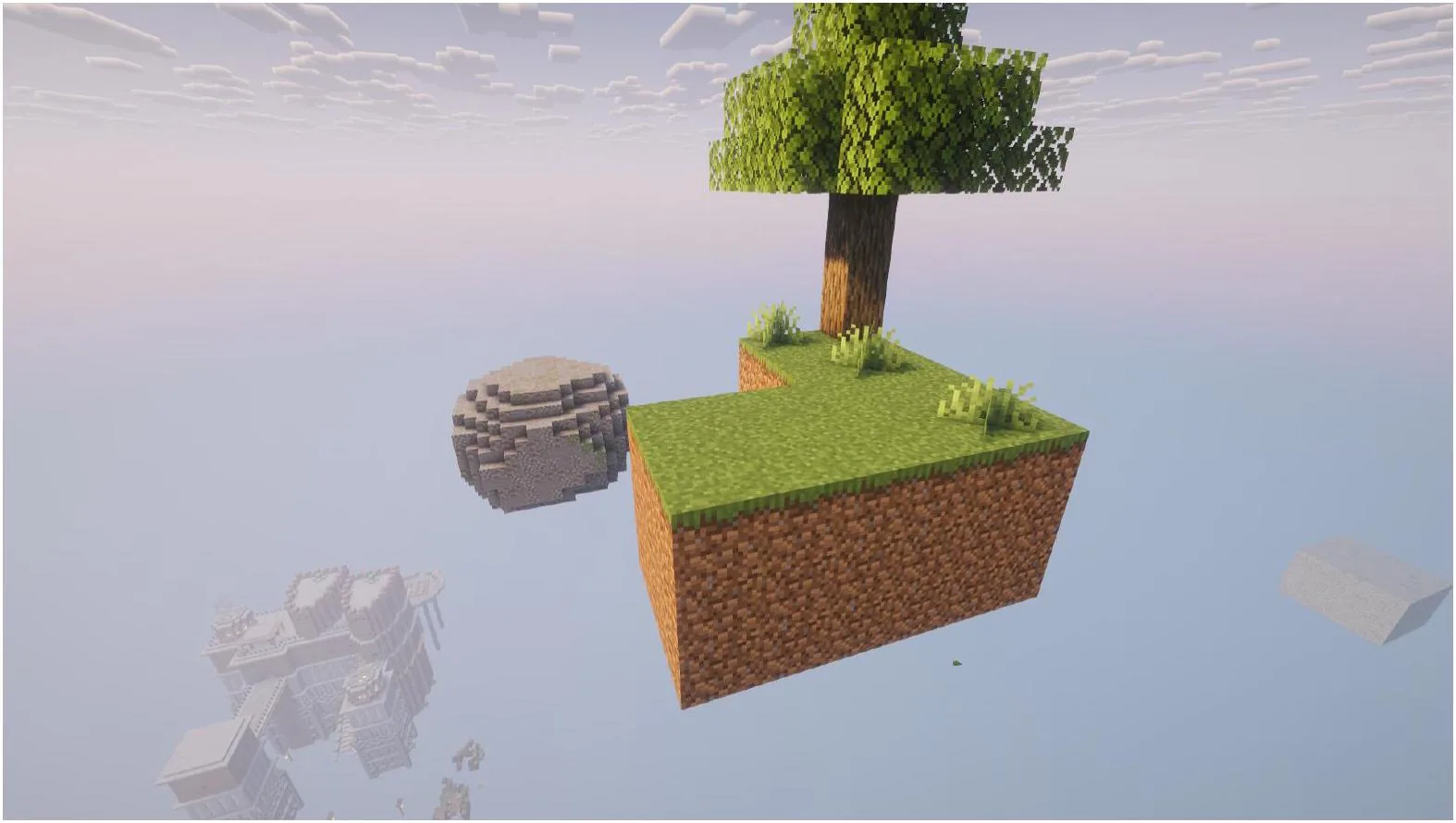
- Starting Island: Players spawn on a small dirt island with a single tree and a chest containing basic items for survival.
- Limited Terrain: Your small island will be surrounded by the void, so be careful to avoid falling and dying there.
- Goal: You must expand your island and build survival infrastructure to obtain renewable resources and generate more blocks.
Keep in mind that there are many SkyBlock implementations, but the core concepts described above are common for most of them.
Minecraft SkyBlock vs OneBlock
New players often confuse a Minecraft SkyBlock map for OneBlock. Although both custom modes feature a similar concept of surviving in the void, there are still some differences between them:
| Feature |
SkyBlock |
OneBlock |
| Starting point |
Small floating island |
One regenerating block |
| Resources |
Only limited starting resources |
Mainly generated by a central block |
| Main Challenge |
Build survival infrastructure with renewable resources |
Progress through different stages by mining a central block |
| Island Expansion |
Through building farms and generators |
Through block progression |
| Multiplayer |
Yes |
Yes |
What to Do First in Minecraft SkyBlock?
Now, let’s learn how to start SkyBlock and establish a solid foundation for your in-game progression. Regardless of your implementation, you should follow the basic rules of proper resource management:
- Protect water and lava: These elements are essential for building your cobblestone generator, and losing either can immediately prevent you from progressing, especially early in the game.
- Collect dirt blocks: In SkyBlock, dirt is almost as valuable as diamonds in regular Minecraft. You can use them not only to expand your island but also to grow food and trees.
- Build a cobblestone generator: A combination of water and lava will provide you with an endless supply of cobblestone. You can use these blocks in Minecraft SkyBlock to expand an island and, in some implementations, build bridges to other tiny resource islands.
- Expand your island: The larger the area you create, the lower your chances of falling into the void and losing your inventory.
- Grow trees: Saplings are also among the most valuable items in SkyBlock, since they can provide you with renewable wooden blocks that are necessary for building and crafting.
- Build food sources and storage: A wheat farm is among the best farms to build first in SkyBlock. Also, as you progress, you can build an entire survival infrastructure with a base, storage, and several basic farms.
- Create a mob spawning area: Just like in regular Minecraft, you can spawn hostile mobs by creating a large unlit area.
Building a Cobblestone Generator in Minecraft SkyBlock
You can’t learn how to progress in Minecraft SkyBlock without understanding how to build and use a cobblestone generator. This is a player-made structure that produces an infinite amount of cobblestone by making flowing water touch flowing lava.
At this point, you may wonder how to make a cobblestone generator in SkyBlock. This is one of the simplest structures in the game, and you can build it by simply copying the following layout:
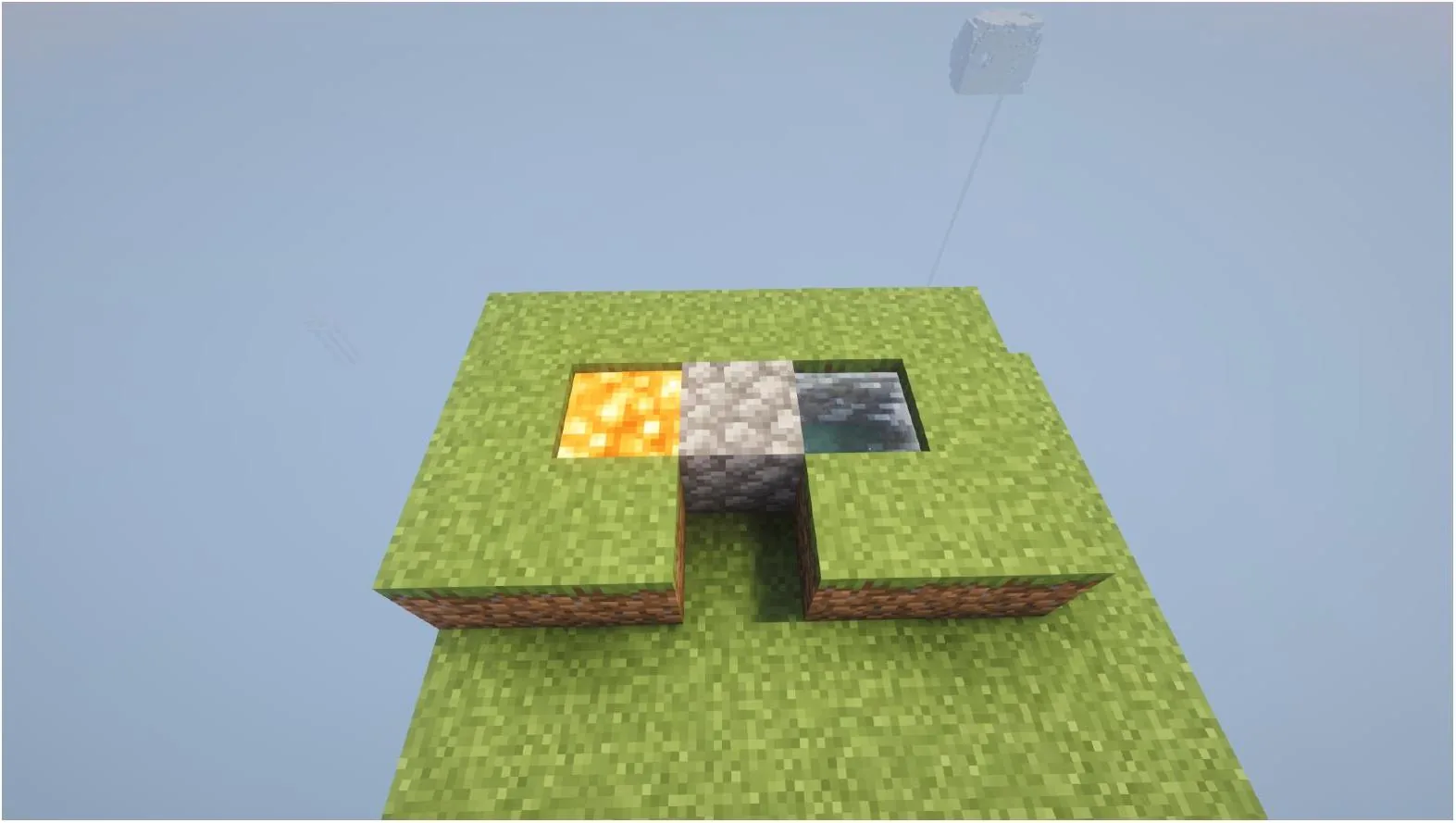
Minecraft Cobblestone Generator
The SkyBlock cobblestone generator can significantly simplify your progression, making it way easier to expand the island since you’ll have limitless building resources.
At the same time, consider that you must be extremely careful when placing water and lava for the generator. If water touches a lava source block directly, it’ll form obsidian instead of cobblestone. It may ruin your entire early SkyBlock progression, making you restart your game.
Resources you must not lose in SkyBlock
The value of blocks and items in SkyBlock is completely different from regular Minecraft. Do you wonder what happens if you lose lava in SkyBlock or accidentally throw away a pile of dirt? Here, we’ve listed items and blocks that you should guard as the apple of your eye:
- Lava and water: You won’t be able to build a cobblestone generator without them.
- Dirt: These blocks are essential for growing food and trees.
- Saplings: These items are extremely important at the beginning since they are your main source of wood blocks.
- Seeds: They will be your first source of food.
- Other blocks: Depending on a map, you may also need to protect other rare blocks, which are nearly impossible to obtain in your particular SkyBlock version.
Losing even one of the mentioned items at the beginning of the game can significantly complicate your progression. Further, in some cases, it’ll make it impossible to keep playing.
Best early SkyBlock farms
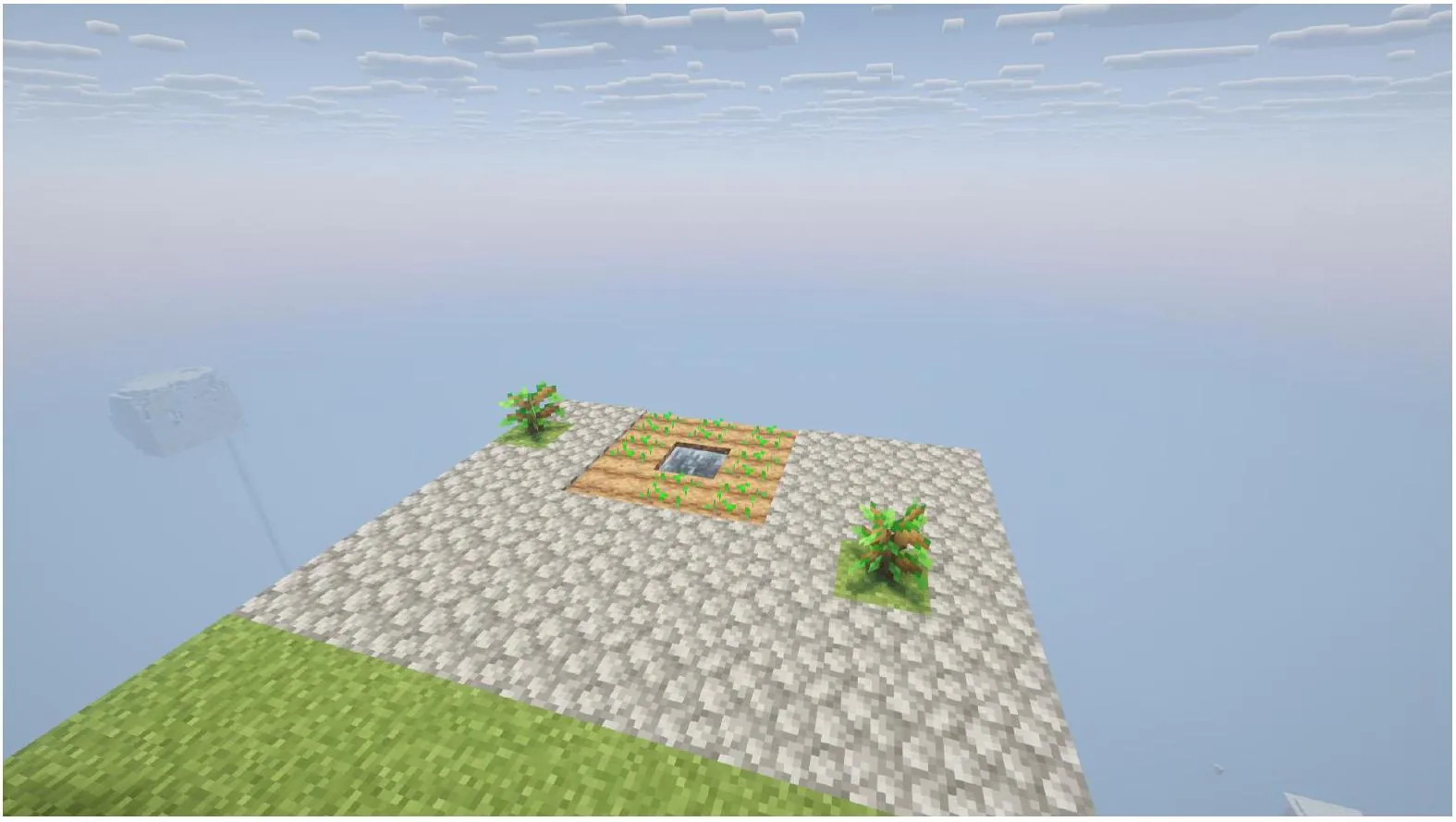
Building SkyBlock farms and generators is your main source of resources. Here we’ve listed all the structures you must focus on to ensure an easy early phase and faster progression:
- Tree farm: Use saplings and dirt to plant as many trees as possible.
- Crop farm: Use seeds, water, and dirt to generate wheat and produce bread.
- Cobblestone generator: Combine lava and water to get limitless building blocks.
- Mob farm: Create a large area made of cobblestone to spawn skeletons and zombies.
- Animal farm: In some SkyBlock implementations, you may find animals on the nearby islands. Use wheat or other vegetables to breed them and create additional sources of food and items.
It’s a good idea to get acquainted with basic farm mechanics before you challenge yourself in SkyBlock mode. Also, don’t limit yourself to the mentioned farms. Depending on your resources, you can also grow sugar cane, cactus, or mushrooms.
How SkyBlock Progression Works in Minecraft
If you want to successfully progress in this game mode, learning how to expand your island in SkyBlock is not enough. You must understand each phase of this challenge and your core objectives during them. Of course, some particular features depend on your SkyBlock implementation, but generally we can divide this challenge into three stages:
- Early Game: Basic survival will be your key problem at the beginning of the game. Focus on building your first small farms, securing resources, and island expansion.
- Mid Game: Hunger and limited space shouldn’t be a problem for you at this stage. Thus, focus on expanding farms, killing mobs, and enchanting your items. Also, try to access the Nether and start building your survival infrastructure.
- Late Game: At this stage, you become the king of your SkyBlock island. Automate your farms, improve your base, and focus on trading and economy.
How to Get Mobs in SkyBlock
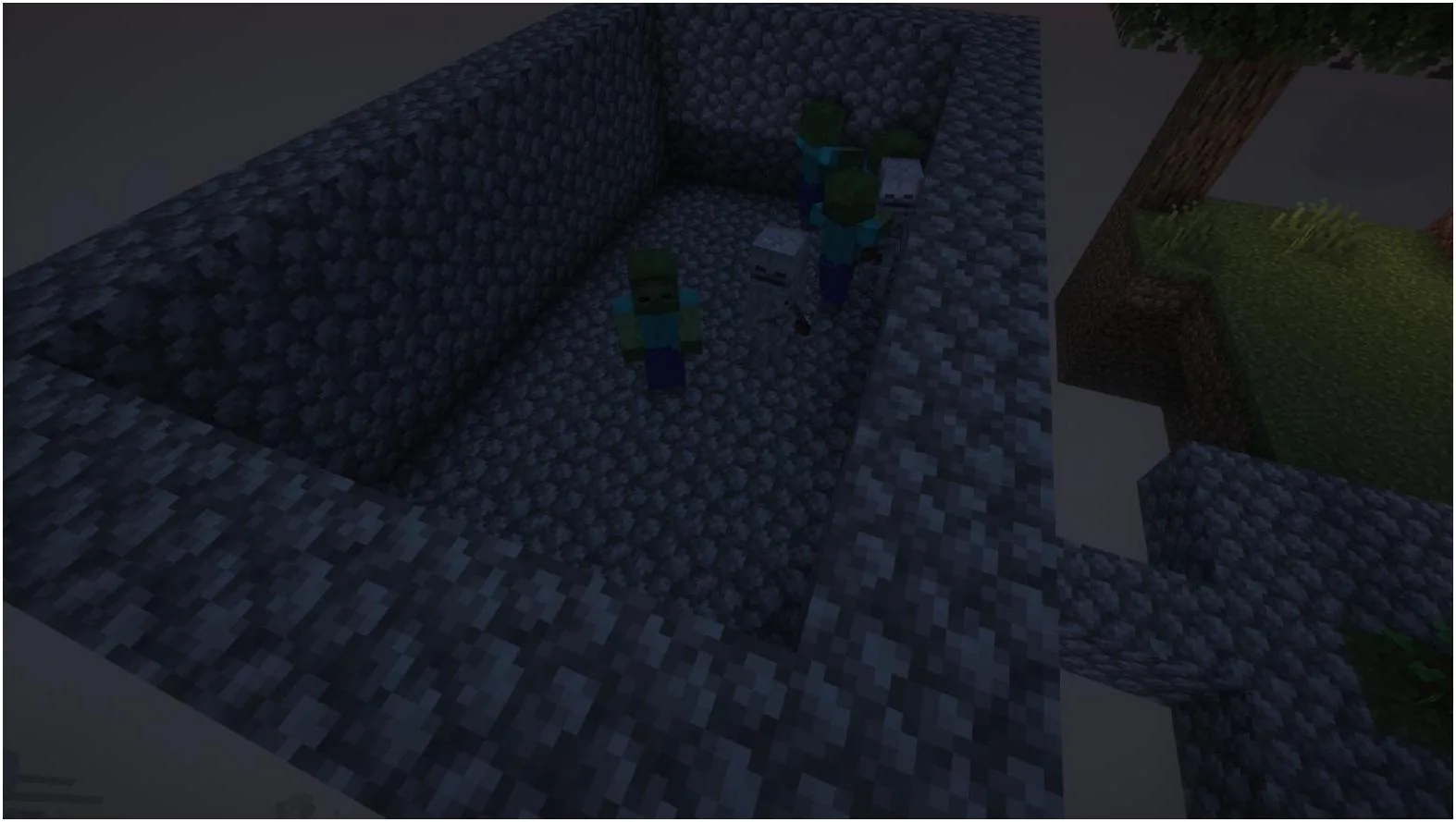
If you are a new Minecraft player, you may face some difficulty getting mobs on your SkyBlock island. Thus, we’ve prepared some useful tips for spawning different animals in this challenging survival mode:
- Check the biome to ensure your island is in a biome where passive mobs can naturally spawn (e.g., Forest or Plains).
- Build a large grass platform to improve your chances of spawning passive mobs. Also, ensure at least a light level of 7 or higher (e.g., cows and sheep need level 9+).
- Ensure you maintain a distance of at least 24-32 blocks from your grass platform, so mobs can spawn without instantly despawning.
- Build separate platforms for spawning hostile mobs with a light level of 0.
Consider that these are universal tips which you can use in different SkyBlock implementations. At the same time, many gameplay features directly depend on the mode version you use and server configurations.
Can You Go to the Nether and End in SkyBlock?
Generally, most modern SkyBlock implementations allow you to enter the Nether and the End, but consider that it still depends on the specific map or server you’re playing on. In this part of your SkyBlock Minecraft guide, we’ll review common ways to enter these dimensions:
- The Nether: Using a pointed dripstone and a cauldron, you can generate enough lava to build an obsidian portal and light it using wood and lava.
- The End: In Vanilla SkyBlock, it’s impossible to naturally generate an End Portal unless your map or modpack offers a custom way to access it.
Playing SkyBlock with Friends
Now, let’s get to the most exciting part and discover how to play SkyBlock with friends. First, you’ll need to set up a multiplayer server, which requires some technical knowledge and proper hardware. Moreover, if you want to ensure 24/7 access to your online world, you’ll need to keep it running round-the-clock, which may result in high electricity bills.
Alternatively, you can opt for online hosting platforms like Godlike. Not only can it reduce hardware wear and save on electricity costs, but it can also significantly simplify running your server. On Godlike, you can easily upload the desired SkyBlock world or install necessary plugins. You can configure your server right in the browser and adjust the backup schedule to ensure your multiplayer progress won’t be lost.
Also, regardless of whether you decide to run your own Minecraft SkyBlock server or use online hosting, there are some tips that can ensure the best multiplayer experience:
- Turn off PvP if you don’t want to accidentally hurt your friends or even make them fall from your floating islands.
- Divide roles and decide who will be responsible for expanding the island, survival infrastructure building, and mob farming.
- Decide whether you want to download a SkyBlock version that allows everyone on your server to start on their private floating island.
SkyBlock map vs server plugin for multiplayer
If you plan to play SkyBlock together with your friends, you’ll need to choose between two options: download a map or a plugin. Both of them have their advantages and drawbacks, as shown in the comparison table (here you can see a general review of two SkyBlock implementations):
| Feature |
SkyBlock Map |
SkyBlock Plugin |
| Best for |
Classic or private experience |
Public or community servers |
| Multiple islands |
No |
Yes |
| Setup simplicity |
Easy |
Medium |
| Extra features |
No |
Island ownership, invites, custom challenges, and economy (depends on a plugin) |
Common Mistakes in Minecraft SkyBlock
Finally, let’s review the most common mistakes that may prevent you from efficiently progressing in SkyBlock. The list of “deadly sins” to avoid includes:
- Poor lava management: Losing lava at the beginning of the game may make it impossible to continue your progression. Further, if you pour water directly on the lava source, you’ll turn it into obsidian instead of cobblestone, preventing you from creating a cobblestone generator.
- Not protecting dirt: Although dirt blocks are unimportant for classic Minecraft players, they are essential for progression in SkyBlock. Ensure that you don’t lose them due to inappropriate placement or by throwing them into the void.
- Not securing saplings: When you start your survival, it’ll be impossible to grow trees without saplings.
- Not dividing your floating island into zones: There must be separate areas for animal spawning, hostile mob spawning, farming, storage, and generators. Such an approach significantly simplifies resource management and allows you to clearly see what exactly needs improvement.
- Early ambitions: Instead of trying to immediately build automated farms and advanced survival infrastructure, focus on building a solid foundation for your future progression.








 en | USD
 CHAT WITH GODLIKE TEAM