Are you searching for the best Minecraft server hosting in 2026? Whether you need hosting for a vanilla server or SMP, heavy Forge/Fabric modpacks like RLCraft or ATM10, or esports-style mini‑games, this guide walks through the top options!

Make your own Minecraft server
Minecraft Server Hosting
Our team evaluated the most popular hosting platforms to help you select the best for your gaming goals. We’ve also prepared some tips for choosing the right Minecraft server hosting and divided these providers into categories for different players:
- Best overall: Godlike.host
- Best for big modpacks: BisectHosting
- Best for beginners: Apex Hosting
- Best “hands-on help”: Akliz
- Best budget value: PebbleHost or Sparked Host
- Best panel UX: Nodecraft
How We Rated the Best Minecraft Server Providers
To help you select the best Minecraft server provider for your needs, we combined three inputs:
- Independent testing signals from reputable reviewers and recent roundups to cross-check uptime, deployment speed, and plan breadth.
- Customer feedback at scale (Trustpilot, HostAdvice, and similar), focusing on support response quality, panel usability, and real-world stability.
- Hands-on panel checks to validate the tasks admins perform day to day.
We tested each platform, paying special attention to:
- Creating a server, selecting a region, and switching versions (Vanilla/Paper and common mod loaders where available).
- Installing a modpack (one-click installer) or uploading files via SFTP, then verifying the server boots cleanly.
- Accessing console/logs, restarting/stopping, and confirming basic config controls are easy to find.
- Checking backup tools (scheduling and restore flow) and basic safety features (permissions/roles where available).
Minecraft is often limited by single-thread CPU performance, plus RAM headroom for modpacks and busy worlds. Thus, we also prioritized high-IPC CPUs, fast storage (NVMe), and consistent stability under load over the lowest possible price.
providers change hardware, panels, and plan limits frequently. Always confirm the latest plan specs and feature availability on the provider’s website.
At‑a‑Glance Comparison (editorial scores)
To rank the best Minecraft server hosts, we compared some important benchmarks. Also, we added an overall score, which combines: Performance (25%), Reliability/Uptime (20%), Support (20%), Modded Support (15%), Ease of Use (10%), and Price/Quality Ratio (10%)
| Rank |
Host |
CPU hardware |
DDoS protection |
Cheapest price |
Free Trial |
Overall* |
| 1 |
Godlike.host |
AMD Ryzen 9950X3D or EPYC |
+ |
$2.00/mo |
Free server + 3-day money-back guarantee |
4.9 |
| 2 |
BisectHosting |
Ryzen 9950x |
+ |
$5.99/mo |
- |
4.7 |
| 3 |
Apex Hosting |
Ryzen 9 7950X or Ryzen 7 5800X |
+ |
$14.99/mo |
7-day money-back guarantee |
4.7 |
| 4 |
Akliz |
Intel Xeon or AMD |
+ |
$8.00/mo |
7-day money-back guarantee |
4.7 |
| 5 |
Nodecraft |
AMD Ryzen 9 or AMD EPYC |
+ |
$5.96/mo |
24-hour free trial |
4.6 |
| 6 |
Host Havoc |
Intel E-21xx or AMD Ryzen 5900X |
+ |
$5.00/mo |
72-hour money-back guarantee |
4.5 |
| 7 |
ScalaCube |
Mixed CPUs |
+ |
$2.00/mo |
- |
4.5 |
| 8 |
PebbleHost |
AMD Ryzen 7 5700X |
+ |
$2.25/mo |
- |
4.4 |
| 9 |
Sparked Host |
AMD Ryzen 9 7900 |
+ |
$1.30/mo |
1-day free trial |
4.4 |
| 10 |
Shockbyte |
AMD EPYC 4244P |
+ |
$3.99/mo |
72-hour money-back guarantee |
4.2 |
| 11 |
GGServers |
Ryzen or Intel i7 |
+ |
$3.00/mo |
- |
4.2 |
| 12 |
ServerMiner |
Intel or Ryzen |
+ |
$7.58/mo |
- |
4.1 |
The 12 Best Minecraft server hosting providers (2026)
1) Godlike.host
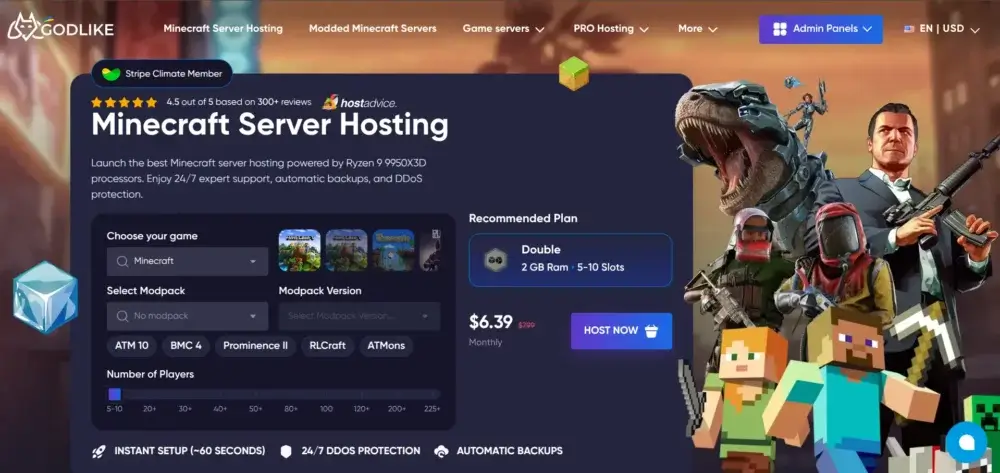
Godlike.host runs its own high-clock AMD Ryzen/EPYC bare-metal fleet with NVMe storage and Path.net L3–L7 DDoS filtering, paired with a clean panel, one-click installs, and automatic backups. Our platform is trusted by players worldwide for its performance and reliability.
Whether you’re just starting a small server with friends or building a large community, Godlike Hosting offers flexible and affordable plans to fit your needs. Our expert support team is available 24/7/365 to ensure you always get the best possible Minecraft experience. Our new control panel offers a variety of useful functions, including custom modpack upload, mod management, built-in console command selector, and server location transfer.
Furthermore, our team regularly adds advanced tools for Minecraft players, such as the Seed Map Viewer and the Circle Generator. And if you need any information to improve your game knowledge or ensure a better experience for your server’s users, you can always discover useful tips in our blog.
- Locations: Multiple locations in the USA, Canada, UK, Europe, Asia, India, and Australia.
- Trial period: a free server + 3-day money-back guarantee
- Services: Modded Minecraft hosting, servers for Java and Bedrock Editions, budget Minecraft hosting
- Hosting hardware: AMD Ryzen 9950X3D and EPYC nodes, NVMe SSDs.
| Pros |
Cons |
- Multi-layer Path.net mitigation with L3–L7 filtering.
- One-click server installs
- Built-in installer for 22000+ modpacks
- Automatic backups
- Variety of hosting plans for any budget
|
- Processing user requests that require separate attention may take extra time
|
2) BisectHosting
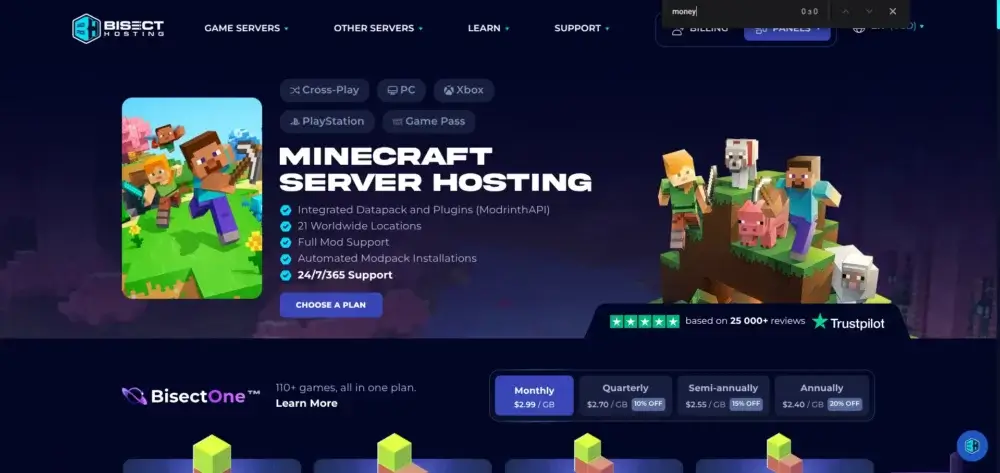
BisectHosting is still a staple for Minecraft servers that run heavy modpacks or lots of plugins. The panel makes it simple to configure pack versions, customize settings, and roll changes back if needed. If you like to tweak files directly, SFTP access and an organized file tree keep “under‑the‑hood” work tidy.
You also get the essentials for long‑term worlds: automated backups, network‑level DDoS protection, and a clear upgrade path when your community grows. Their support team is recognized for practical answers to support tickets, including help with Minecraft versions, JVM flags, and performance tuning.
- Locations: Multiple locations in North America, South America, Europe, Asia, and the South Pacific.
- Services: Modded Minecraft hosting, servers for Java and Bedrock Editions.
- Hosting hardware: Ryzen 9950x, NVMe SSDs.
| Pros |
Cons |
- Over 2,300 Minecraft mods and 8,000 plugins
- Configurable backups
- Personalized support
|
- High prices on premium hosting plans
- Limited information about server’s hardware
|
3) Apex Hosting
Apex is a beginner‑friendly Minecraft hosting provider with polished onboarding. The panel and docs (including how‑to videos) walk you through choosing a Minecraft version, activating automated backups, and installing common mods/plugins in just a few clicks. For many newcomers, that reduces time from purchase to playing with friends.
Global locations help players achieve low latency, and the plan ladder makes it easy to upgrade RAM/CPU as your world scales. Apex is a sensible pick when you want a clean UX, solid security defaults, and quick answers from a responsive support team.
- Locations: Multiple locations in the USA, Europe, Oceania, India, and South America.
- Trial period: a 7-day money-back guarantee
- Services: Modded Minecraft hosting, servers for Java and Bedrock Editions.
- Hosting hardware: Ryzen 9 7950X or Ryzen 7 5800X, DDR4 RAM, NVMe SSD.
| Pros |
Cons |
- Great option for new server owners
- Useful documentation
- Daily backup posture
|
- The cheapest hosting plan is just a proxy server with 512 MB RAM
- The plans for community servers start at €62.49/month
|
4) Akliz
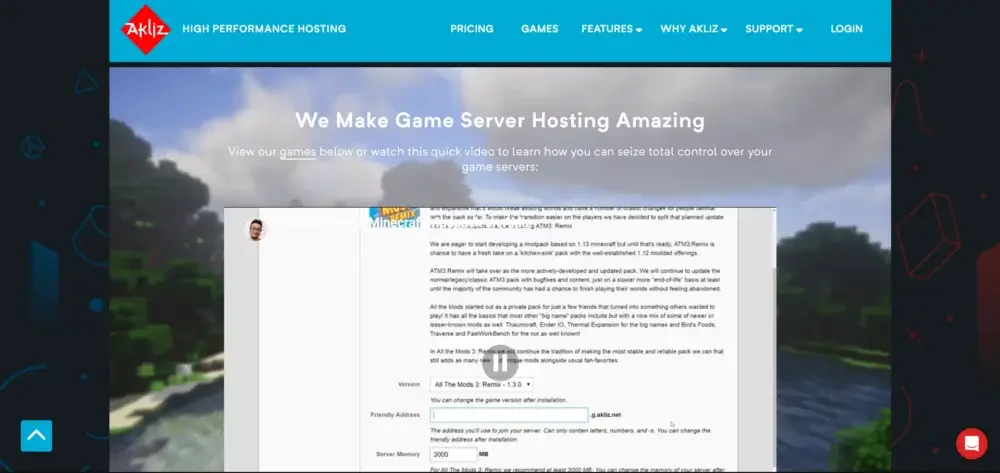
Akliz caters to communities that value a slightly more managed feel and very human technical support. If you’re migrating saves or bringing a complex Forge/Fabric stack, their staff is comfortable with the “messy middle” of mods and plugins. Expect concise help with configuration, file management, and general optimization.
From a reliability standpoint, Akliz is preferred for stable uptime, predictable connection quality, and careful attention to security. For worlds that run for months or years, that steadiness matters more than shaving a dollar from the monthly plan.
- Locations: Multiple locations in Europe, North America, Oceania, and Asia.
- Trial period: a 7-day money-back guarantee
- Services: Modded Minecraft hosting, servers for Java Edition.
- Hosting hardware: Intel Xeon or AMD CPUs, NVMe SSDs
| Pros |
Cons |
- Automatic backups every 12 hours
- Steady performance
- Unlimited number of player slots for all hosting plans.
|
- Limited choice of hosting plans
- The price is too high for users with limited budgets
|
5) Nodecraft
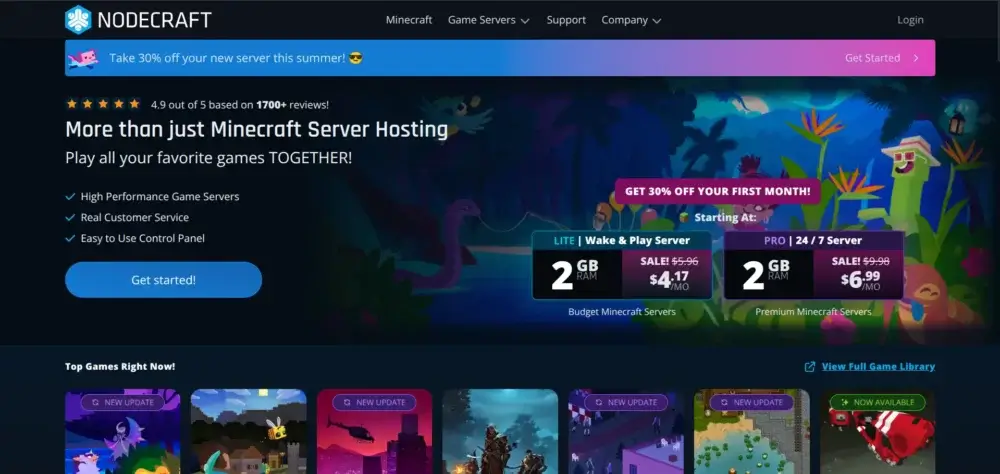
Nodecraft’s NodePanel focuses on clarity and control. Routine tasks like switching Minecraft versions, scheduling automated backups, or editing configs are presented in a clean workflow, making admin time feel minimal. It’s a great option if you prefer hands‑on management, direct file access, and one‑screen edit tools to keep yourself productive.
With servers worldwide, Nodecraft helps mixed‑region groups keep latency under control, and built‑in DDoS protection safeguards public servers. Paired with sensible pricing and a helpful knowledge base, it’s a convenient host for day-to-day server management.
- Locations: Multiple locations in North America, South America, Europe, and Asia-Pacific.
- Trial period: 24-hour free trial
- Services: Modded Minecraft hosting, servers for Java Edition.
- Hosting hardware: AMD Ryzen 9 or AMD EPYC CPUs.
| Pros |
Cons |
- Elegant UI of the control panel
- Reliable hardware and server connection
- Full Java JVM flag access
|
- Extremely high price even for evening and weekend server hosting
- Limited information about server’s hardware.
|
6) Host Havoc

Host Havoc emphasizes low‑friction deployment: instant setup, a straightforward control panel, and clear plan options. Admins can install mods, manage plugins, and handle routine file and config tasks without hunting through nested menus, which keeps maintenance short and playtime long.
You’ll find the standard protections—DDoS protection, security controls, and automatic backup tooling—along with multiple locations to keep latency in check. If you want to get up and running fast and trust the support team to respond when needed, Host Havoc is a reliable pick.
- Locations: Multiple locations in North America, Europe, Singapore, and Australia.
- Trial period: 72-hour money-back guarantee
- Services: Modded Minecraft hosting, servers for Java Edition.
- Hosting hardware: Intel E-21xx or AMD Ryzen 5900X, NVMe SSD, DDR 4 RAM.
| Pros |
Cons |
- Money-back guarantee
- Special plans for building Minecraft community servers
- Convenient control panel for easy and swift server management
|
- No hosting for Bedrock Edition
- Hosting plans are too expensive
|
7) ScalaCube
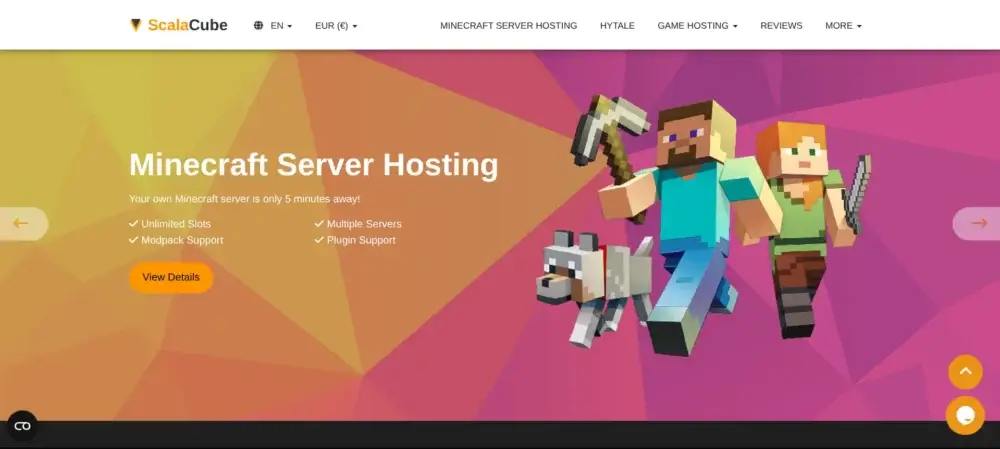
ScalaCube targets budget‑friendly starts and casual fun with friends. The panel is simple, with toggles that make it easy to customize settings, add mods/plugins, and jump into playing. It’s also a decent option for Minecraft Bedrock Edition servers when you want cross‑play‑friendly worlds.
As your group grows, you can upgrade plans to maintain TPS and reduce latency. Expect the core essentials: DDoS protection, automated backups, and a quick path from checkout to live world in just a few clicks.
- Locations: Multiple locations in Canada, France, the UK, Australia, Singapore, and the USA.
- Services: Modded Minecraft hosting, servers for Java and Bedrock Editions.
- Hosting hardware: Mixed CPUs.
| Pros |
Cons |
- Advanced server management tools
- Support for all popular mods
- Low latency for Minecraft servers
|
- Customer support responses take a long time
- No clear information about servers’ hardware.
|
8) PebbleHost
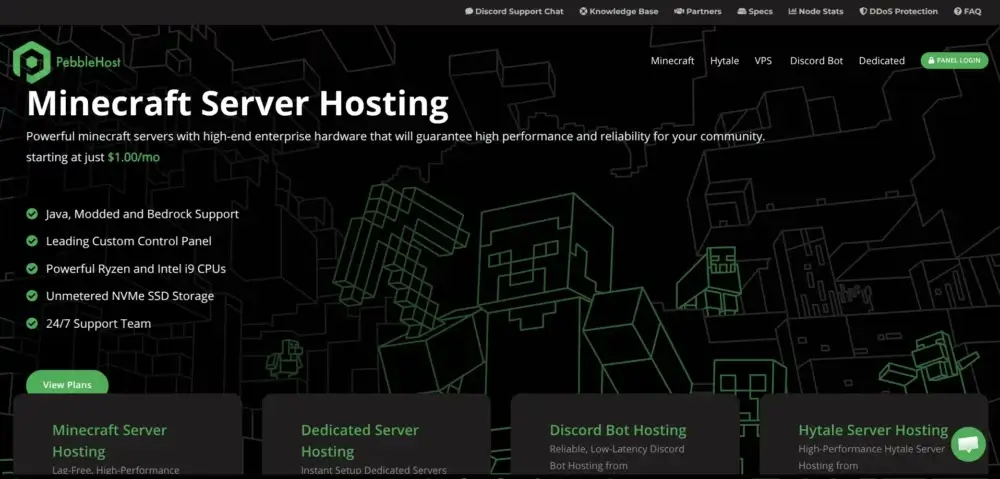
PebbleHost delivers strong value for money. For small and mid‑sized Minecraft servers, you get DDoS protection, scheduled automated backups, and a tidy control panel that streamlines installing mods, plugins, and quick config edits. That’s ideal when you’d rather play than tinker.
The support team is known for quick response times on support tickets, and the plan structure lets you upgrade as player counts and mods increase. If you’re cost‑conscious but still want reliable server hosting, PebbleHost punches above its weight.
- Locations: Multiple locations in North America, Europe, and Australia. Premium hosting plans also feature Singapore and India.
- Services: Budget Minecraft hosting, modded Minecraft hosting, servers for Java and Bedrock Editions.
- Hosting hardware: AMD Ryzen 7 5700X, DDR4 2133MHz RAM, NVMe SSD
| Pros |
Cons |
- Excellent option for players with a limited budget
- Quick execution of any server changes
|
- No free trial period or money refund guarantee
- Low-budget plan users get slightly outdated hardware
|
9) Sparked Host
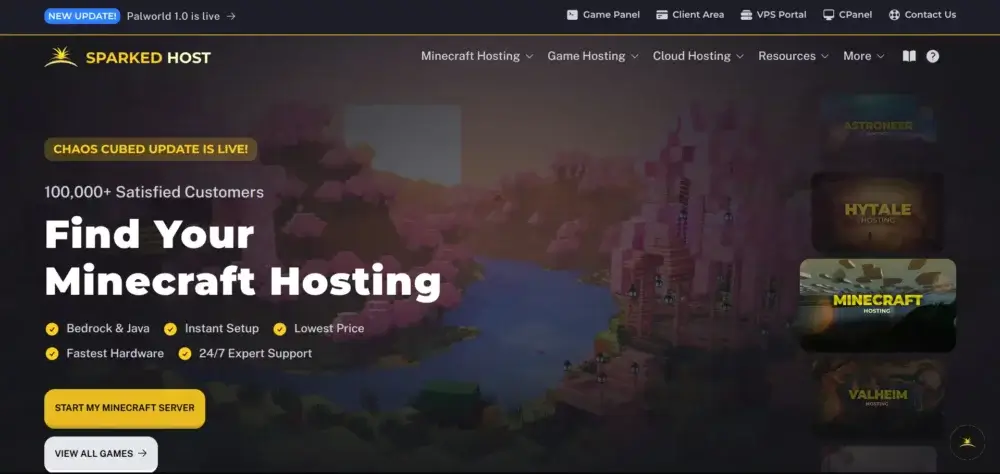
Sparked Host competes aggressively on price while maintaining a comfortable admin experience. The panel offers basic file access, config-edit tools, and plugin management, so you can go live in minutes. For entry‑level Minecraft hosting, it’s a stress‑free starting point.
Multiple locations help maintain low latency, and the support team is quick to answer support tickets. When you’re ready, you can upgrade resources without re‑creating your world, which makes scaling easier for growing groups.
- Locations: Multiple locations in Europe, North America, Asia, and Oceania.
- Trial period: 1-day free trial
- Services: Budget Minecraft hosting, modded Minecraft hosting, servers for Java and Bedrock Editions.
- Hosting hardware: AMD Ryzen 9 7900, DDR5 RAM, RAID 1 NVMe.
| Pros |
Cons |
- Variety of cheap hosting plans
- User-friendly Apollo control panel
- Over 100,000 successfully deployed servers
|
- Limited locations for budget-friendly hosting plans
- Pricey add-ons
|
10) Shockbyte
Shockbyte is well known for its large plan ladder: start cheap, then upgrade RAM/CPU as your mods and player counts grow. The control panel can feel slightly overwhelming because it puts a large number of files, plugins, and console tools within easy reach.
As with any budget‑leaning provider, match plan size to workload to avoid slow chunks or latency spikes during peak playing hours. With DDoS protection, routine backup options, and global locations, Shockbyte suits admins who value breadth of choice and predictable costs.
- Locations: Multiple locations in Europe, North America, South America, and Asia Pacific.
- Trial period: 72-hour money-back guarantee
- Services: Hosting servers for Minecraft Java and Bedrock Editions, modded Minecraft server hosting, budget Minecraft hosting.
- Hosting hardware: AMD EPYC 4244P CPU, NVMe SSD, DDR5 RAM, 3-10 Gbps Network Port.
| Pros |
Cons |
- Budget-friendly hosting plans
- Useful knowledge base
- Variety of hosting plans
|
- Too high prices for running servers with a big community
- Overwhelming UI of the control panel
|
11) GGServers
GGServers focuses on approachability: quick setup, chat‑first technical support, and a panel that makes installing mods and plugins straightforward. It’s a friendly environment for a first-time Minecraft server, and the learning curve is gentle.
You still get the non‑negotiables: DDoS protection, automated backups, role‑based security, and multiple locations for better connection quality. As your community grows, you can upgrade without drama.
- Locations: Multiple locations in Canada, France, the UK, Germany, Finland, Australia, Southeast Asia, and the USA.
- Services: Vanilla Minecraft server hosting, modded Minecraft server hosting
- Hosting hardware: Ryzen and Intel i7 processors, NVMe storage, 1 Tbit network capacity.
| Pros |
Cons |
- Hand‑holding for first setup
- Decent price
|
- The price for hosting a server with mods or for many players is too high
- Slow customer support service
|
12) ServerMiner
ServerMiner offers an SMpicnic panel built for convenience: version switching, world management, and config edits are all streamlined. Admins appreciate the emphasis on configurable/customizable controls that don’t require deep file work, though direct file access is available when needed.
For casual SMPs and long‑running family worlds, scheduled automated backups, basic DDoS protection, and sensible security defaults keep the experience worry‑free. With global locations, most small groups will enjoy smooth connection quality.
- Locations: Multiple locations in the USA, Canada, Sydney, Germany, Singapore, Finland
- Services: Vanilla Minecraft server hosting, modded Minecraft server hosting
- Hosting hardware: High-clocked (4 - 5GHz) Intel and Ryzen CPUs, 4 x 16384 MB RAM, NVMe drive storage, and from 500 Mb/s to 1 Gb/s NIC.
| Pros |
Cons |
- User-friendly tools
- Excellent stability for light/medium use
- Free bonuses for new users
|
- Not the best option for servers with many users playing simultaneously
- No free server or trial period to test hosting
|
How to Choose the Right Minecraft Hosting
All of the platforms mentioned in our guide are worth your attention. However, how do you choose the right Minecraft hosting provider for you? Here are some important factors to consider:
- Performance & CPU clock: Favor high-IPC CPUs (modern Ryzen/Intel) over many slow cores.
- RAM for modpacks: For playing with Paper/Spigot plugins, you need a minimum of 4–6 GB of RAM, while Forge/Fabric modpacks require 6–8 GB. Heavy packs require 10–12 GB or more. Also, add 1- 2 GB per extra 10 players, and keep 20–30% headroom.
- Storage: Choose NVMe (PCIe) SSDs for chunk loading and saves, as they are much faster than HDDs. On busy worlds, NVMe cuts hitching (teleports, dimension swaps).
- Backups & rollback: Ensure that a platform offers automated daily backups. It’ll help you roll your server back if something goes wrong.
- Location: Verify that a platform has servers in regions closest to your players to reduce ping.
- Customer support: Prefer providers with 24/7 live chat.
- Scaling & plan clarity: A hosting provider must show RAM/CPU shares per instance, whether vCores are dedicated/fair-share, and whether IP/port numbers stay the same after upgrades.
Also, spend some time reading independent reviews. They will help you make a final decision and determine whether hosting is indeed worth your time and money.
Best Minecraft Server Hosting to Choose in 2026
Godlike maintains its leading position in our rating because our platform removes common “admin friction” points with concrete tooling: fast provisioning, one-click modpack installs, and robust protection. Combined with built-in management and excellent customer service, these features ensure the best experience in running and managing Minecraft servers.
It’ll take under 2 minutes after payment for your Vanilla server to go live. Afterward, you’ll be able to manage it via a user-friendly control panel or Discord. Also, Godlike offers a great opportunity to launch a free server to test our platform, along with a 3-day money-back guarantee. Our team regularly updates our hardware and provides top-notch maintenance to keep your Minecraft worlds safe and help you grow your community.








 en | USD
 CHAT WITH GODLIKE TEAM